


Participant
December 2, 2024
Question

Adobe Student Plan Billing Issue

  • December 2, 2024
  • 1 reply
  • 295 views

I've been paying for my Adobe Student plan monthly since September 2019 and my Adobe plan automatically changed from student to business when I haven't graduated yet. 

Since this October, I've paid the price that doubles what I usually paid until this September and I can't either cancel or change my plan because I don't see the "Manage Plan" button on my account like this picture below.
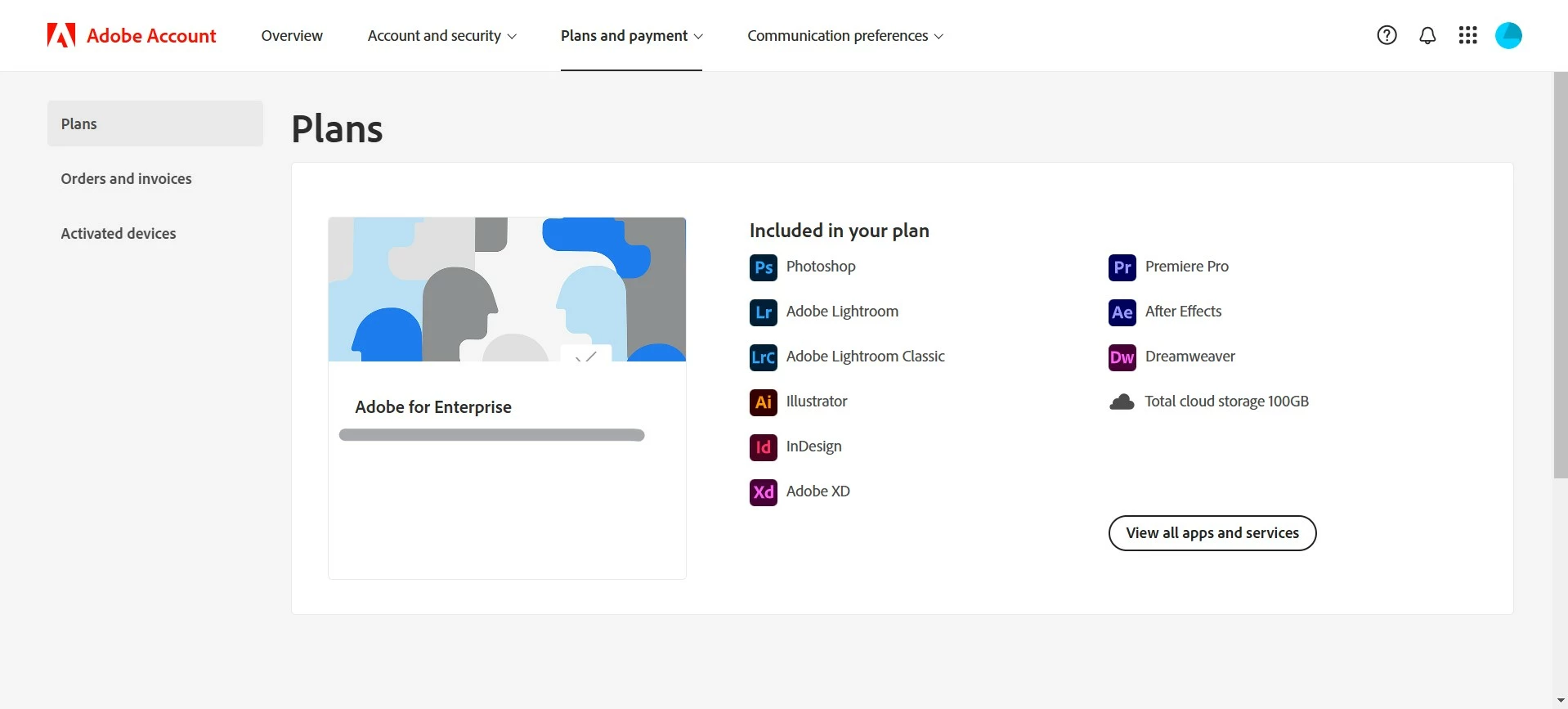
After seeing this, I tried to contact Adobe Customer Support through the chat icon but it showed this.
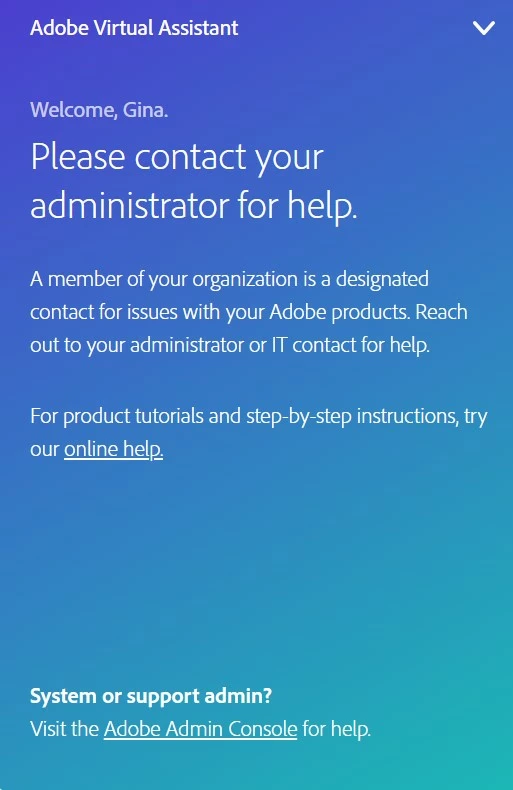
So I asked my school's Tech Support team and they said I need to contact Adobe Help Center. 

In this case, how do I cancel and change my plan? I want to change this Business Plan back to my Student Plan.

This topic has been closed for replies.

1 reply

kglad
Community Expert
Community Expert
December 2, 2024

contact adobe support.  there are 2 ways to contact adobe support; chat and twitter (now x):

chat:
if you have or want to purchase a subscription, use a browser that allows popups and cookies
and click here, https://helpx.adobe.com/contact.html?rghtup=autoOpen
in the chat field (lower right), type AGENT
be patient, it can take quite a while to reach a human.

twitter/x:
tweet @AdobeCare

p.s. if you're contacted by anyone (via email or private message), it's much more likely to be a scammer than an adobe representative.

Participant
December 2, 2024

I'm using Chrome. I've tried to contact Adobe Support and as I showed in the picture this is still what I'm seeing.


Kanikas
Community Manager
Community Manager
December 2, 2024

Hi Gina32343492hyg7,


I see you have an active Creative cloud all apps subscription. Please sign in with the personal account. You may use a different browser or clear cookies/cache and then at the time of sign in select personal account. Let us know if that helps.


Thanks