
After purchasing Creative Cloud still shows trial
Hi all,
I have a license that should be good until October 2021, but Creative Cloud tells me that the trial period for Photoshop has expired. I have followed the steps laid out under this post: https://community.adobe.com/t5/download-install/stop-creative-cloud-from-showing-trial-mode-after-purchase/m-p/9479326?page=1#M145493
* My plan is active:
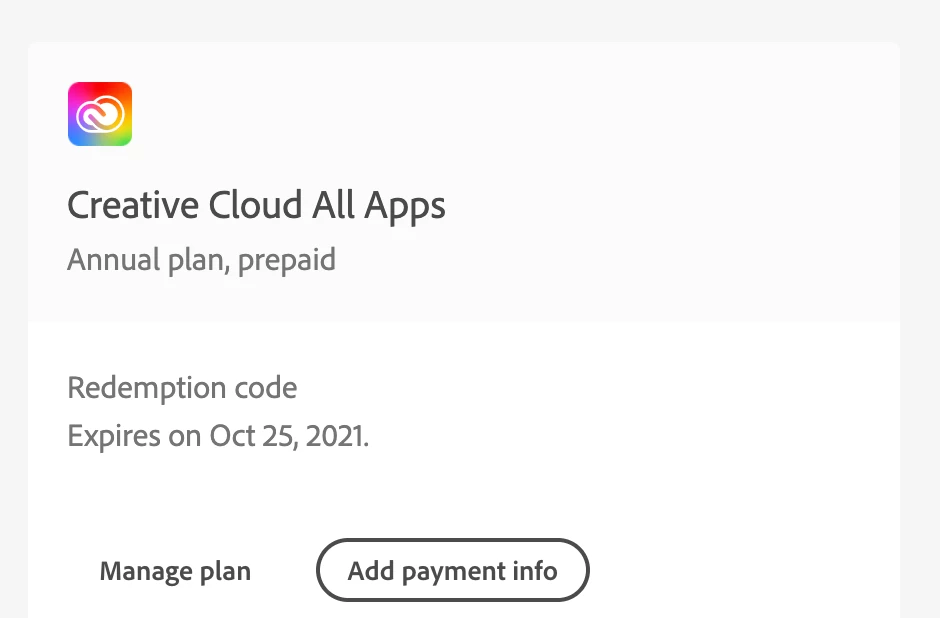
* My payment method is not out of date;
* I've logged out of and into the Creative Cloud desktop app;
* I have updated the apps;
* I've checked hosts file for any Adobe related entries, but there were none there;
* Contacting Adobe support appears to be impossible. I'm pressing 'Start now' (see picture below), but I always get redirected to the page https://helpx.adobe.com/contact.html. I've enabled cookies and pop-ups, I've tried it in Chrome, Firefox and Safari, I've made sure to press the button during PST business hours (10AM PST), but it just doesn't work.
As a final piece of information: my previous purchase last year did work, and it was exactly the same!
So, I would love some help, please.
Kind regards,
Anna-Lou


 AdChoices