

Participant
July 16, 2025
Question

Besoin d'aide pour mon logiciel


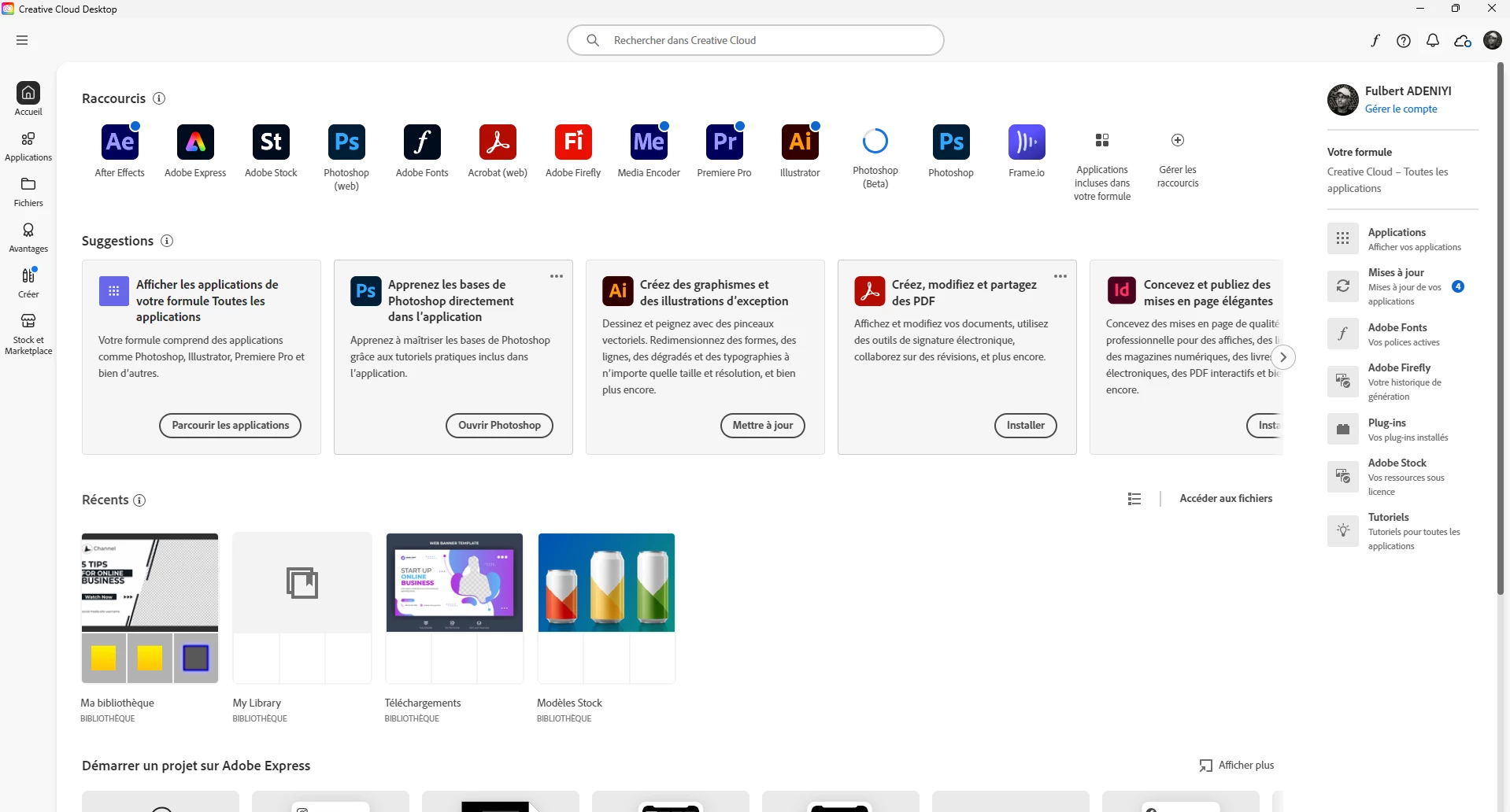
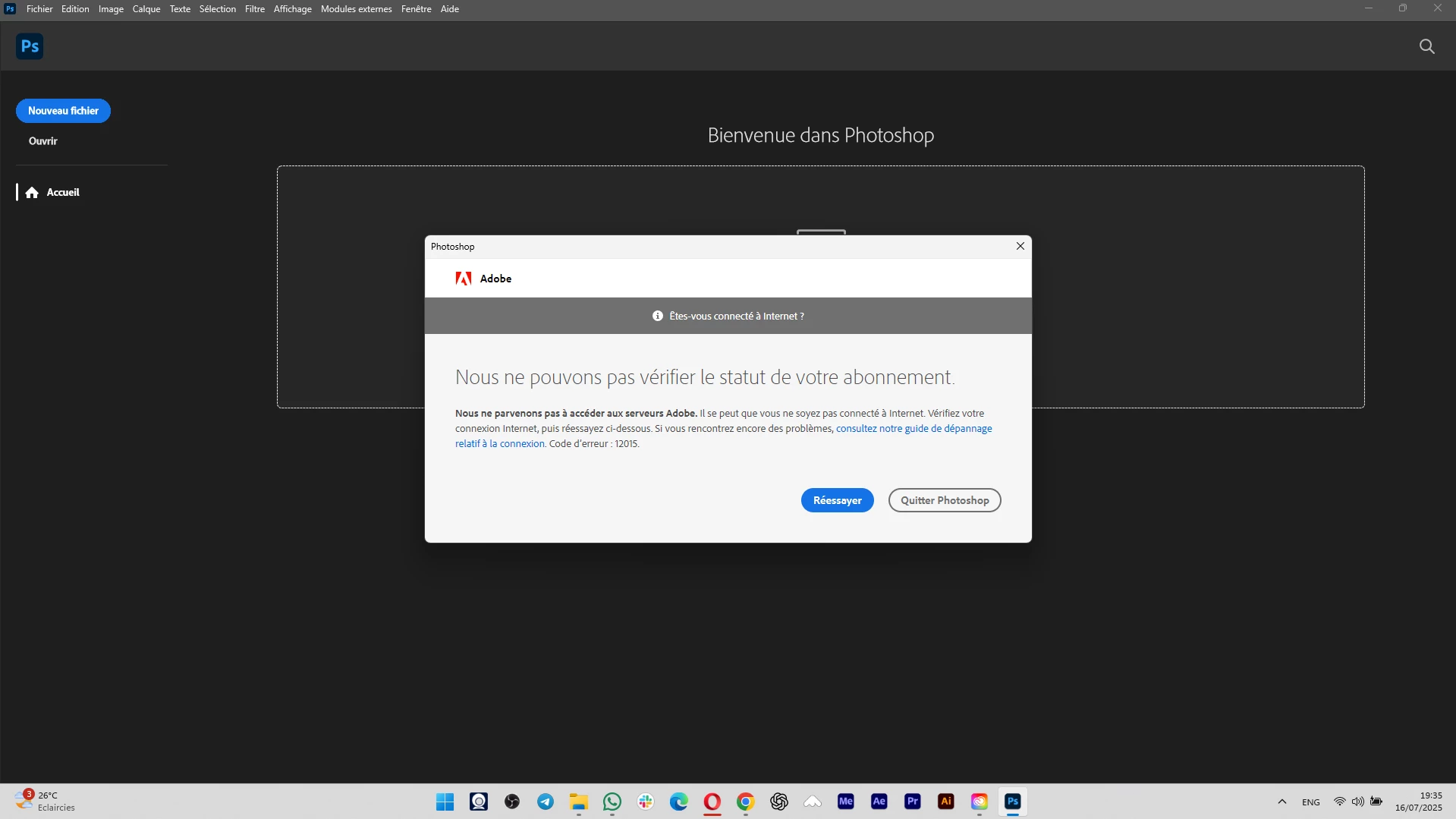
Je viens tout juste de prendre mon abonnement, mais j'ai des soucis avec l'ouverture de mon logiciel malgré que je suis bien connecté par fibre.


5 replies

Kevin Stohlmeyer
Community Expert
Community Expert
July 16, 2025

@Fulbert ADENIYI here is a list of IP that need to be whitelisted based on product. 

Check this against any firewall blocks. 

https://helpx.adobe.com/fr/enterprise/kb/network-endpoints.html

Translate
KR Seals
Community Expert
Community Expert
July 16, 2025

Are your other internet apps working ok?

Have you tried logging out, restarting your computer and logging back in?


Translate
Ken Seals - Nikon Z 9, Z 8, 14mm-800mm. Computer Win 11 Pro, I7-14700K, 64GB, RTX3070TI. Travel machine: 2021 MacBook Pro M1 MAX 64GB. All Adobe apps.
Kevin Stohlmeyer
Community Expert
Community Expert
July 16, 2025

hi @Fulbert ADENIYI A couple of things to try - 

1. Sign out and back into Creative Cloud desktop app and launch Photoshop from there. 

2. Check your Windows Firewall settings to make sure Adobe, Photoshop, etc are allowed and not blocked. 

Translate
Participant
July 16, 2025
Hello sir
Please same problem
First i unstall all this
And i set a firewall
Translate
kglad
Community Expert
Community Expert
July 16, 2025
