LianaDen
Participant
April 7, 2026
Answered

Can't complete the Plan cancellation process

  • April 7, 2026
  • 2 replies
  • 26 views

I paid for a monthly subscription to the Photoshop Plan. Same day and few hours later, I realized I don’t actually need this plan so I visited this page in order to cancel. 

Procedure I followed

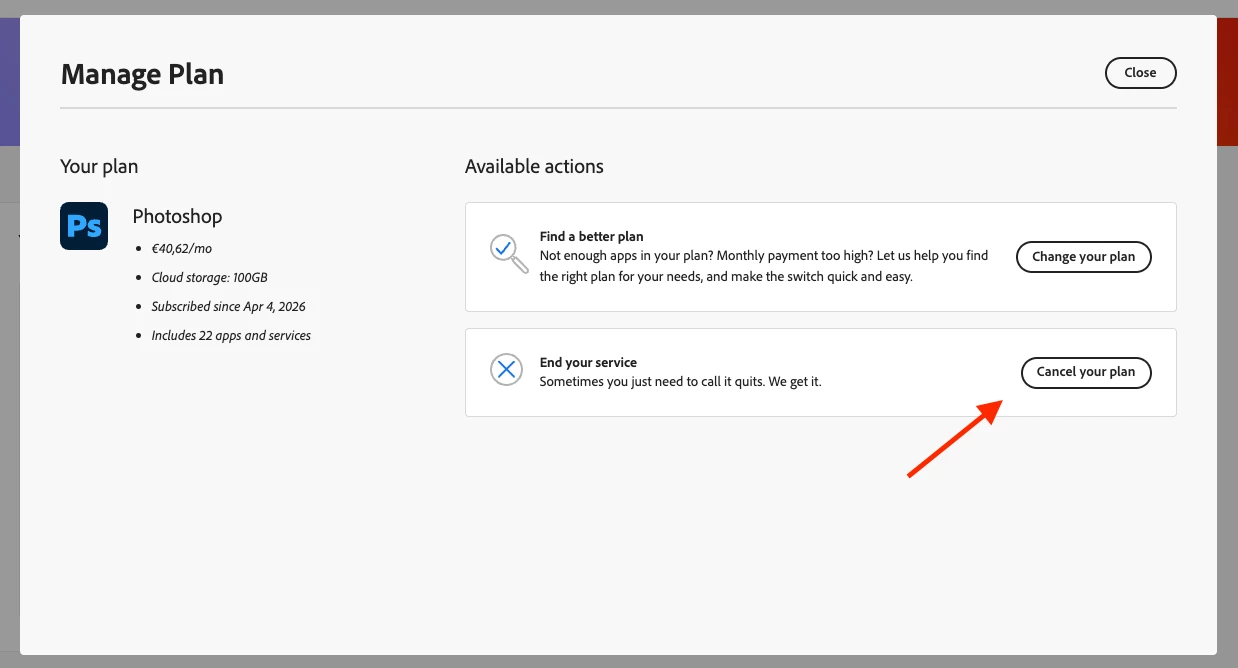
  1. Click on “Manage plan
  2. Click on “Cancel your plan
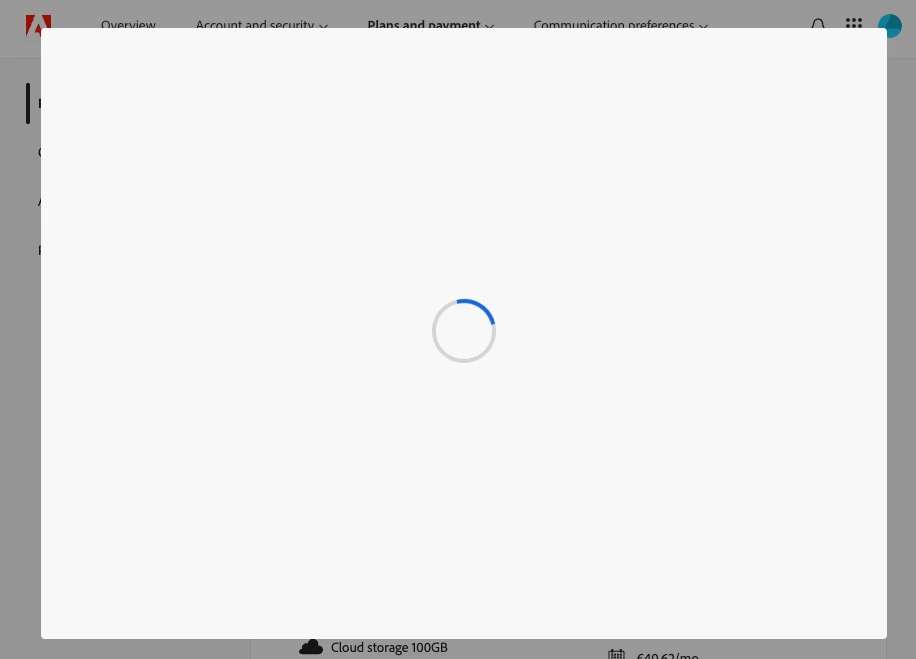
  3. Process halts at spinning ball. It will never complete. At some stage after several retries, I got the “Something went wrong

Tried with Incognito window too, same results. Is there another way to proceed?

Manage plan
Popup Prompt: “Cancel your plan”
Spinning ball


    Correct answer kglad

    use a mobile phone’s updated (non-opera) browser with wifi disabled 

    2 replies

    LianaDen
    LianaDenAuthor
    Participant
    April 7, 2026

    Yes! That worked like a charm

    kglad
    Community Expert
    Community Expert
    April 7, 2026

    excellent, and thank you for the follow up.

    kglad
    Community Expert
    kgladCommunity ExpertCorrect answer
    Community Expert
    April 7, 2026

    use a mobile phone’s updated (non-opera) browser with wifi disabled