
Participant
April 29, 2020
Answered

Can't download any apps

  • April 29, 2020
  • 2 replies
  • 2902 views

I have paid and downloaded the creative cloud, but can't download any apps!

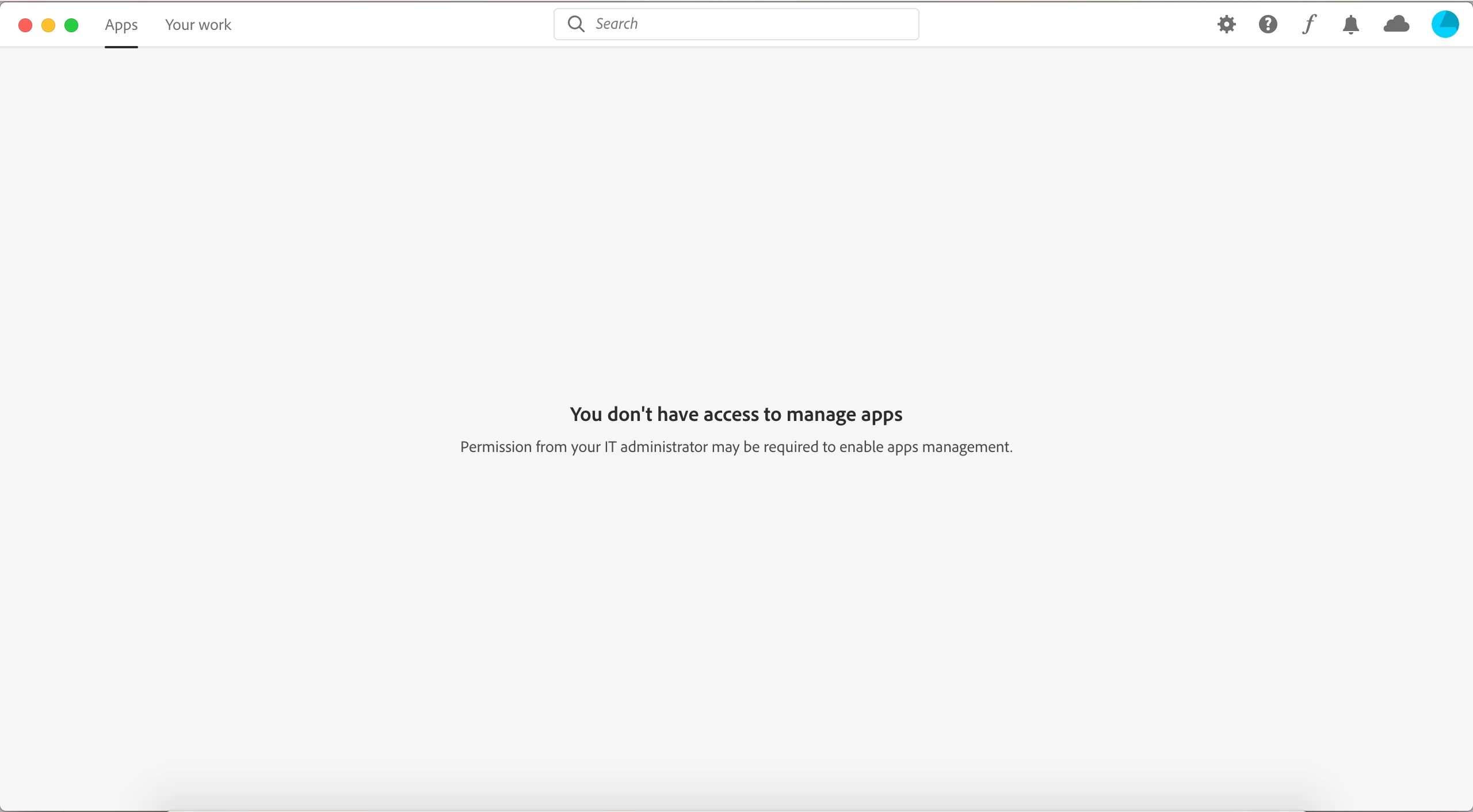
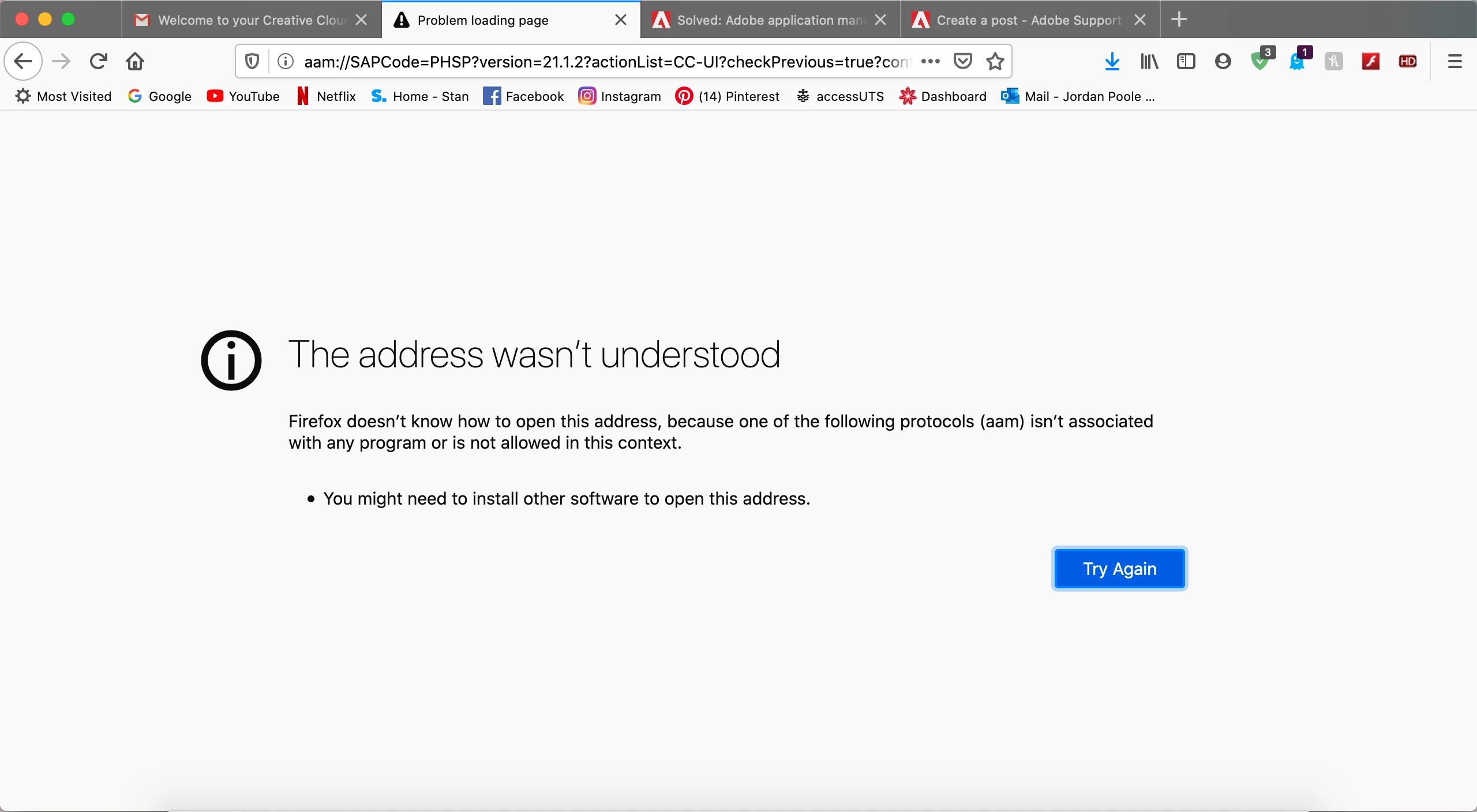
I updated my macOS to Catalina, which is listed as copatable for adobe programs. But still cannot download any apps. When I open creative cloud I get the following screen, asking for IT support... I don't know what it means. When I try to download the apps through online links I get the following screen after trying to download for less than a second.


Any help!? I called the customer help line, but the woman was unable to assist.

I'm a student and would like to complete my assignment soooon!
This topic has been closed for replies.
Correct answer JenniferCrowther

https://www.youtube.com/watch?v=jr2jlngK4wU

^^ THIS WORKS!! Solved my issue

2 replies

JenniferCrowtherAuthorCorrect answer
Participant
April 30, 2020

https://www.youtube.com/watch?v=jr2jlngK4wU

^^ THIS WORKS!! Solved my issue

Jeffrey_A_Wright
Community Manager
Community Manager
April 29, 2020

JenniferCrowther, the error above often occurs when an organization wishes to manage the apps that are allowed to be installed on the computer.  Do you own and manage the computer and network that you are installing your Creative Cloud for Education membership on?

Participant
April 30, 2020

Hi! Yes, I own and manage the computer and network. It's a MacBook Pro from early 2015, I bought myself.

Participant
April 30, 2020

I have the same problem and no one seems to be able to help. I have just purchased Photoshop and cannot download it. The issue is with Creative Cloud, that I keep uninstalling and installing, then I try to download Photoshop, it asks me to sign in to Creative Cloud to do this, but Creative Cloud just gives the message that I am signed out, when I try to sign in. Basically, I am blocked from signing in to Creative Cloud, so I can't download anything. Support is totally useless, just saying I shoud reinstall....