


Participant
August 11, 2025
Answered

cancel Subscription

  • August 11, 2025
  • 1 reply
  • 333 views

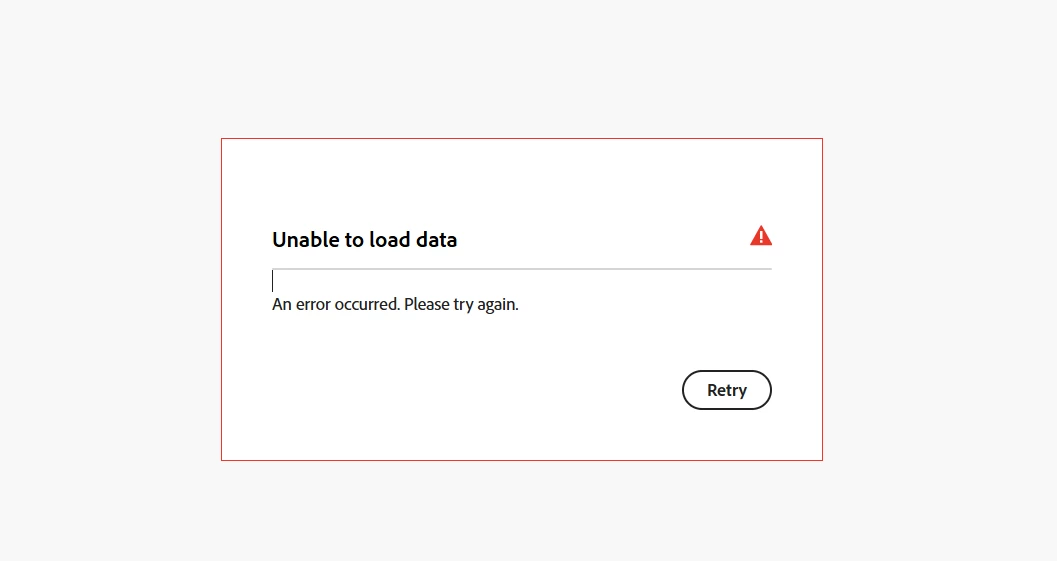
Hello, I’m trying to cancel my Adobe subscription, but every time I attempt it through my account on the website, the process fails and I get an error message.

I’ve already tried all possible solutions I could find, including:

  • Using different browsers

  • Trying on both the website and the mobile app

  • Disabling any ad blockers

  • Clearing cache and cookies

  • Signing out and back in again

Unfortunately, the issue still persists. Could you please assist me directly in resolving this? I would greatly appreciate your help so I can complete the cancellation process successfully.

Thank you in advance for your assistance.
Correct answer aditya_7147

Hi @creative explorer , you were absolutely right it turned out to be a server-side issue, just as you mentioned. That explains why I couldn’t cancel my subscription earlier. Everything’s working perfectly now. I really appreciate you taking the time to point me in the right direction. Thanks again for your help!

1 reply

creative explorer
Community Expert
Community Expert
August 11, 2025

@aditya_7147 it's a server-side error that suggests a problem on Adobe's end rather than an issue with your browser or settings. You can check to see if Adobe is down https://status.adobe.com

m
Kanikas
Community Manager
Community Manager
August 11, 2025

Hi aditya_7147, 


We're here to help you. Our team is aware of this issue, and this usually occurs while using Opera or Safari. Did you try using Chrome? If you still face the same issue, kindly click on this link to get in touch with support. 


Hope that helps. 


Thanks 
^KS