
Participant
March 14, 2020
Question

Changing default adobe saves to another destination.

  • March 14, 2020
  • 1 reply
  • 296 views

Hello everyone!

So , I have a question here, and after searching for resolutions in Youtube and even forums didn't find the answer.

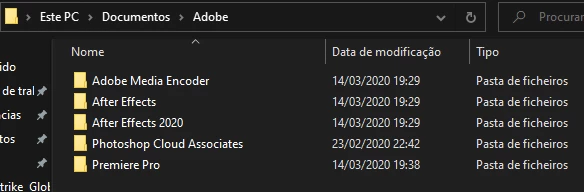
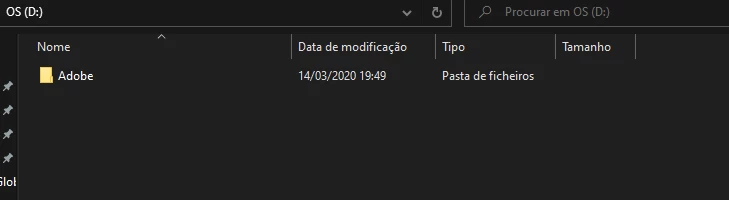
Basically, the default destination to every Adobe Apps are in my Documents , in my C: drive (wich is a m.3 wih only 500Gb) and I wanted to change the destination to another drive I have, the D:.

Is there anyway I could change it , but still have the Adobe apps installed in the C: but the files and the default output folder to 😧 ?
This topic has been closed for replies.

1 reply

John T Smith
Community Expert
Community Expert
March 14, 2020

The EXACT steps may be different in every program, so you need to ask in the forum for every program you use - To find a forum for your program please start at https://community.adobe.com/


For Premiere Pro (which I use) I have 2 saved instruction links

https://community.adobe.com/t5/Premiere-Pro/How-do-I-stop-filling-up-my-SDD-drive-during-outputs/td-p/10422540
and https://community.adobe.com/t5/Premiere-Pro/FAQ-How-to-clean-delete-or-trash-media-cache-files/td-p/8324672