


Participant
January 30, 2024
Answered

Edit Billing Address Problem

  • January 30, 2024
  • 2 replies
  • 652 views

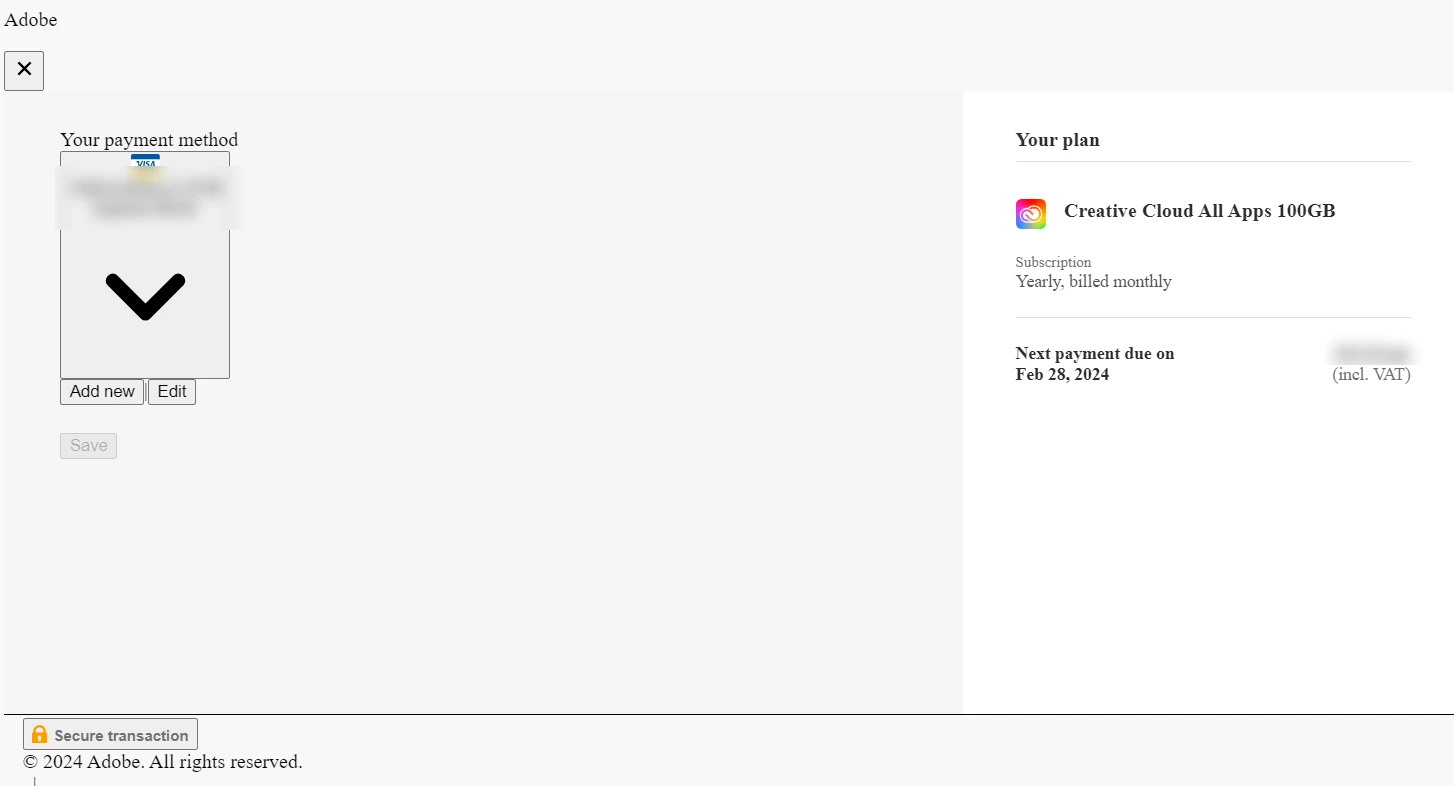
What on earth is the problem with the Adobe's Billing System, I've been trying to edit my billing details for the past 3 months. Please tell me what the fukc this is: 
 

[Mod: Moved to the Account, Payment and Plan forum]


None of this can be edited, whenever I click "edit" nothing happens, this is so embarrassing I do not expect this from a multi-billion dollar company, I've been wanting to edit to billing address but they've just been stealing money from the wrong account. Fix this shi.

 

This topic has been closed for replies.
Correct answer kglad

Oh okay got it, thank you so much for the help man. Lifesaver 💯


@chuk.ms 


did support solve the problem?

2 replies

Community Expert
January 31, 2024

Please follow the instructions given by @Ged_Traynor, if you use the chat link do write AGENT in the chatbox to avoid bots and get connected to a human.

-Manan

-Manan
chuk.msAuthor
Participant
January 31, 2024

Thank you very much, after removing the pop up blocker it has worker, however.. now there is still a problem. When I click on "Edit" or "Add New" payment method, nothing happens, its not responsive.  Could you help?🤔 🤔

kglad
Community Expert
Community Expert
January 31, 2024

@chuk.ms 


again, contact adobe support. there are 2 ways to contact adobe; chat and twitter (now x):

chat:
use a browser that allows popups and cookies
and click here, https://helpx.adobe.com/contact.html?rghtup=autoOpen
in the chat field (lower right), type AGENT
be patient, it can take quite a while to reach a human.

twitter/x:
tweet @AdobeCare

p.s. if you're contacted by anyone (via email or private message), it's much more likely to be a scammer than an adobe representative.

Ged_Traynor
Community Expert
Community Expert
January 31, 2024

@chuk.ms you'll need to contact Adobe support about payment issues
Chat support: https://helpx.adobe.com/contact.html?rghtup=autoOpen
You will need to be on a browser that allows popups and cookies or the icon won't show.
Twitter: @AdobeCare https://twitter.com/AdobeCare