


Participant
May 21, 2025
Question

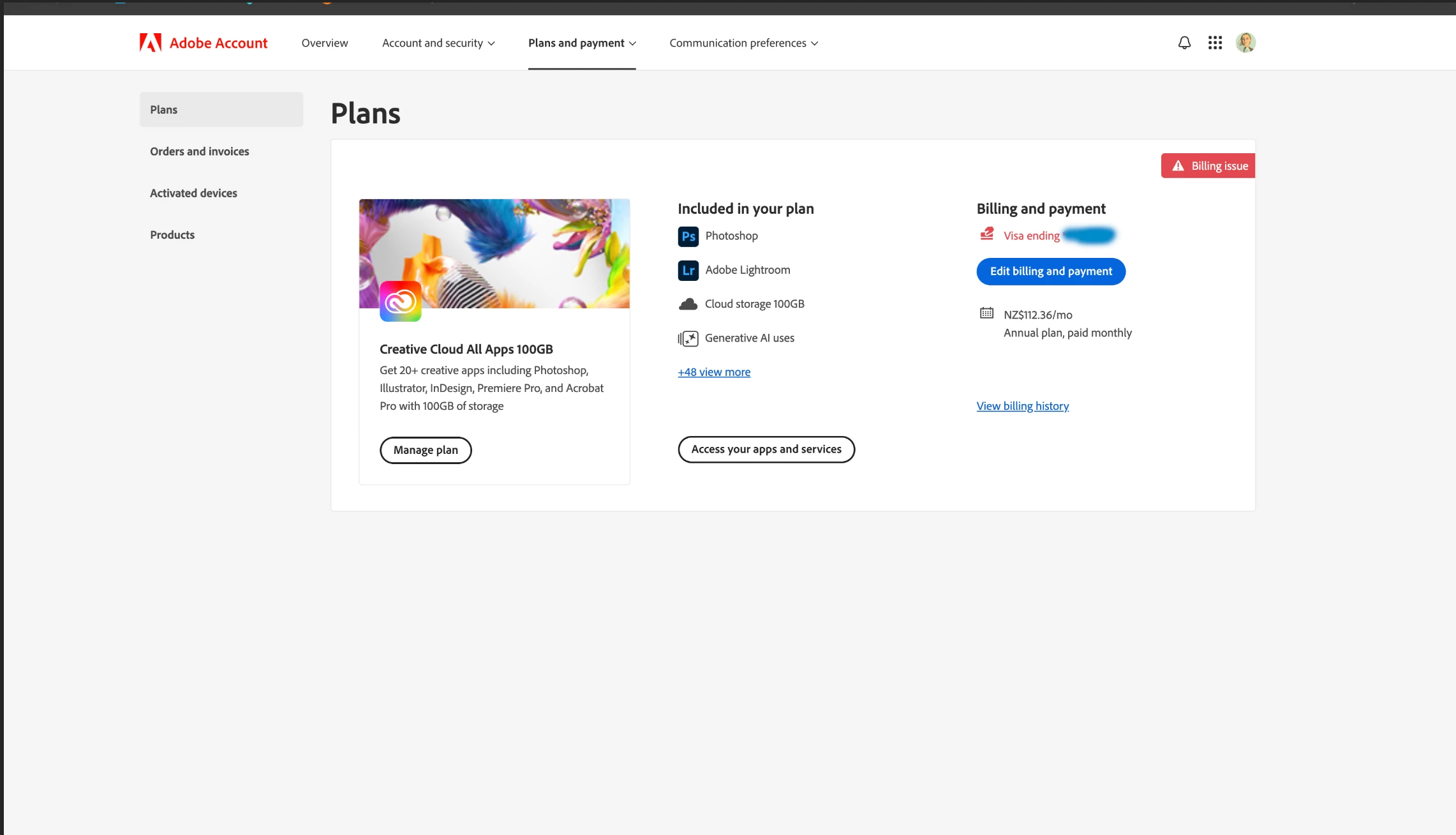
Everytime I try add a new card to payment it says billing issue

  • May 21, 2025
  • 3 replies
  • 396 views

I cant add my card that completley works fine. Once i upload all the right details it says its updating. Then it updates and says billing issue. I have called my bank and its not them. It says adobe. I made my account in New Zealand and I am living in thr UK now. The card is a nz account. Could it be that Im trying from the Uk? Anyone had this issuue and know how to fix 

Thankssss
3 replies

Participant
September 7, 2025

This happened to me when I was trying to buy a new subscription. My credit card is fine, but they were unable to process it. Therefore, I will not be purchasing anything from Adobe. I'll find a competitor product that works just as well.

kglad
Community Expert
Community Expert
September 7, 2025

for others, check your account, https://account.adobe.com

what's it show?

eg, any payment problems,?
more than one subscription?
only the plan(s) you want?

Shivangi_Gupta
Community Manager
Community Manager
May 22, 2025

Hi @Olivia Slane,

Thanks for reaching out. I checked your account info and found two things to notice at.

1. You have two CC all apps subscription: one has pending dues.

2. Your registered country is still NewZealand.

Please change your country to UK: https://adobe.ly/3F2LhCc

Also, as I said before you'll need to clear the pending dues before making any change to your account: https://adobe.ly/43FlzNg

Let us know if you have any questions.
^Shivangi

barbara_a7746676
Community Expert
Community Expert
May 21, 2025

Call Adobe customer support and explain the billing issue. 1-800-833-6687

(Adobe does not have a direct number for billing issues, so you need to start by calling Customer Support.)