


Participant
July 18, 2026
Answered

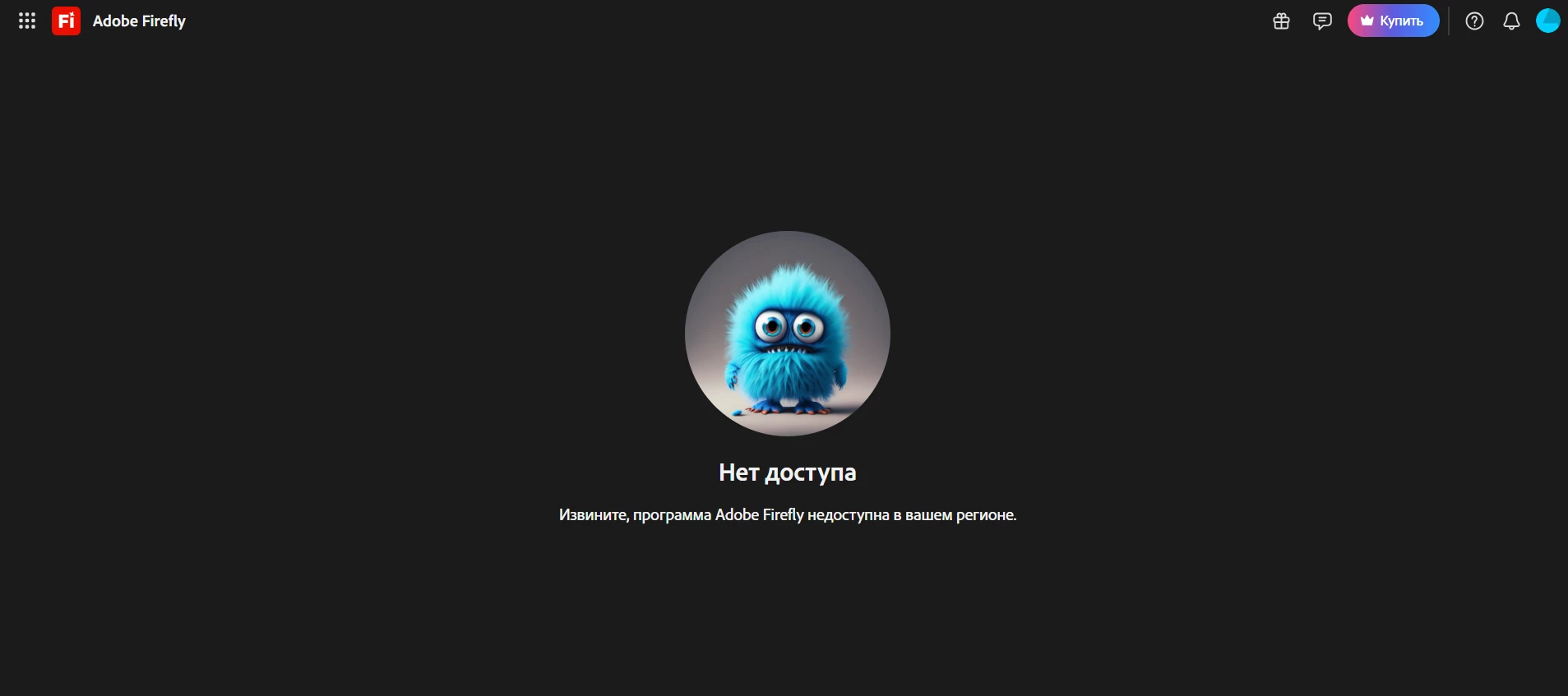
Firefly shows "Not available in your region" though I currently live in and access the service from the United States. My Adobe account may still be associated with Russia from before I relocated — requesting review/update of my account's country.

Steps to reproduce:
1. Sign in to Adobe Firefly (firefly.adobe.com) with my Adobe ID.
2. Navigate to Generate image or Boards.
3. Immediately see the "Not available in your region" error screen (screenshot
   attached), even though I am physically located in and connecting from the
   United States.

Expected result: Access to Firefly, since I am currently a US-based user.

Actual result: Full block with the region-unavailability message.

Additional context: I contacted Adobe chat support first, and the virtual
assistant indicated there was no active plan linked to my account and
suggested signing in with a different email if I had one — which suggests
this may not be a simple region-detection bug, but possibly tied to my
account's original country of registration (Russia), from before I relocated
to the US. I would like to request a review of my account and, if possible,
an update to reflect my current country (United States), so I can access
Firefly and purchase a plan.



    ShivangiGupta
    ShivangiGuptaCorrect answer
    Community Manager
    October 12, 2026

    Thread Summary

    The user reported that Adobe Firefly displayed a “Not available in your region” message every time they opened Generate image or Boards. They said they currently live in and connect from the United States. They suspected their Adobe account was still associated with Russia from before they relocated, and they asked for the account’s country to be reviewed and updated so they could use Firefly and purchase a plan.

    Solutions suggested by Adobe

    1. Check that Firefly is offered in the country linked to your account. Firefly availability depends on the country associated with your Adobe account. Adobe lists Russia, Belarus, and China as locations where Firefly isn’t available. Adobe products and services also can’t be used in Cuba, Iran, North Korea, Syria, Crimea, and the so-called Donetsk and Luhansk People’s Republics. Adobe Firefly FAQ
    2. If you don’t have an active subscription, update your country when you subscribe.
      • Sign in at the Creative Cloud plans page and select a plan.
      • On the payment info page, choose your current country or region from the drop-down menu.
      • In the “This page is about to refresh” prompt, select Change to [country name].
      • Enter your new billing details to finish.
      Change the country associated with your Adobe account
    3. If you have an active subscription, change your region from your account page. Open your Adobe Account Overview page and use the change region option at the bottom left. Change the country associated with your Adobe account
    ^Shivangi

    15 replies

    ShivangiGupta
    Community Manager
    ShivangiGuptaCommunity ManagerCorrect answer
    Community Manager
    October 12, 2026

    Thread Summary

    The user reported that Adobe Firefly displayed a “Not available in your region” message every time they opened Generate image or Boards. They said they currently live in and connect from the United States. They suspected their Adobe account was still associated with Russia from before they relocated, and they asked for the account’s country to be reviewed and updated so they could use Firefly and purchase a plan.

    Solutions suggested by Adobe

    1. Check that Firefly is offered in the country linked to your account. Firefly availability depends on the country associated with your Adobe account. Adobe lists Russia, Belarus, and China as locations where Firefly isn’t available. Adobe products and services also can’t be used in Cuba, Iran, North Korea, Syria, Crimea, and the so-called Donetsk and Luhansk People’s Republics. Adobe Firefly FAQ
    2. If you don’t have an active subscription, update your country when you subscribe.
      • Sign in at the Creative Cloud plans page and select a plan.
      • On the payment info page, choose your current country or region from the drop-down menu.
      • In the “This page is about to refresh” prompt, select Change to [country name].
      • Enter your new billing details to finish.
      Change the country associated with your Adobe account
    3. If you have an active subscription, change your region from your account page. Open your Adobe Account Overview page and use the change region option at the bottom left. Change the country associated with your Adobe account
    Translate
    ^Shivangi
    kglad
    Community Expert
    Community Expert
    July 23, 2026

    no thanks.

    Translate
    Peru Bob
    Community Expert
    Community Expert
    July 18, 2026
    Participant
    July 19, 2026

    I'm still facing the same problem. I used to live in Russia, but now I live in the USA, so I don't know how to fix it. I couldn't find any form to send to support about this.


    Translate
    Peru Bob
    Community Expert
    Community Expert
    July 19, 2026

    I requested an Adobe moderator to move this to the Account, Payment, and Plan forum.

    Translate