Answered
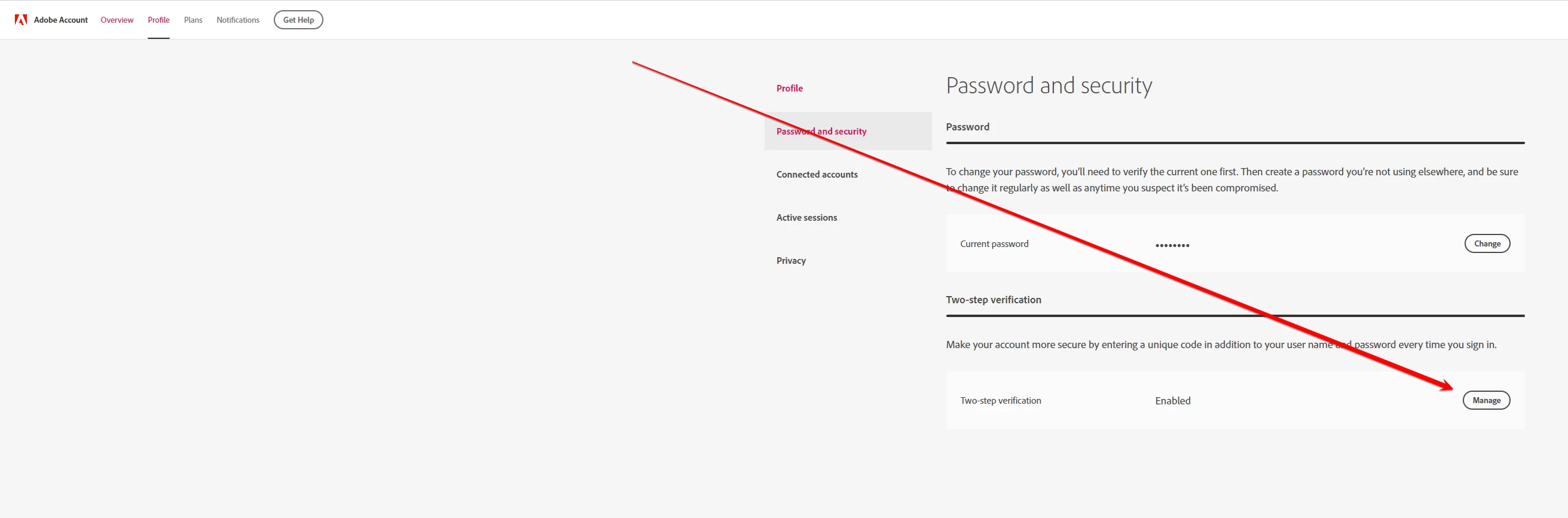
How do I get rid of the 2-step verification
Hey!
I accidentally (brain damage) recently changed my Adobe security profile.
Unfortunately, I have enabled 2-step verification. I added Adobe Account Access to my iPad for login without your password. I thought in my stupidity that it would only apply to the apps on my toad.
Now this incomprehensible login hassle is everywhere.
How do I get rid of the crap and return to regular email login?
 AdChoices