Participant
June 6, 2025
Answered

I tried talking with chat, but they couldn't understand what I was saying.

  • June 6, 2025
  • 1 reply
  • 132 views

Hello!
I've been using Adobe subscription program since always. I had a few years that I stopped because I couldn't afford, but I think since 2019 that I have my currently subscription.
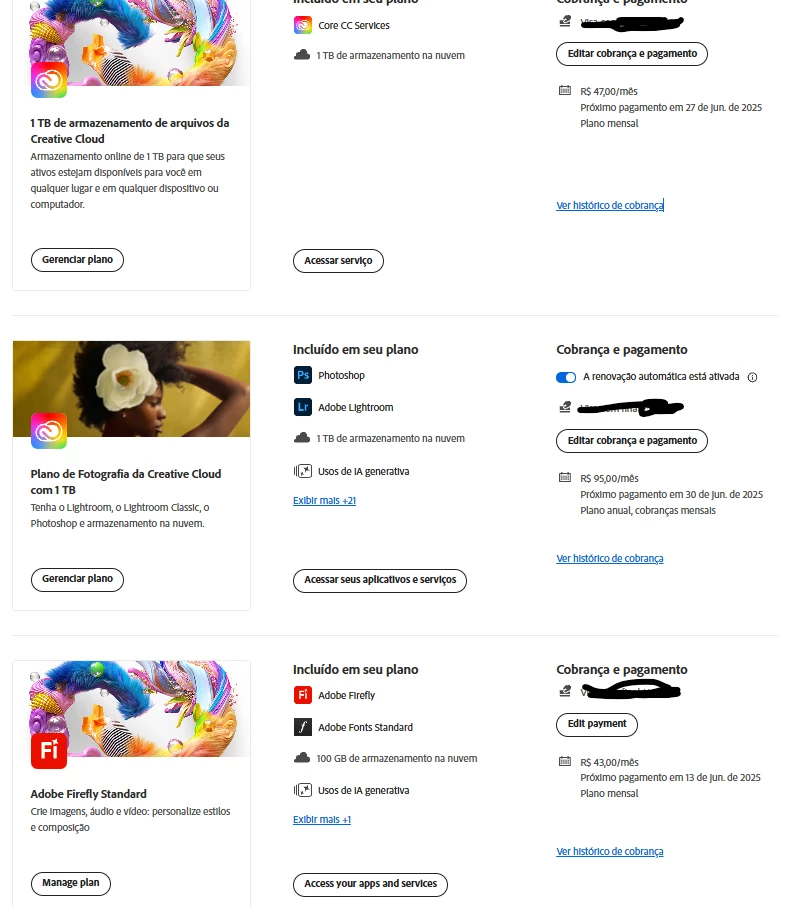
I have a very specific need with the Photography Plan since I use the storage that is provided. So, I pay the Photography 1tb Plan + 1tb extra of storage. 
But, I want to use the Illustrator, and the chat said I should change to the Creative Clould with all apps included, but the storage is too small for me - also it's too expensive, considering the storage space. 

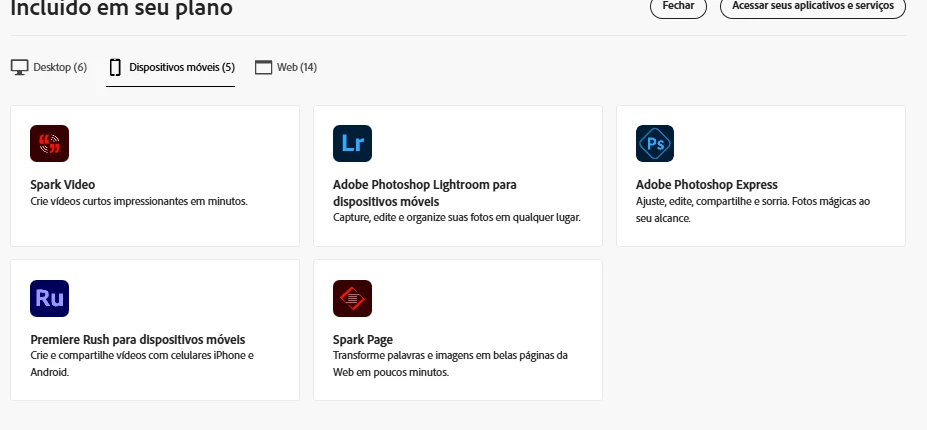
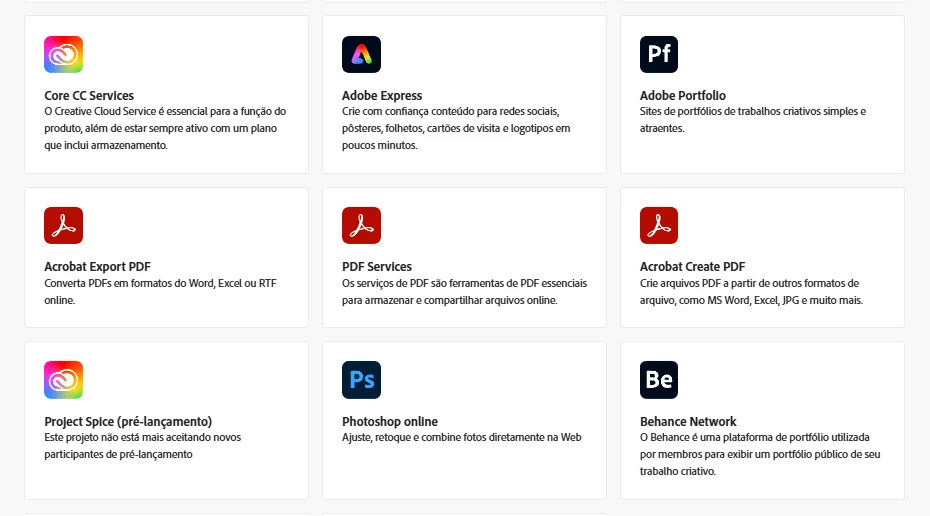
Again, the chat said I would have access to Adobe Express, which I ALREADY HAVE. They said I didn't have.... That's when I realized that there are a lot of stuff that's showing up on my products that don't exist anymore. 

How can I add Illustrator with all the plans I already have without loosing my 2tb clould space? 
Is it possible to update the programs I have? Am I missing anything??? 
Correct answer Anshul_Nautiyal

Hi @aliceseveri,


Thank you for your detailed question regarding how to retain your 2TB of cloud storage while adding Illustrator to your Adobe subscription. Based on your description, you are currently on the Photography (1TB) plan with an additional 1TB of storage (total 2TB), and you're looking to add Illustrator without losing your storage or paying extra for storage you already have.

Please note that Adobe plans cannot be directly merged. The Creative Cloud All Apps plan includes only 100GB of storage by default, and your current 2TB storage does not automatically carry over if you switch plans.

Here are your available options:

1. Keep your current plan and add Illustrator separately:
You can subscribe to Illustrator as a standalone app while continuing your existing Photography plan with 2TB storage. This will allow you to retain your current storage without switching to the All Apps plan.

2. Upgrade storage separately if switching plans:
If you decide to switch to a different plan, such as Creative Cloud All Apps, you can manually add more storage by following these steps:

For further information, you can refer to this article:
Upgrade Creative Cloud Storage

Let us know if you have any further questions or need help with your subscription.

Regards,
^AN

1 reply

Anshul_NautiyalCommunity ManagerCorrect answer
Community Manager
June 6, 2025

Hi @aliceseveri,


Thank you for your detailed question regarding how to retain your 2TB of cloud storage while adding Illustrator to your Adobe subscription. Based on your description, you are currently on the Photography (1TB) plan with an additional 1TB of storage (total 2TB), and you're looking to add Illustrator without losing your storage or paying extra for storage you already have.

Please note that Adobe plans cannot be directly merged. The Creative Cloud All Apps plan includes only 100GB of storage by default, and your current 2TB storage does not automatically carry over if you switch plans.

Here are your available options:

1. Keep your current plan and add Illustrator separately:
You can subscribe to Illustrator as a standalone app while continuing your existing Photography plan with 2TB storage. This will allow you to retain your current storage without switching to the All Apps plan.

2. Upgrade storage separately if switching plans:
If you decide to switch to a different plan, such as Creative Cloud All Apps, you can manually add more storage by following these steps:

For further information, you can refer to this article:
Upgrade Creative Cloud Storage

Let us know if you have any further questions or need help with your subscription.

Regards,
^AN