Participant
January 20, 2021
Question

Lightroom picking expired subscription plan

  • January 20, 2021
  • 1 reply
  • 403 views

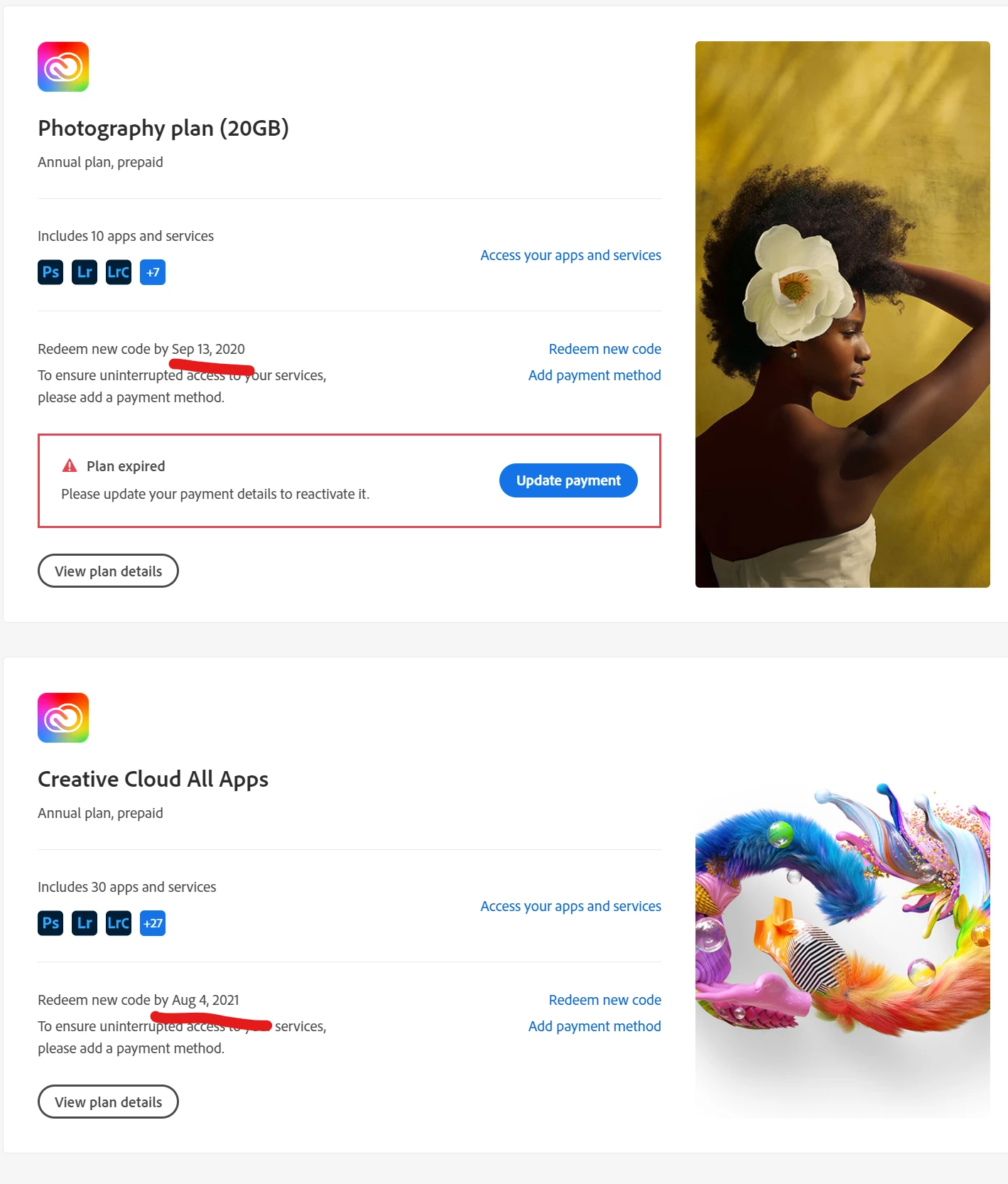
I used to have a photography plan which expired. Then I bought (activation code) the Creative plan which includes all of the Adobe apps. Lightroom Classic and Photoshoot uses the new plan and shows that everything is OK and I can easily use those apps (mentioning only the apps that are available in Photography plan, too). But for some reason, Lightroom app on my PC sees only the old Photography plan that has expired and says that my Trial has expired. 
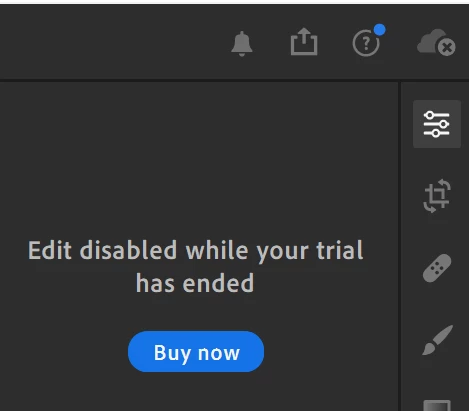


I tried logging out and in to my account. I tried deactivating my PC on Adobe website in my profile. 

Every other app on my PC and phone uses the new Creative cloud plan apart from Lightroom on PC. 


Any ideas what else I can do to trick Lightroom into realising that I have an active Adobe plan?

The only reason why I wanted to use the Lightroom app on PC is to sync presets to the mobile app. Apart from that, the Lightroom app is collecting dust. 99% of images I edit in Lightroom Classic. That remaining 1% is on phone, so I wanted to sync my presets.


This topic has been closed for replies.

1 reply

Nancy OShea
Community Expert
Community Expert
January 21, 2021

1. Open CC Desktop App.
2. Click your Avatar (top right image) > Preferences > General tab > Settings. Select "Always keep Creative Cloud up to date."
3. Click on your Avatar again.
4. Sign-out of Creative Cloud.
5. Close all apps.
6. Restart your computer.
7. Open CC Desktop app.
8. Click your Avatar.
9. Sign-in with your paid ALL APPS plan ID and password.


Failing that, contact customer support.

1. With a browser that accepts cookies and does not have script blockers, please log-in to your account portal below.

https://account.adobe.com/plans
2. Scroll down to Contact Adobe on the same page.
3. Online chat is available in English 24/7.
4. In the chat box, type AGENT followed by enter key and wait for a human.
5. Alternately, phone customer service M-F during normal business hours.
https://helpx.adobe.com/contact/phone.html


Nancy O'Shea— Product User & Community Expert
Participant
January 21, 2021

Hi Nancy,


Thanks for the advice. Unfortunately, it didn't help. Also tried two suggestions it this post https://community.adobe.com/t5/download-install/paid-subscription-says-trial-period-expired/td-p/9799974?page=1 


Still the same issue with Lightroom. 

Looks like will hate to get in touch with the support team. Maybe they will be able to remove my previous subscription from my account so that there's only one left.