


No puedo reestablecer mi contraseña de adobe
I have an account with an active Adobe subscription, this morning I received an email that my password had been reset since apparently it was being used on two devices, I followed the steps, enter the code that arrived in my email to reset my password, the boxes are placed in green (indicating that they validated the code) but it does not advance to the next screen where I can enter the new password, from so much trying they blocked my account for a few hours, now at night I tried again and the problem continues, it lets me advance to "Verify your identity" but after that it does not advance to another screen where I must enter the new password. I should mention that I already tried to try to receive the code to my phone and it does not reach me either, try from another device and different internet connection, I even used a work computer that I had never accessed and does not advance from that screen.
When I try to enter I get this:
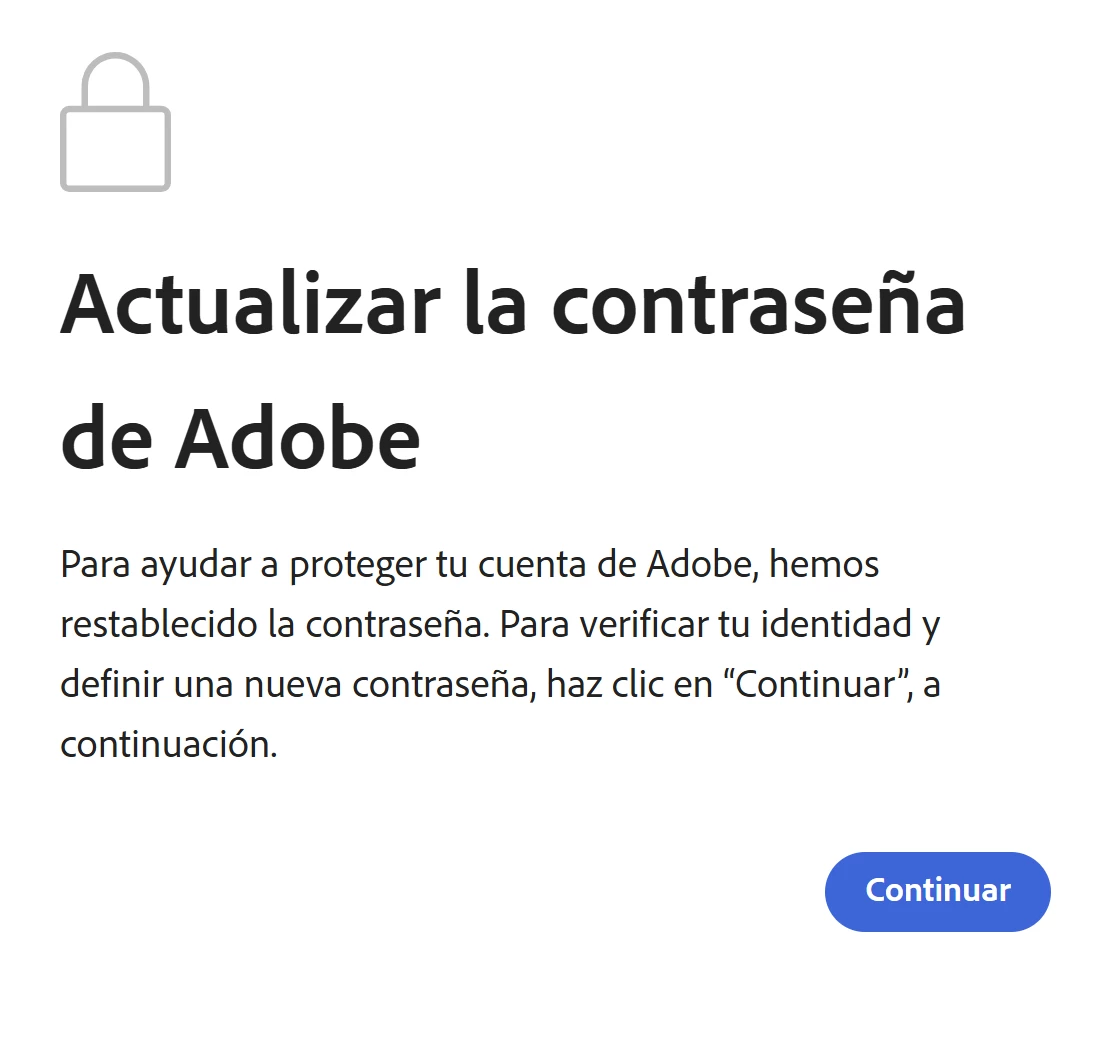
When I click continue, he asks me to add the code that comes to me in one of those emails:
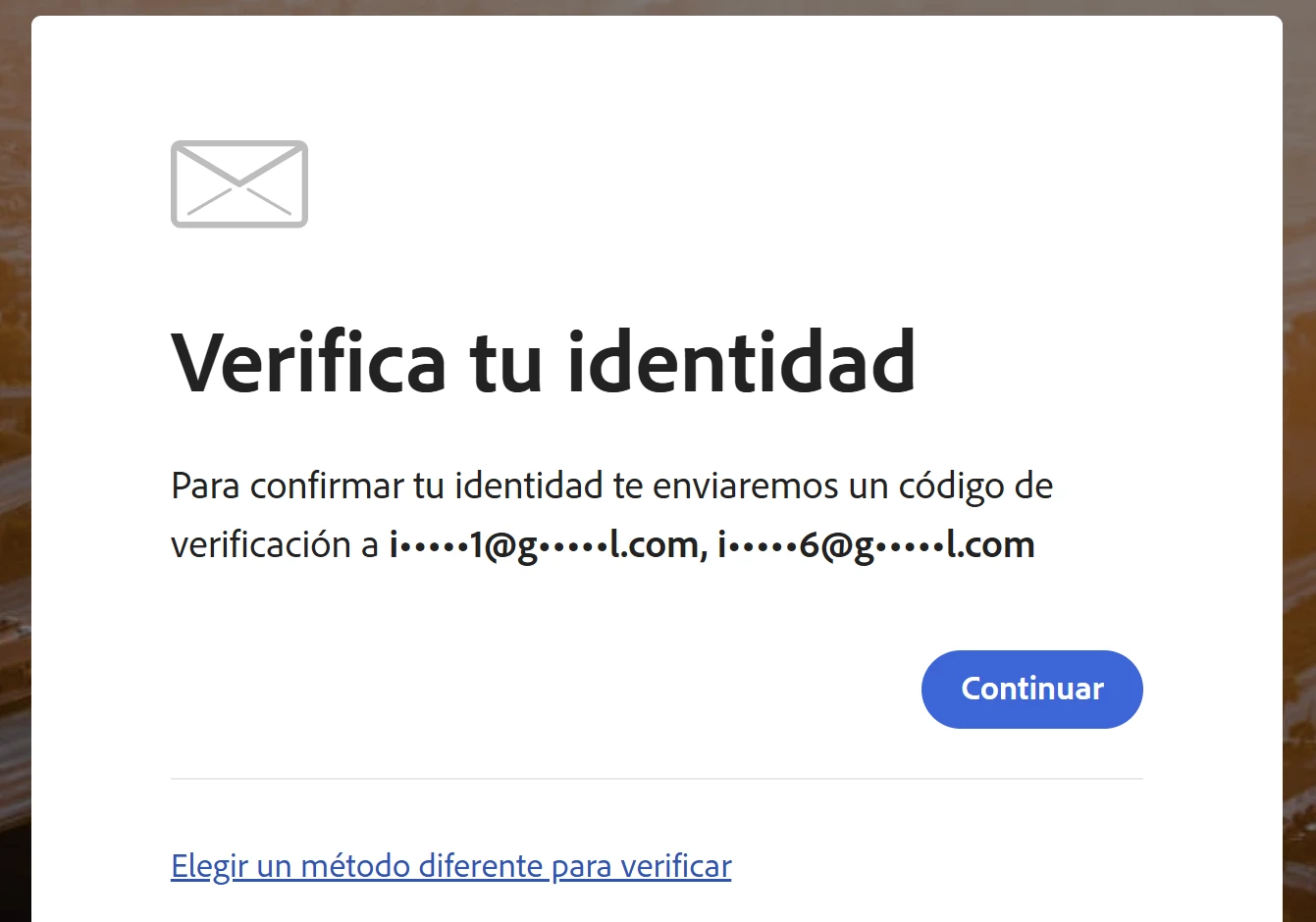
I add the code and it stays on that screen, it doesn't allow me to move forward to update the password
CODE REMOVED FROM THIS PUBLIC FORUM
I haven't been able to use my Adobe apps, I don't know what else to do :s


 AdChoices