


Question
Old software is registered to my account, but unable to see and deactivate any devices
Hello
I have CS5.5 in a box with a serial number. Has been running just fine. But now I have a new computer and I cannot activate it because it says I already have two devices activated. I thought that I had deactivated it from my (very) old machine.
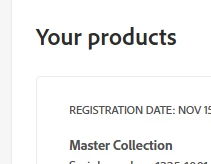
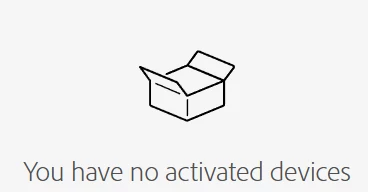
When I use an old email I can login and see it is listed on the front page of my account under 'Your products' but when I go to Plans and payment > Activated devices - none are listed.
This means I cannot deactivate anything, so I cannot activate my new device?
Adobe's support bot keeps running me around in circles and saying I do not have any software.
Any suggestions for how to get it to work properly in my account? Or how to contact real Adobe support humans?
 AdChoices