


Participant
October 9, 2026
Question

Payment method issue - Chatbot can't reach a human advisor

Hello!

This week Adobe apps start poping a message that I have a problem with my payment method. The thing is: it’s been already a week since I’m trying to update the payment method and I’m facing two weird sittuations without solution:

  1. If I go to my Adobe Account and click the “Update Now” buttom, it never loads the payment method and gives an error message “Something went wrong. Try again”. If I try, same issue.
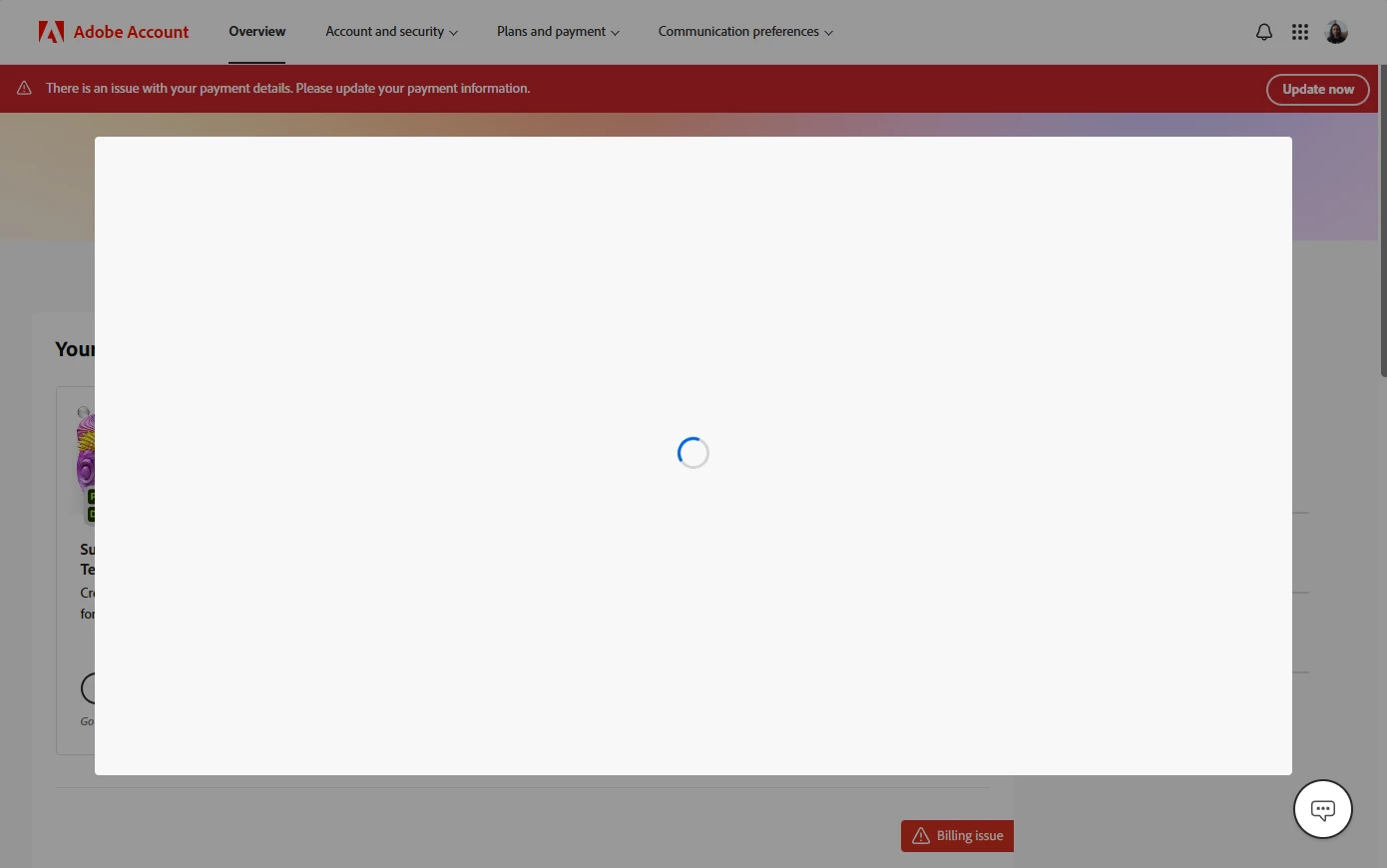
  1. If I open any app (Photoshop, Illustrator, Acrobat etc.) there’s a big red buttom “Billing issue” appearing, and if I try solving this issue from there, it even pops a message of success:
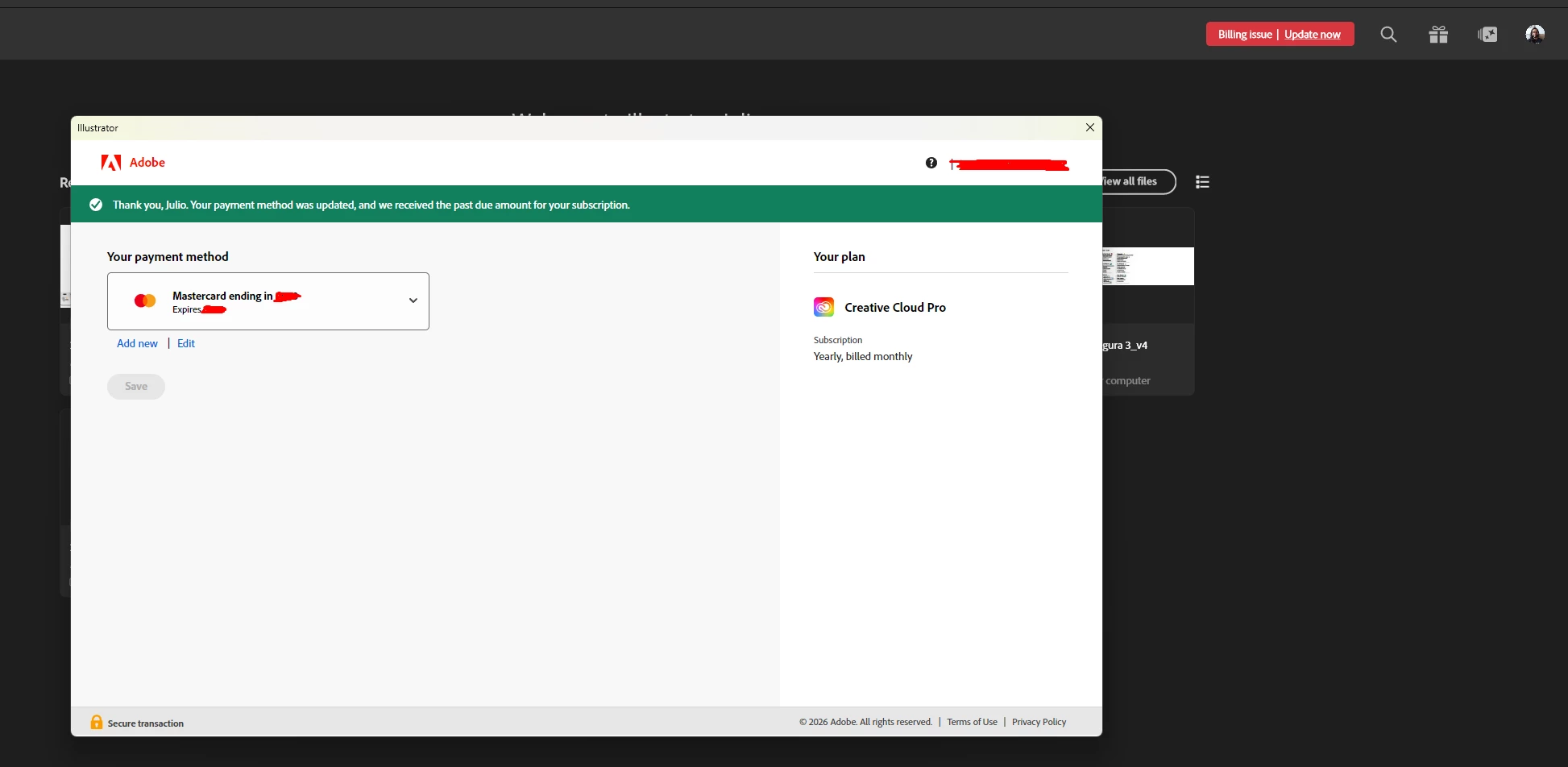
 

But then, when I open a different app or my adobe account, the problem is still there. 

I tried to reach out by the chatbot, but it freezes every time I ask to talk to a human… curious.


Can someone help here? What is the real problem? I’ve been using this payment method since ever and it was never a problem. Adboe even checks my credit card and gets a confirmation that it is valid. This looks like an internal problem, not something on my side.

9 replies

kglad
Community Expert
Community Expert
October 9, 2026

try using a mobile phone's updated non-opera browser with wifi disabled.

Translate
Participant
October 9, 2026

I tested on a mobile, with different internet connection and browser. When I update the payment method it says it was successfuly updated - and even validates the credit card again - but once I update the browser, the error is still there...

Translate
Community Expert
October 9, 2026

If you have any adblockers or firewalls installed then disable them and then try. Alternatively, you can try using a different browser or network

Translate
-Manan
Participant
October 9, 2026

Same thing as I described above to kglad. It seems to be Adobe internal issue.

Translate
AkanshaAshra
Community Manager
Community Manager
October 9, 2026

Hi @Julio Arvellos,

Thanks for reaching out.

A few things you can try:

  1. Sign out of all Adobe applications and then sign back in.

  2. Try updating your payment method using a different browser or an incognito/private window, as browser-related issues can sometimes prevent the billing page from loading correctly.
    Update payment method in Adobe account: https://adobe.ly/4rSrj0F

  3. Check whether you have multiple Adobe accounts or profiles associated with the same email address. In some cases, the payment update may be applied to one profile while the billing issue exists on another.
    Resolve renewal reminders after payment in Adobe: https://adobe.ly/4ASjBaZ

  4. Make sure you're not trying to update your payment method on the subscription renewal date, as billing updates may not be available during that time.

You may also find the below article helpful:

We hope one of these steps helps get things working again. If you're still running into the same issue, feel free to share any error message or screenshot (with personal information removed), and the community can take a closer look.

^Akansha


Translate