


Payment renewed but no access to Apps
Hello, first off I am in Germany. I have recently just renewed my payment details after my subscription has expired and saw this message
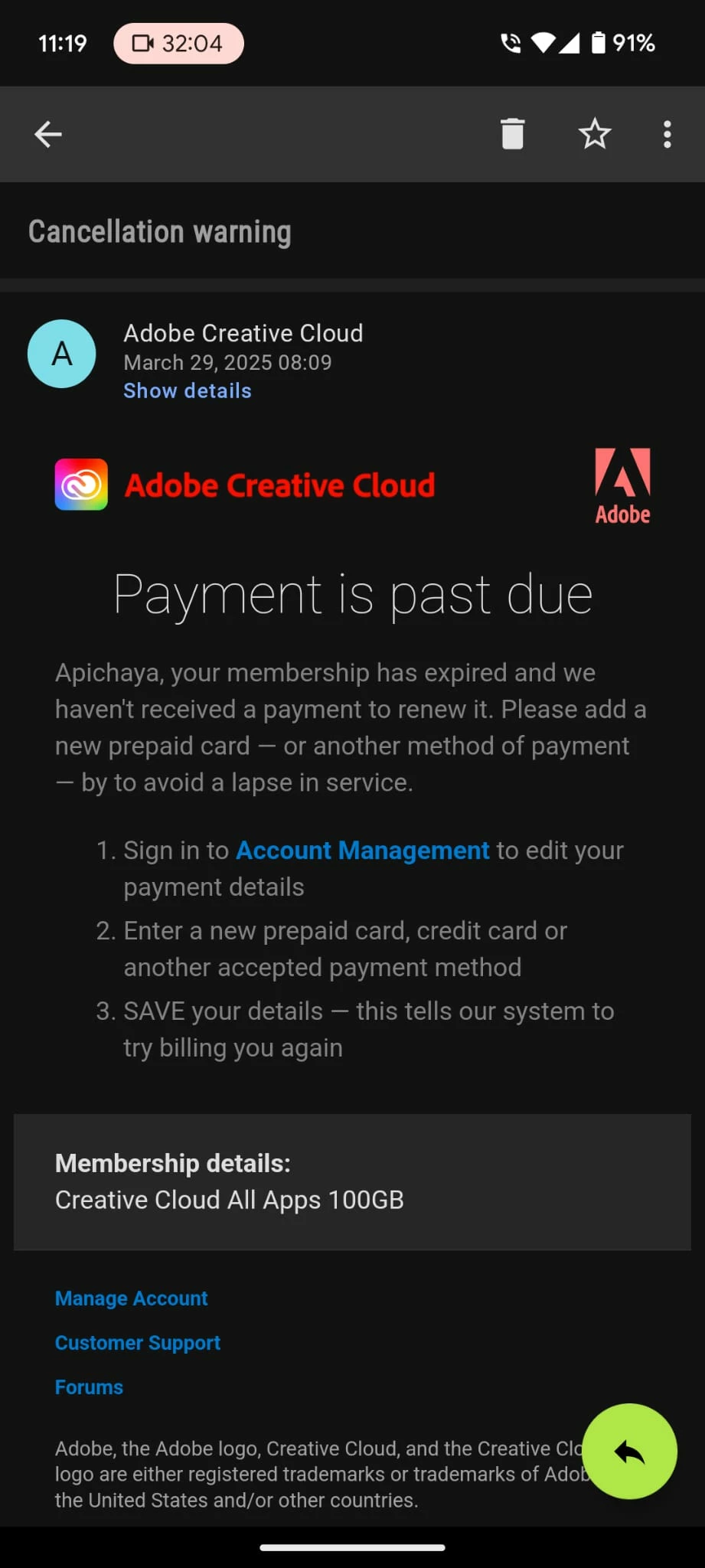
The renewal also billed this months subscription already through my paypal account. However I still have no access to the apps. When looking at my plans, it says I have the Creative Cloud all Apps but when I try to use Photoshop on my desktop it says I need to subscribe again.
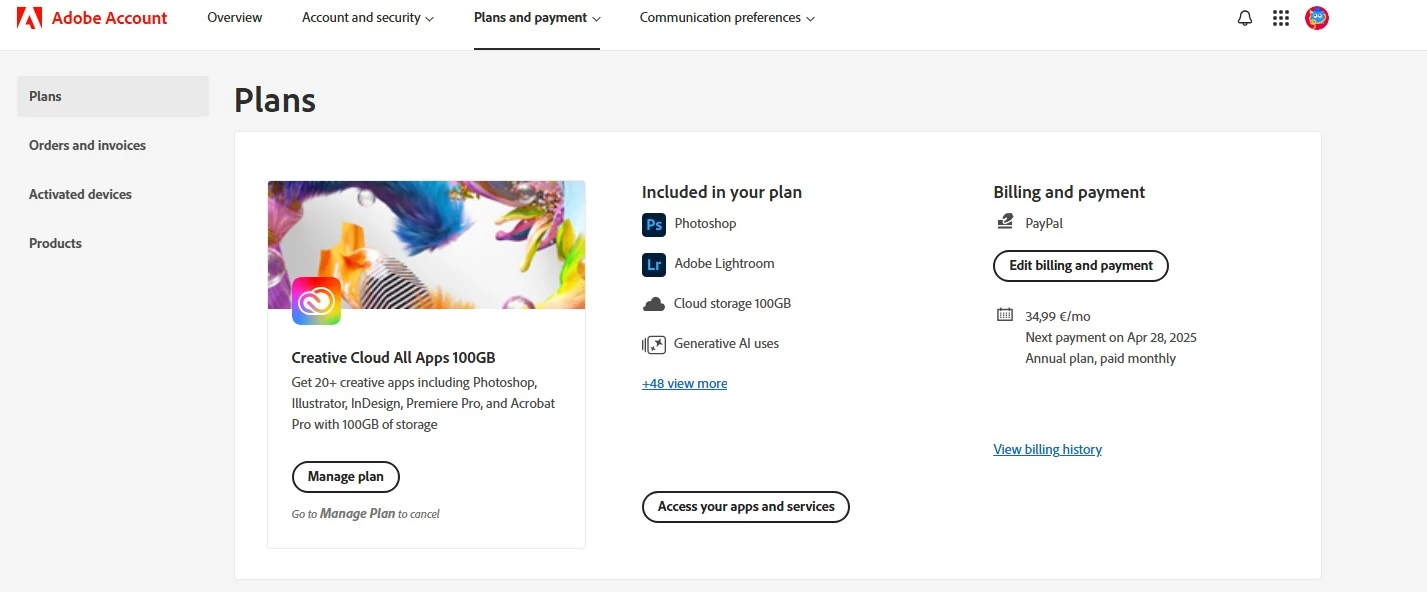
I checked the 'Product' section and there is no product in sight.
Does this have to do with my earlier subscription that expired? I had a student-teacher deal from a 3rd party website that gave me redemption code for one year. Since I am no longer a student I didn't renew the subscription. I thought adding the payment details would mean I can continue to use the apps without having to prove my status as student. But now I have just paid for this month without being able to use it.
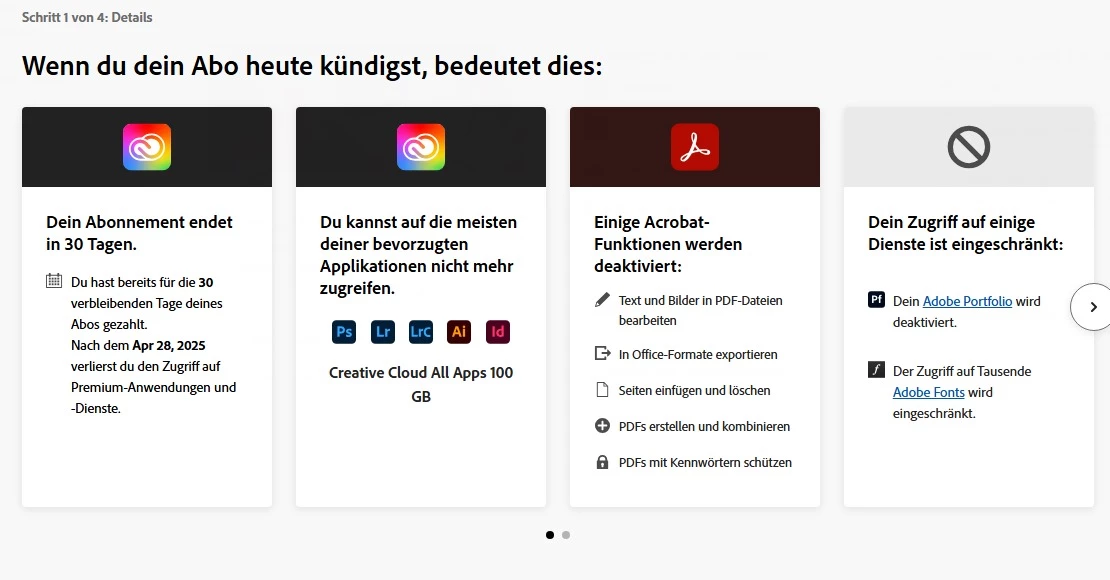
When I tried to cancel it does say I would lose my access, which I still don't have so I don't know how else I should go about this. I don't mind canceling and getting a new plan that costs more as I am not a student anymore but I still want my money back from the 'renewed' subscription that was cut without being able to access the apps.
 AdChoices