


January 14, 2026
Question

Problems accessing plans page on adobe account

  • January 14, 2026
  • 2 replies
  • 129 views

Hello, 


I can't access my plan and payments details on my account on adobe's website. For some reason I can access pretty much everything else, but that page doesn't load. 


I need to change my payment details and It's impossible. I've tried different pc's, locations, vpn, clear cache, browsers, and networks. Nothing seems to work. 


I also contacted the AI assistant, that was anoying and changed to an agent, but that didn't help either cause he said they would contact me and... nothing. 


The page it's always like this everytime I try to enter, after login:
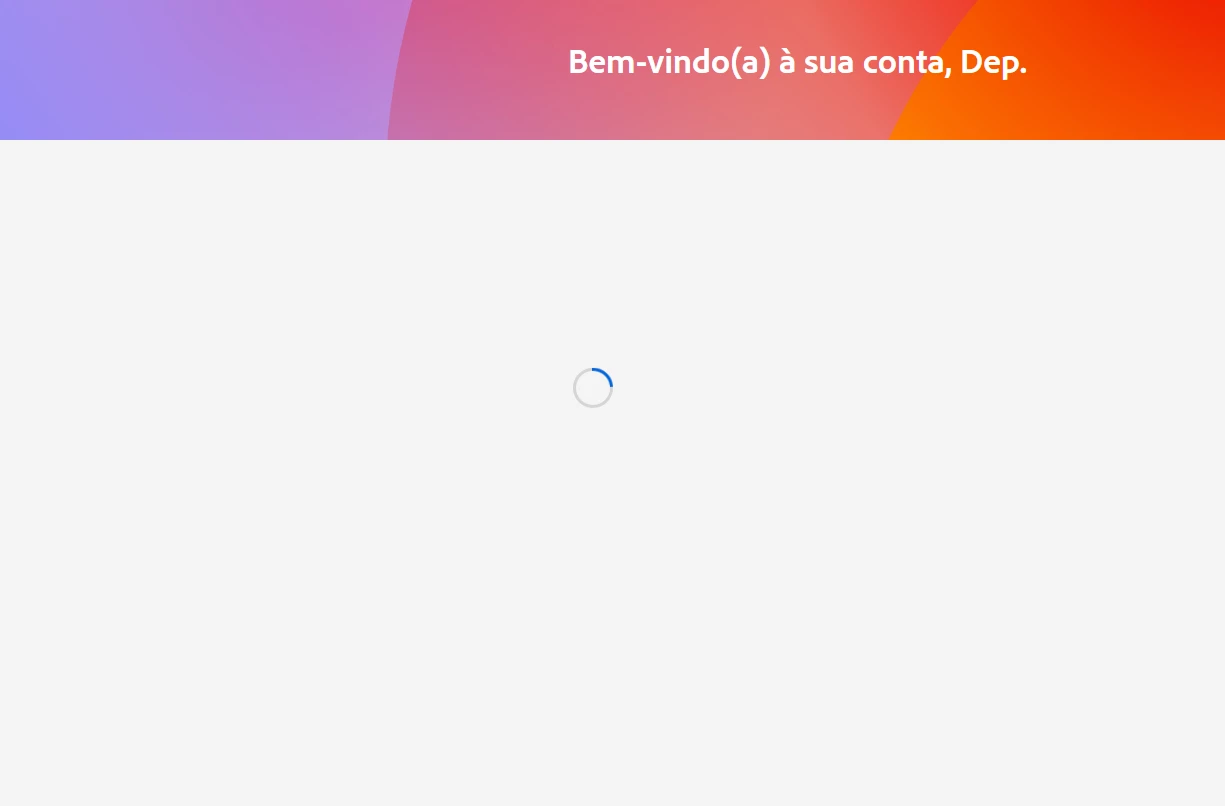


Anyone had this issue? 

2 replies

gupta shivangi
Legend
January 14, 2026

Sorry for the trouble, @Dna IGAP,

Could you follow the steps listed in this article and see if it helps: https://adobe.ly/4qpi5HQ

Let us know the outcome.


^Shivangi

creative explorer
Community Expert
Community Expert
January 14, 2026

@Dna IGAP I would quit out of your Creative Cloud desktop app and clear the history, cache and cookies (use the all-time setting) for your web browser. 

874458iED037C6565EA3FA6.png
Then log back in to see if clearing th ecookies, cache and history does the trick


m
Dna IGAPAuthor
January 14, 2026

I already did that.. it didn't..

kglad
Community Expert
Community Expert
January 14, 2026

try using a mobile phone's updated non-opera browser with wifi disabled to navigate to https://account.adobe.com