

Answered
Unable to upgrade beyond 1 TB of storage
I am on the Creative Cloud Photography Plan with 1 TB of storage. I want to upgrade to at least 2 TB. However, when I login to my account and click "Manage Plan", there is no option to upgrade. Why?
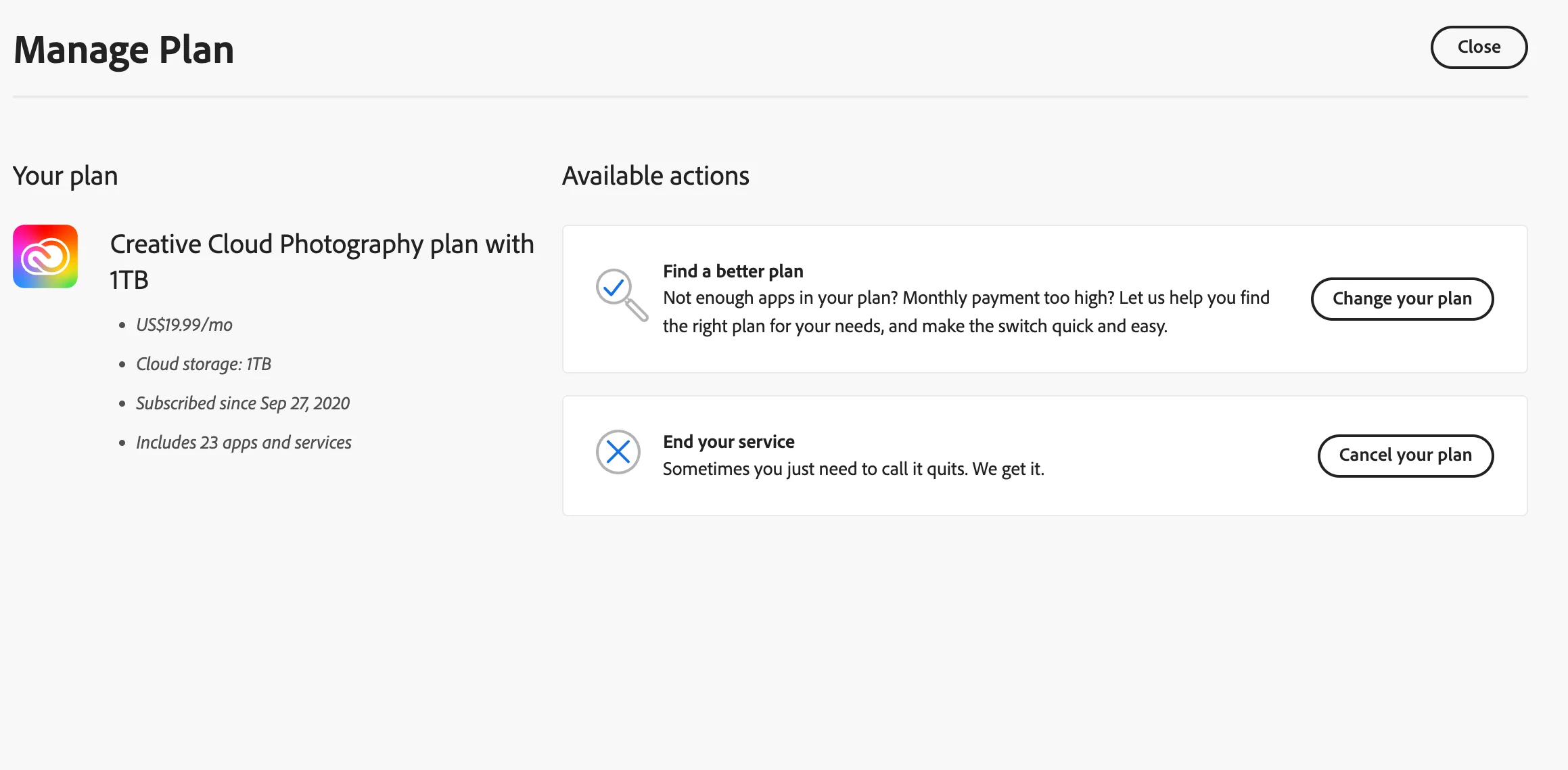

I am on the Creative Cloud Photography Plan with 1 TB of storage. I want to upgrade to at least 2 TB. However, when I login to my account and click "Manage Plan", there is no option to upgrade. Why?
Already have an account? Login
Enter your E-mail address. We'll send you an e-mail with instructions to reset your password.
 AdChoices