


Participating Frequently
August 19, 2025
Question

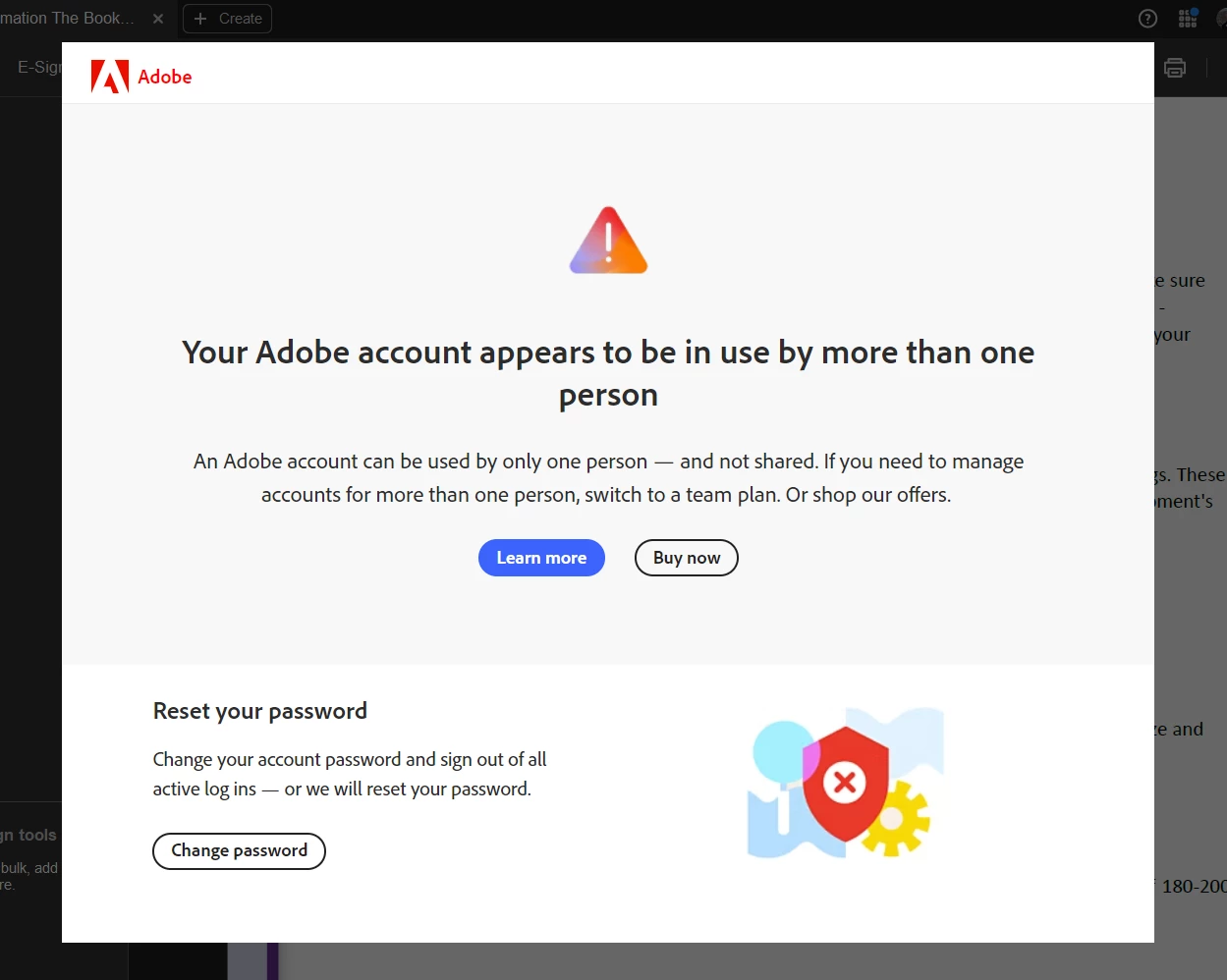
Your Adobe account appears to be in use by more than one person

  • August 19, 2025
  • 2 replies
  • 276 views

HELP!!!

I keep getting this message, at the moment only when I open photoshop, no other CC subscriptions apps. I have two identical iMac setups, one at home and one in office. On occassion I have been known to leave my home computer on while I go do something and forget to go back to it and turn it off, so on occassion I would have two Photoshops open at the same time on two different computers, but only actively using one at a time - a bit hard to use two iMacs in two different locations at the same time. Both computers do have the same name.

This message has come up the past two day so last night I double checked and home iMac is shutdown so I am definetly not using the software simultaneously, why do I keep getting this message and how do I stop it.

Thanks Tania


[Mod: Moved to the Account, Pament & Plan forum]

2 replies

kglad
Community Expert
Community Expert
August 20, 2025

and use your account, https://account.adobe.com page to sign out of all devices.


Shivangi_Gupta
Community Manager
Community Manager
August 20, 2025

Hi Tania,

Did you try the suggested steps by the experts above? Did it help?


^Shivangi

D Fosse
Community Expert
Community Expert
August 20, 2025

Sign out on both machines, from the CC desktop app (not Photoshop). Then sign in again and see if there's a "rogue" third sign in already active. It can happen that one machine appears to be signed in twice (don't know how that happens, but it did once to me and signing out cleared it).


You can also go into your Adobe account and check/manage active sign-ins from there.

Participating Frequently
August 20, 2025

Thank you, while waiting for the reply I just deactivated both machines and changed password, but I will give this a try next time - thank you!