Oct 13, 2026 4:56 PM UTC
Answered

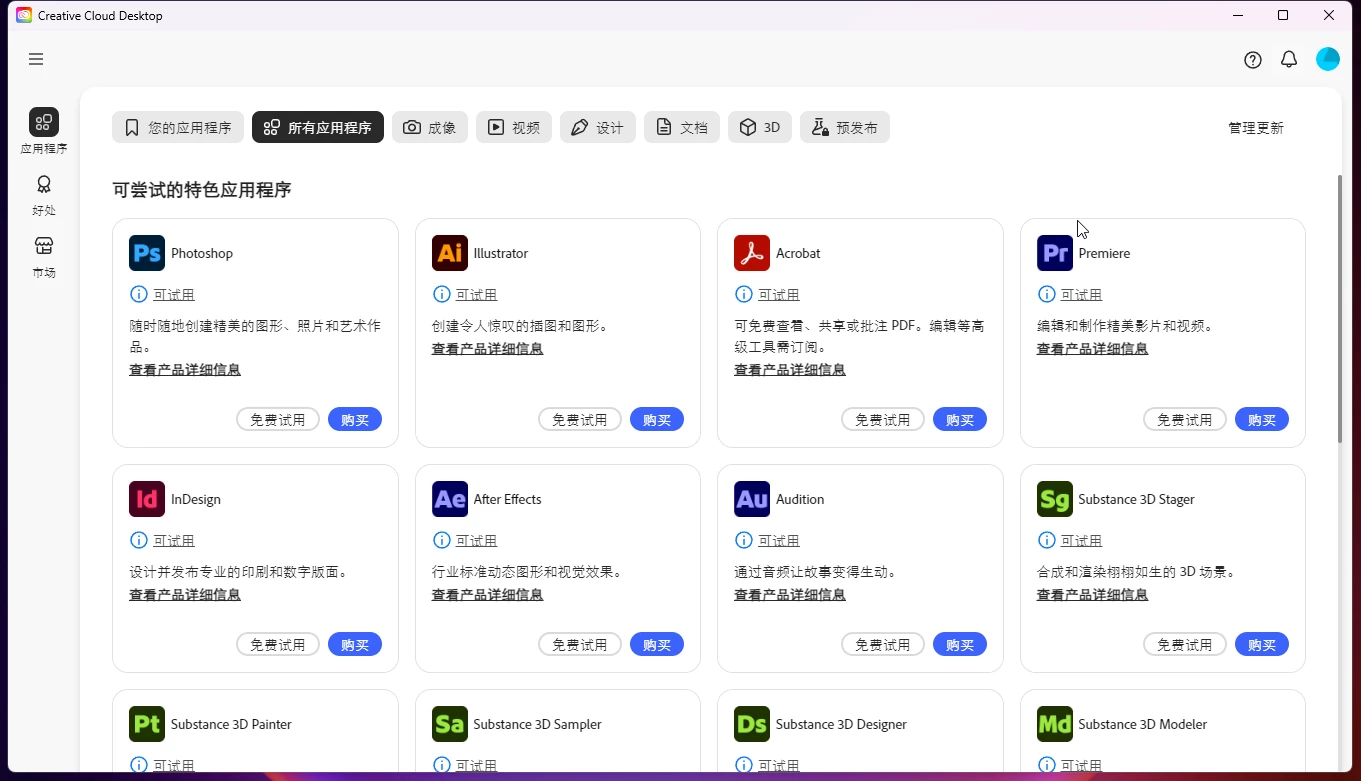
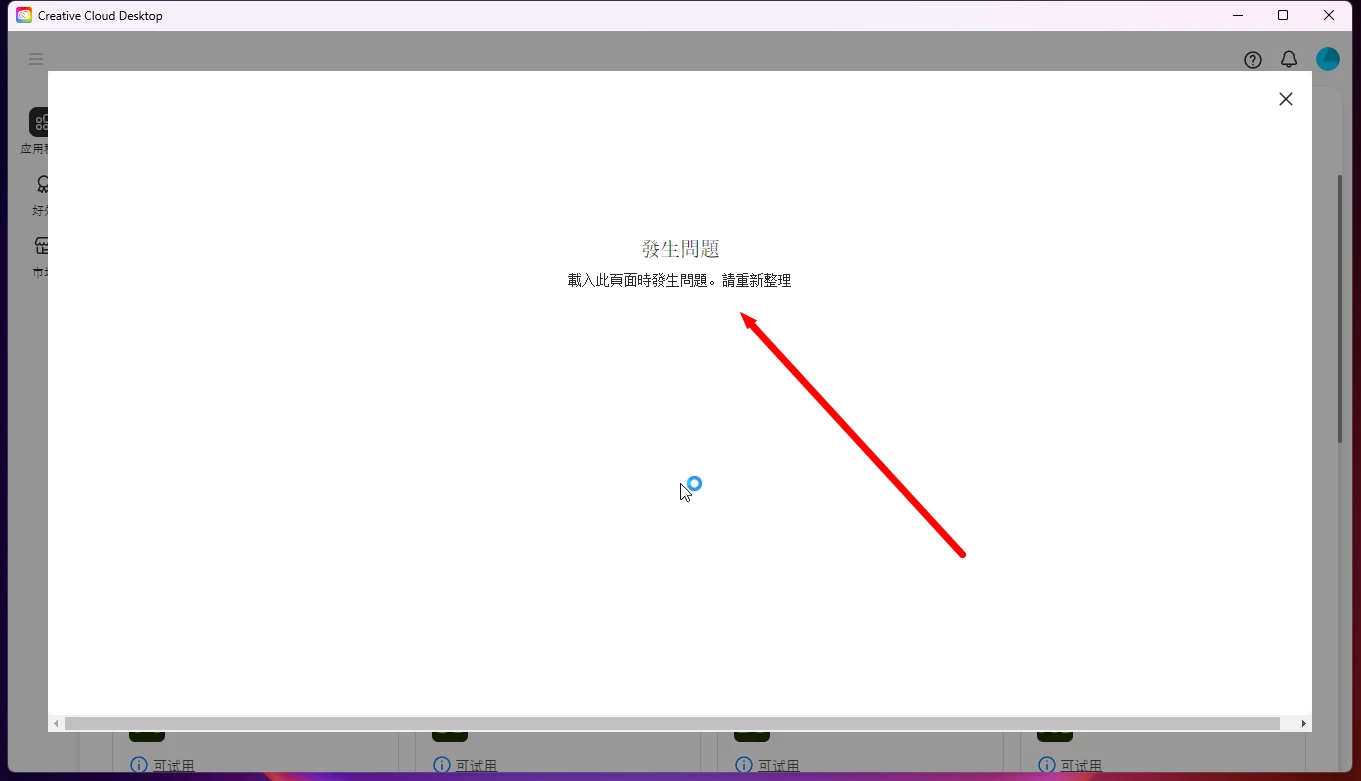
打开Creative Cloud,进入后还是不能下载,点击购买显示:發生問題 載入此頁面時發生問題。請重新整理

打开Creative Cloud,进入后还是不能下载  点击试用或者购买,提示:發生問題 載入此頁面時發生問題。
 

    kglad
    kgladCorrect answer
    Community Expert
    Oct 13, 2026 7:42 PM UTC

    @zhimaG 


    do a clean cc install:


    uninstall every cc app including preferences, https://helpx.adobe.com/creative-cloud/help/uninstall-remove-app.html 


    then uninstall the cc desktop app, https://helpx.adobe.com/creative-cloud/help/uninstall-creative-cloud-desktop-app.html 


    clean your computer of cc files per http://www.adobe.com/support/contact/cscleanertool.html 


    restart your computer (don't skip this)


    download the cc desktop app by using the links at the both of this page, https://helpx.adobe.com/download-install/apps/download-install-apps/creative-cloud-apps/download-creative-cloud-desktop-app-from-web.html 


    install the cc desktop app using an administrator account (solution 4 here, https://helpx.adobe.com/creative-cloud/kb/creative-cloud-missing-damaged.html)


    use the desktop app to install your cc programs/trials

    7 replies

    Oct 13, 2026 5:23 PM UTC

    y

    Translate
    kglad
    Community Expert
    Community Expert
    Oct 13, 2026 4:57 PM UTC

    reset the cc desktop app.

    Translate
    Oct 13, 2026 5:06 PM UTC

    ruhe 如何重置ACC桌面应用

    Translate
    leo.r
    Community Expert
    Community Expert
    Oct 13, 2026 5:10 PM UTC
    • Windows: Bring the app into focus and press Ctrl + Alt + R.
    • macOS: Bring the app into focus and press Cmd + Opt + R.
    Translate