


Adobe CC version is split after updating and Temp files are left?
My Adobe Creative Cloud has been updated to version 6.9.1.1.3, but the application details show version 6.9.0.620. The Adobe Creative Cloud folder has a date of 0604 (the update date), while other dates show 0417. I'm certain the update was successful. However, I found a new folder {F2CC7D04-9BBF-4594-A276-C575E585130B} in my C:\Windows\Temp drive, containing Adobe Creative Cloud update-related files. Using the command: `del /q /f /s C:\Windows\Temp*` also deleted the temporary data created by Adobe Creative Cloud. Did the update fail?
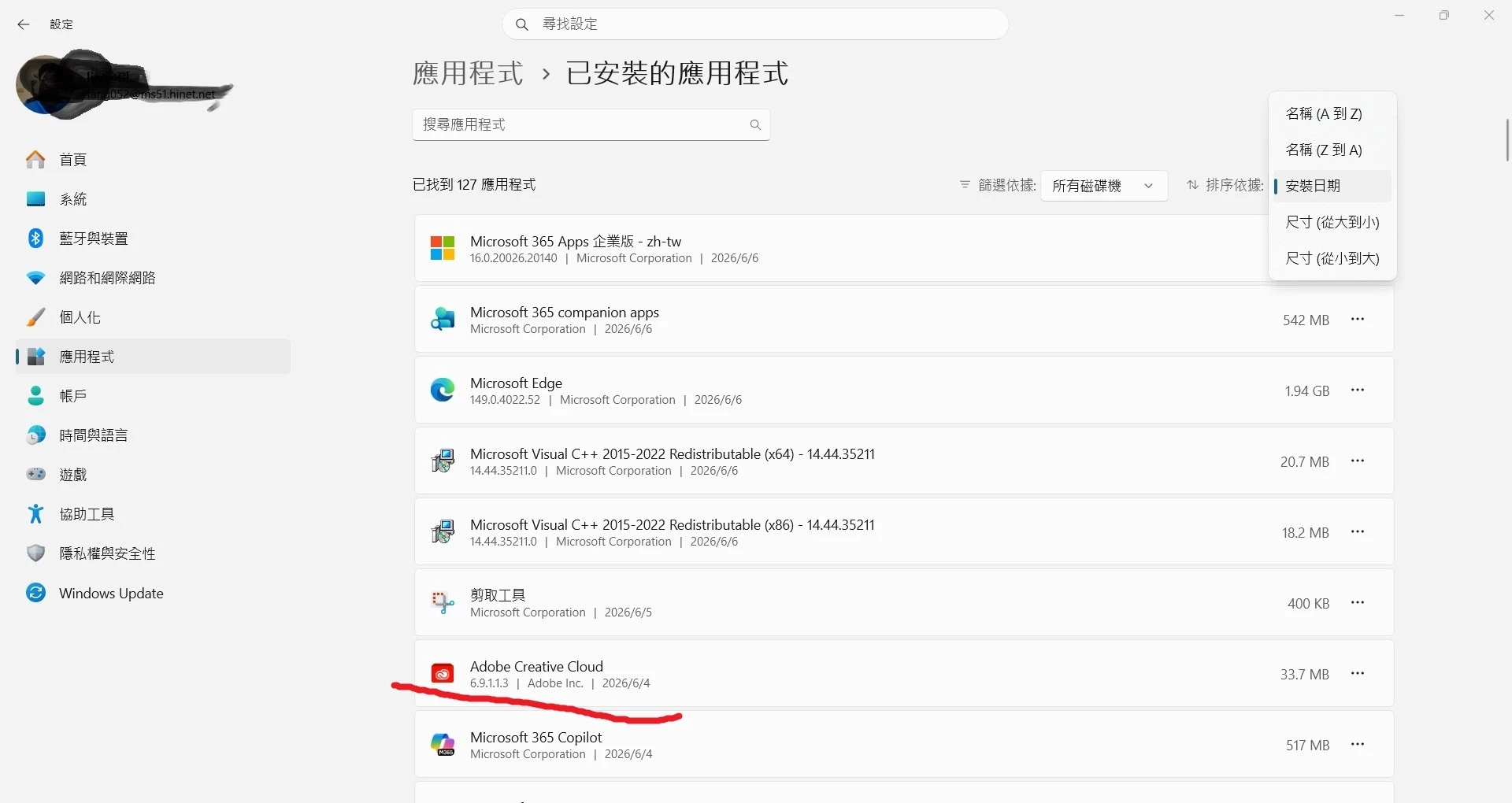
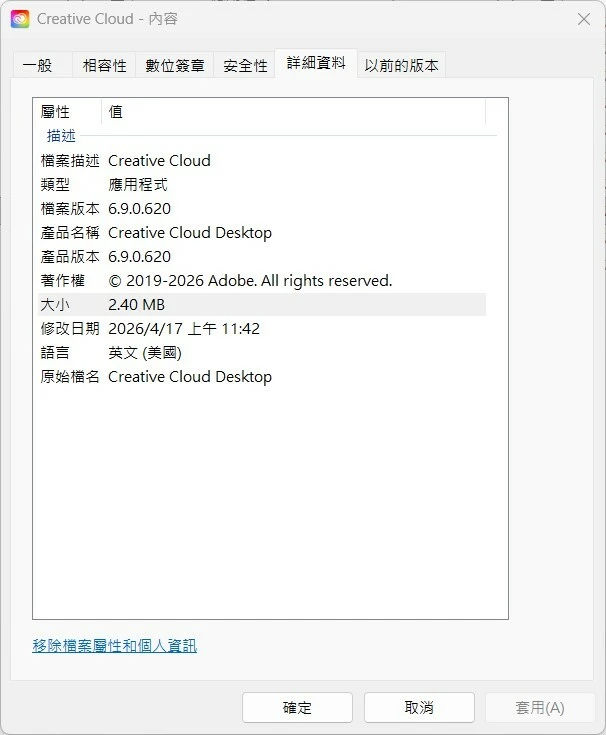

In this situation, the desktop version could be updated to 6.9.1.1.3, but the application details show version 6.9.0.620. The Adobe Creative Cloud folder shows a date of 0604 (the update date), while other dates show 0417. I've confirmed the update was successful. However, a new folder named {F2CC7D04-9BBF-4594-A276-C575E585130B} has suddenly appeared in the C:\Windows\Temp folder, containing Adobe Creative Cloud update-related files. On the desktop, I can't use the command `del /q /f /s C:\Windows\Temp*` to make it disappear automatically.
 AdChoices