


Adobe Creative Cloud 206 Server Error
Hi!
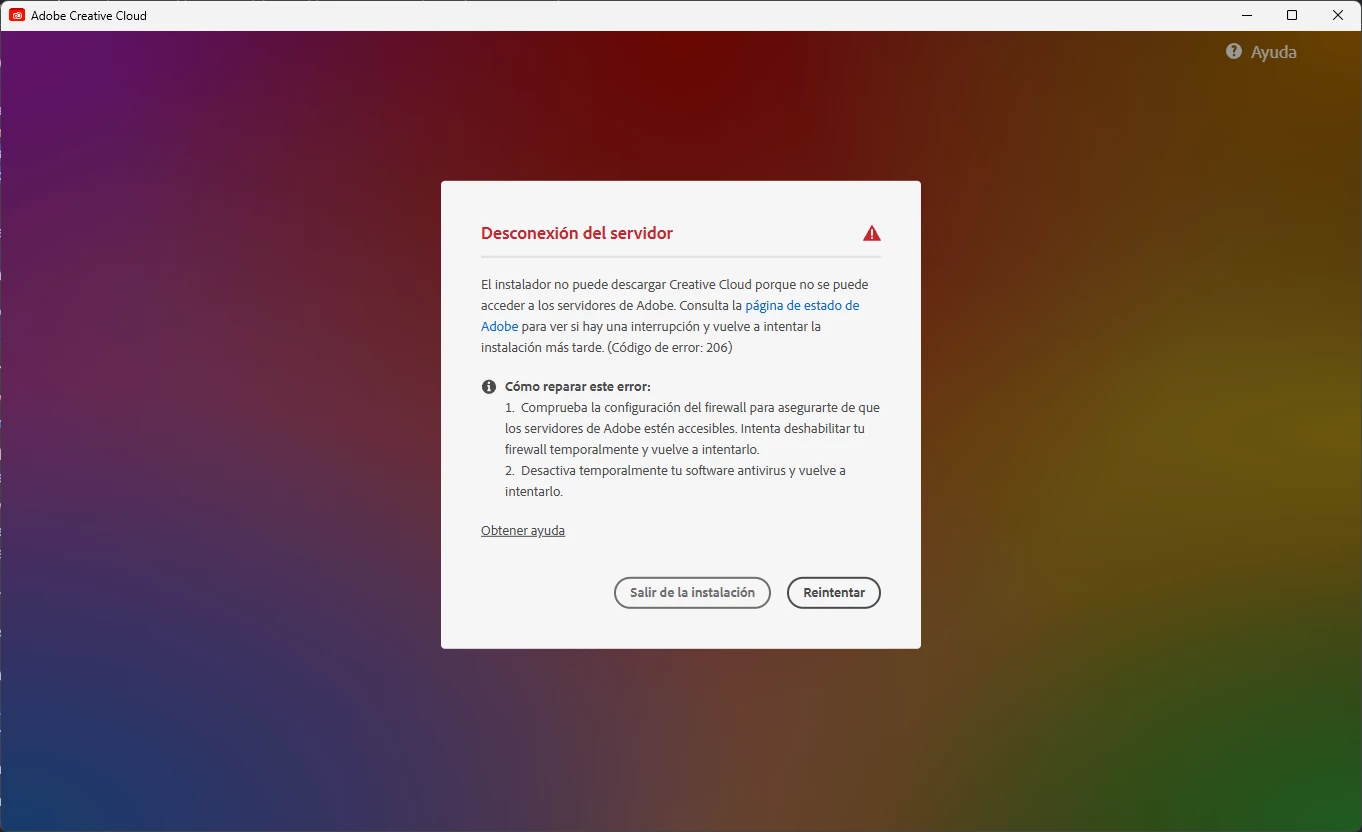
Soo, i was confused why my acc desktop app wasn’t working properly, especially “illustrator”, the reason is illustrator was closing itself when i opened last weekend, i tried to open the creative cloud app to reinstall it but it keeped saying i didn’t have internet connection. even my wifi was stable, so i just tried to uninstall the app, and go to the adobe page to get the installer back, but suddenly when i open the app and gave the uac administrative permissions, this message appeared, it was a 206 error (unable to connect the adobe servers,
I tried all of the solutions of the adobe support and they didn’t work, i checked my firewall and nothing about adobe and their apps was listed as blocked, even i turned off my antivirus (iObit Malware Fighter) and firewall to see some changes and nothing, i tried to create a rule from firewall for the ICMP ICMPv6 Entry rule from the official microsoft page, and no changes seemed to appear ( i deleted that later) and even checked the GlobalSign Root CA Certification to see if was disabled manually, and none of this fixed the error, so please i need some good solutions to fix this error.
Thanks :)
Edit: The rest of my adobe apps are working properly, (except illustrator, bridge, fresco, XD (Experience Design, and UXP tools are crashing out), and can’t log in to my adobe accuount.
 AdChoices