


Question
Adobe Fonts added in Library not added in Adobe Fonts (CC desktop) or working on any apps.
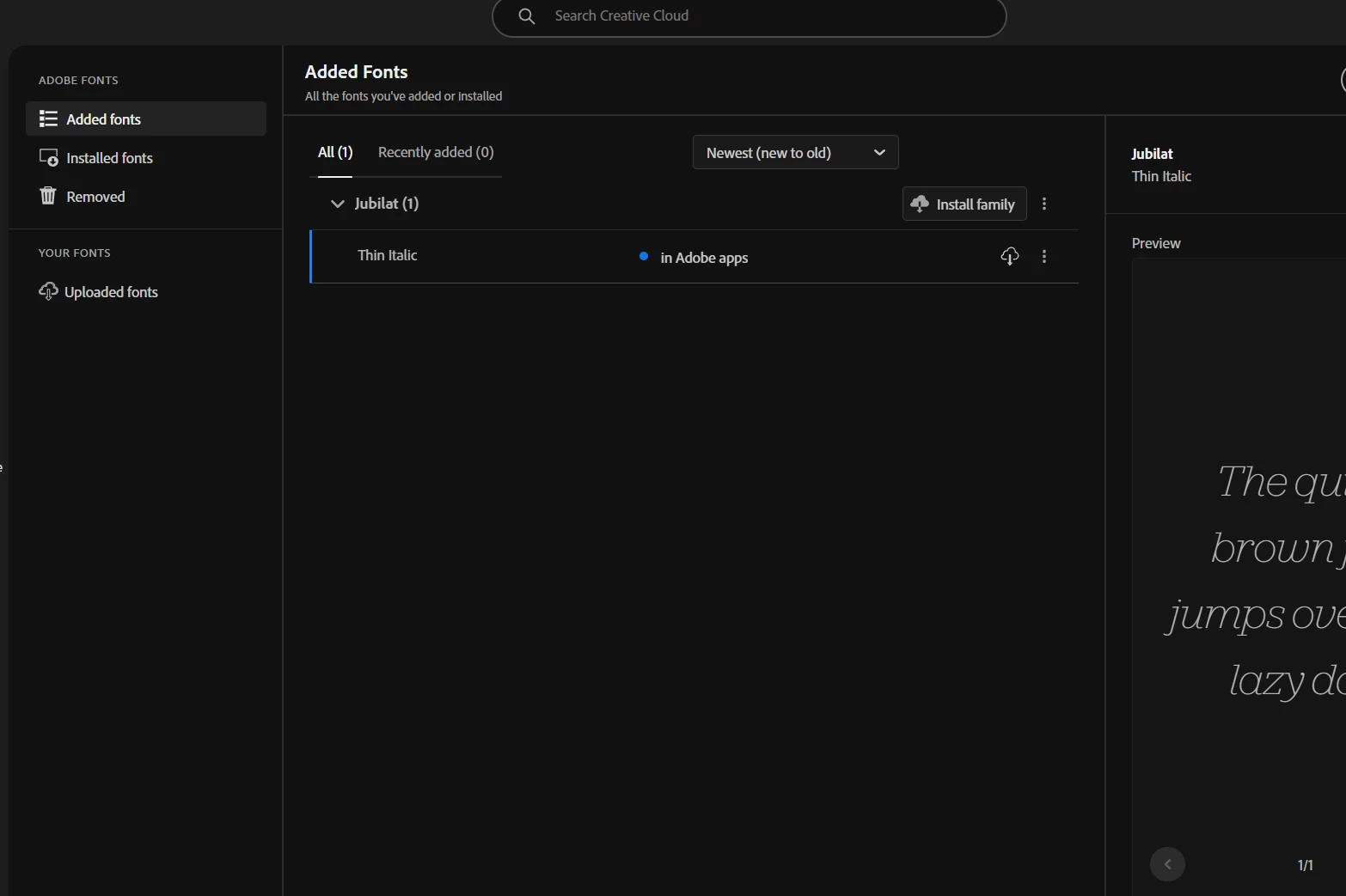
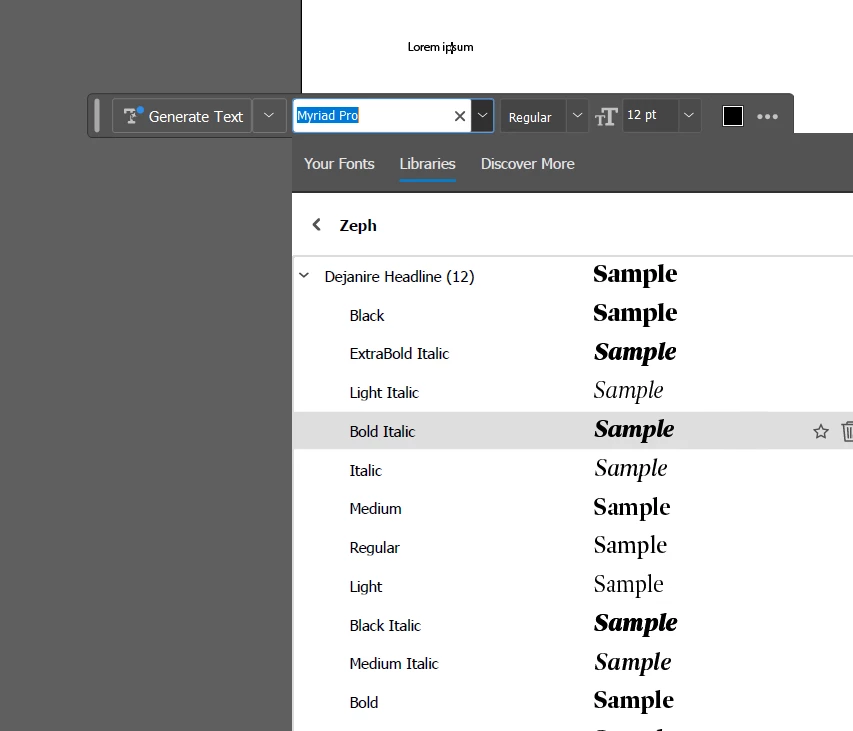
I've recently been trying to use adobe fonts for a website redesign, but it's just not working. The issue is that whenever I launch Creative Cloud Desktop everything else seems to be working except for adobe fonts, I have a library in my files (located under Files>Your Libraries,) but the fonts just sit there. These fonts are visible in library windows on various apps, but I can’t use them. When I try to get to my Adobe Fonts, only one font is there, and I can’t even install it for use. The font appears to be from my library but it’s just a random out of ~60 fonts so I think it’s just an error. Photos below as explanation:

Thank you so much for any help I might get.
 AdChoices