
Question
Adobe Fonts Not Syncing in Illustrator (Creative Cloud Desktop)
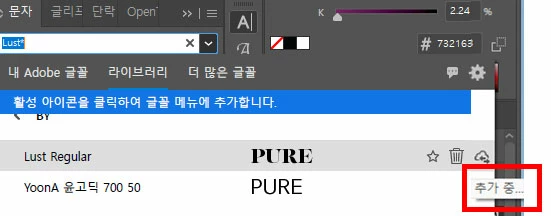
Issue: Adobe Fonts Not Syncing in Illustrator (Creative Cloud Desktop)
An issue occurs where fonts added from Adobe Fonts do not sync properly in Adobe Illustrator.
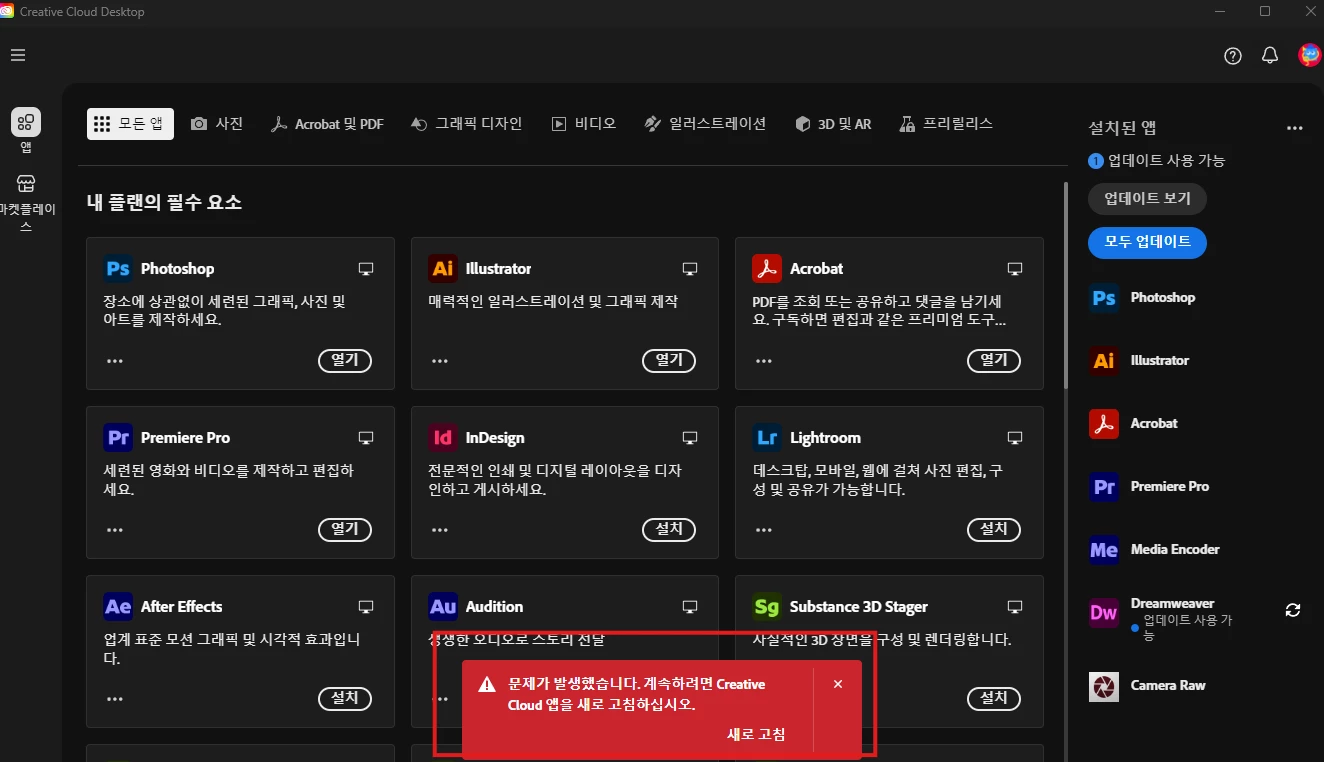
In the Creative Cloud Desktop app, the following error message appears:
“Something went wrong. Please refresh the Creative Cloud app to continue.”
After researching the issue, the following points were identified:
The problem does not appear to be caused by Illustrator itself. Fonts added via Adobe Fonts are normally expected to be available in Illustrator through Creative Cloud Desktop.
However, in Creative Cloud Desktop, the Fonts-related tab is not visible, so there is no way to manage or troubleshoot fonts within the app.
Troubleshooting Attempts
Restarted the computer
Uninstalled and reinstalled Creative Cloud Desktop


 AdChoices