



regina_laine_0517
Inspiring
August 20, 2026
Answered

Badly need help: Is anyone encountering issues with CC launcher?
  • August 20, 2026
  • 15 replies
  • 109 views
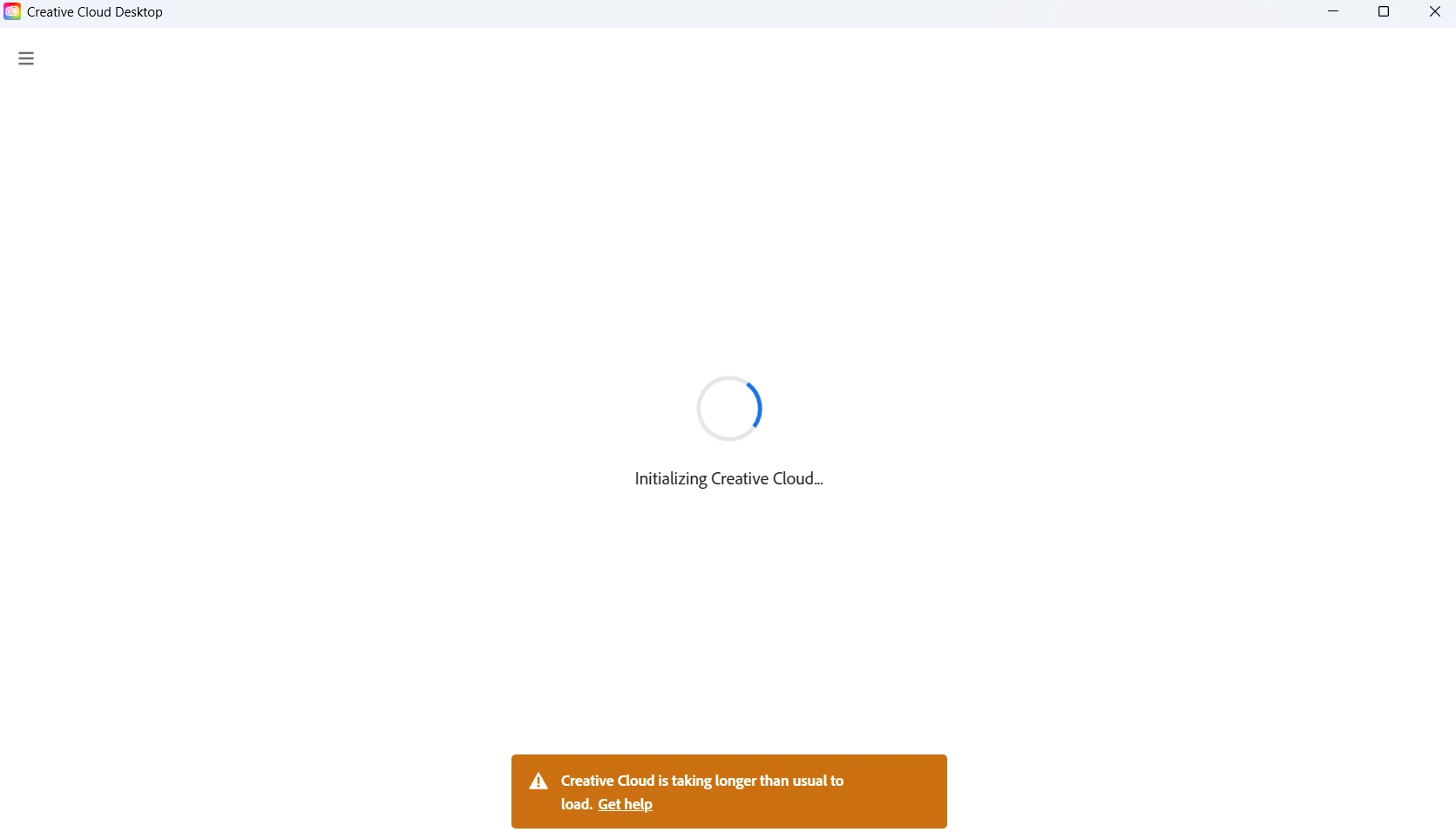
CC launcher stuck on loading screen


My CC launcher has been stuck on the loading screen every time I try to open the app. This has been going on for days.

However, my other installed Adobe apps, like Photoshop, seemed to be working before I uninstalled them. Still, I couldn't uninstall the launcher without uninstalling the other Adobe apps on my PC, so I uninstalled all the Adobe apps first, then the launcher. When I reinstalled the launcher, the problem was the same. It's stuck on the loading screen, but I can't reinstall the apps because it redirects to the launcher, which is stuck loading.

Now I don't have a working launcher, and I don't have my Adobe apps either. Please, if anyone knows how to fix this problem, leave a comment below. I use Adobe every day for work.

Thank you for any advice! 💔

Correct answer regina_laine_0517

On my end, I finally got the answer that it was my internet provider that has a problem cause I tried launching Adobe CC at my friend’s house and it loaded smoothly. 😓

15 replies

Participant
August 24, 2026

I’m having the same issue. Did anything work?

regina_laine_0517
regina_laine_0517AuthorCorrect answer
Inspiring
August 25, 2026

On my end, I finally got the answer that it was my internet provider that has a problem cause I tried launching Adobe CC at my friend’s house and it loaded smoothly. 😓

Participant
August 28, 2026

Mine did too! What I do now is connect first with my backup internet and launch CC once it’s open I switch back to my main connection to use it through the day 😅

leo.r
Community Expert
Community Expert
August 20, 2026

Try to reset the Creative Cloud app: when it’s open, press Ctrl + Alt + R on Windows or Cmd + Opt + R on Mac.

regina_laine_0517
Inspiring
August 20, 2026

I tried this but it’s still stuck on the loading screen.

leo.r
Community Expert
Community Expert
August 20, 2026