


Participant
July 18, 2026
Pergunta

Beta apps Not Showing

  • July 18, 2026
  • 3 respostas
  • 66 Visualizações

I’ve tried all the fixes that I could find online. I’ve reset my creative cloud, I’ve logged out and back in, I’ve used incognito mode, I’ve uninstalled and reinstalled, none of it changed anything. Absolutely no beta apps show on my creative cloud app and everything but Photoshop beta shows on web, even in incognito mode. I bought my own account through the student discount, there is absolutely no institution connected to my account. I don’t know if it changes anything but I have a MacBook. I’d greatly appreciate any help.
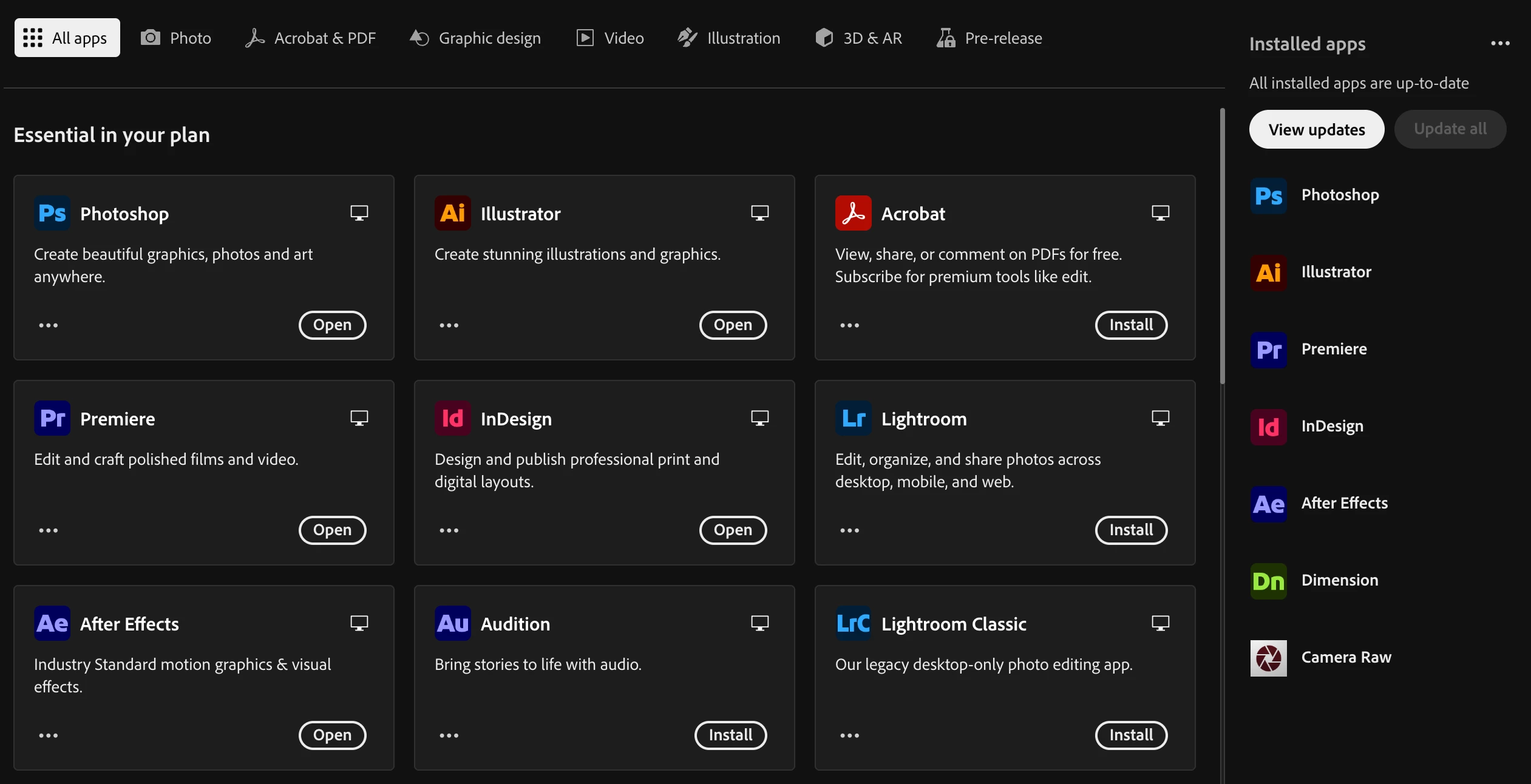
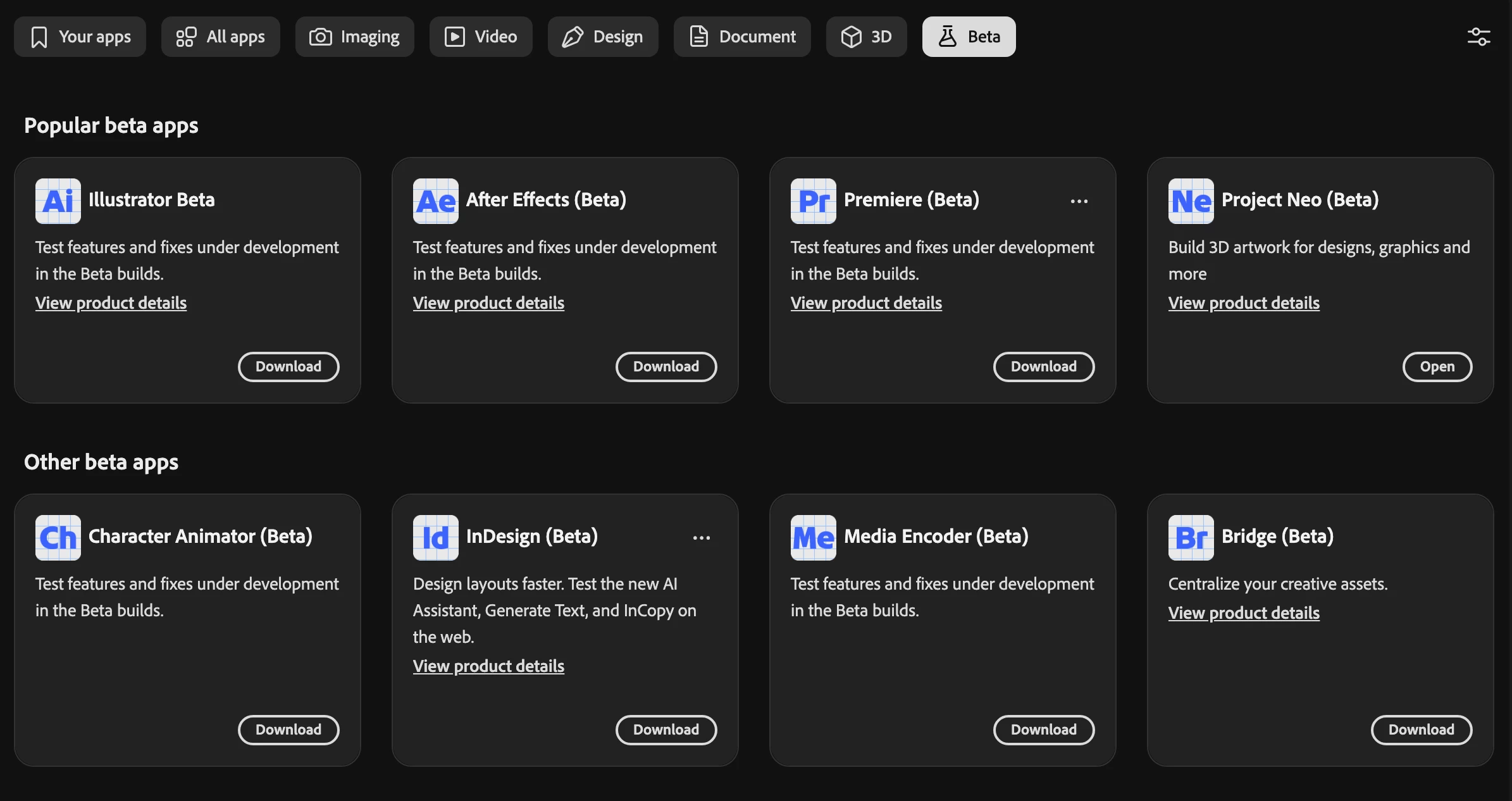
this is what i see on the creative cloud application
this is what i see on the web version + in incognito mode


    3 Respostas

    jane-e
    Community Expert
    Community Expert
    July 19, 2026

    @kairij 


    Have you tried the steps on this help page?

    https://helpx.adobe.com/creative-cloud/apps/troubleshoot/known-and-fixed-issues/beta-apps-unavailable-creative-cloud-desktop-app.html

    We’re aware that the first step does not apply.


    Jane


    davescm
    Community Expert
    Community Expert
    July 18, 2026

    What version of the CC app are you using?
    Dave

    M. Ufuk Korkusuz
    Participating Frequently
    July 18, 2026

    That’s odd. The fact that it doesn’t appear in either the Creative Cloud app or on the web makes me think this probably isn’t an installation issue.

    One thing I’m wondering has Photoshop Beta ever shown up on this account, or has it always been missing? Also, are you able to install the other beta apps normally, or is Photoshop Beta the only one that’s missing?

    If it’s only Photoshop Beta, it could be something specific to your Adobe ID rather than your Mac..!

    Typography • Type Design • Illustrator Scripting • Open Source