



Question
Can't change to Hardware rendering at Media Encoder
When rendering a Premiere Pro project, trying to change de “Performance” option to “Hardware Encoding” is not possible as it is greyed out at “Software Encoding”
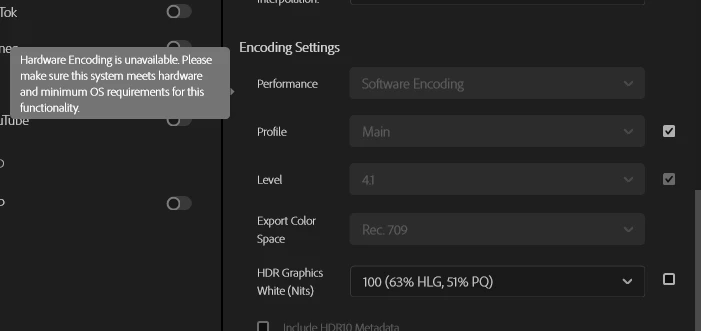
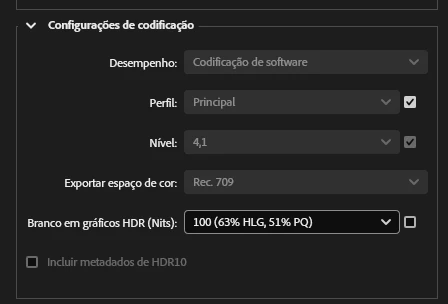
I have tried Main profile with 4.1 and 4.2 levels as sugested by searches, but none of the combinations of profile and level seems to enable it.
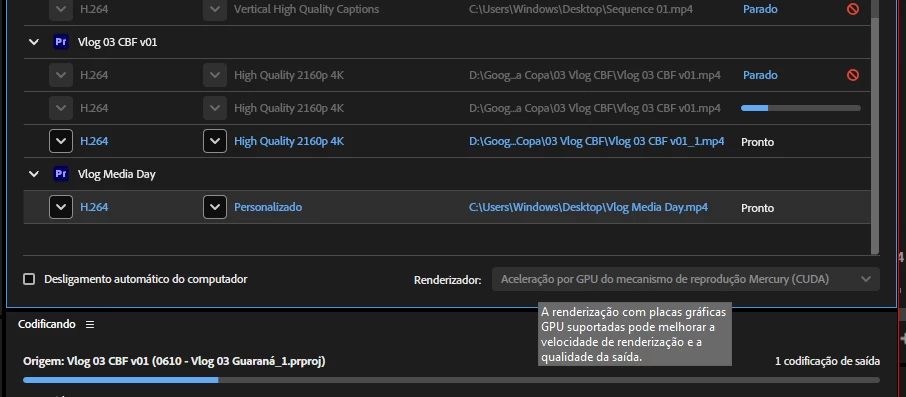
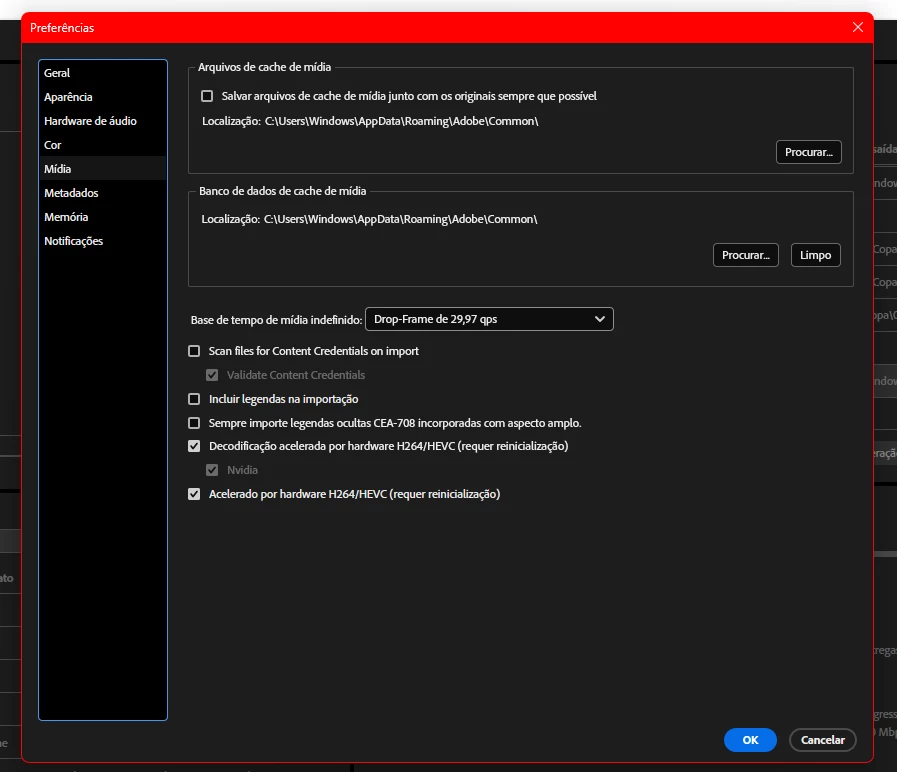
This happens both on Media Encoder and Premiere Pro
I have a Nvidia 4060ti GPU, latest Studio Drivers, CUDA Toolkit instaled (I even did a gpu driver clean install with ddu), reinstalled premiere and media encoder, and nothing seems to change this.
I can still use render with nvenc through ffmpeg, wich tells me that the problem might not be the GPU itself.
How can I solve this?
 AdChoices