


Question
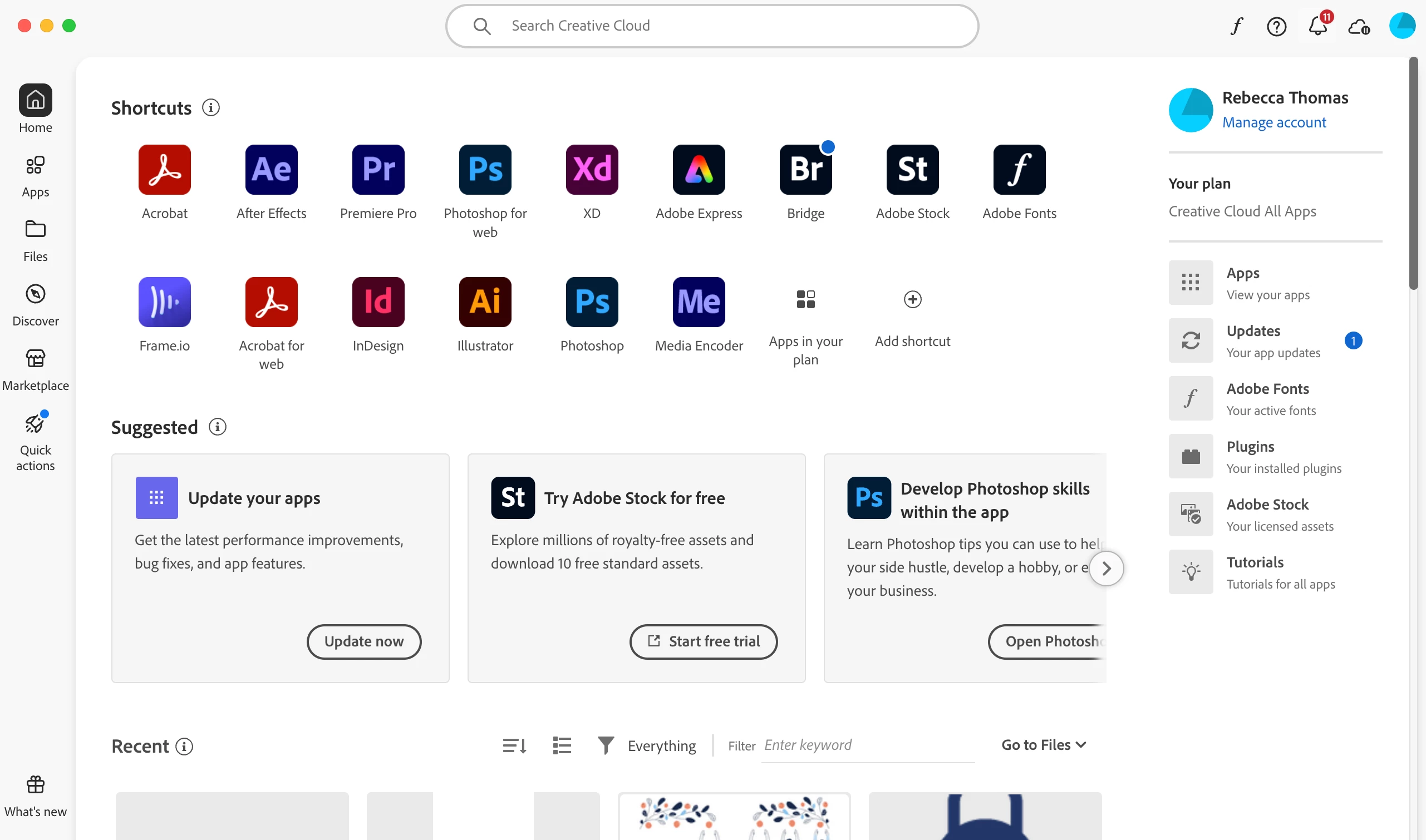
Can't find gear icon in adobe creative cloud desktop app
Hi. I'm trying to sign out of my personal account and in to my school account on my desktop. All of the advice on here says to click on the 'gear icon' in the top right hand corner, go to preferences and change account from there.
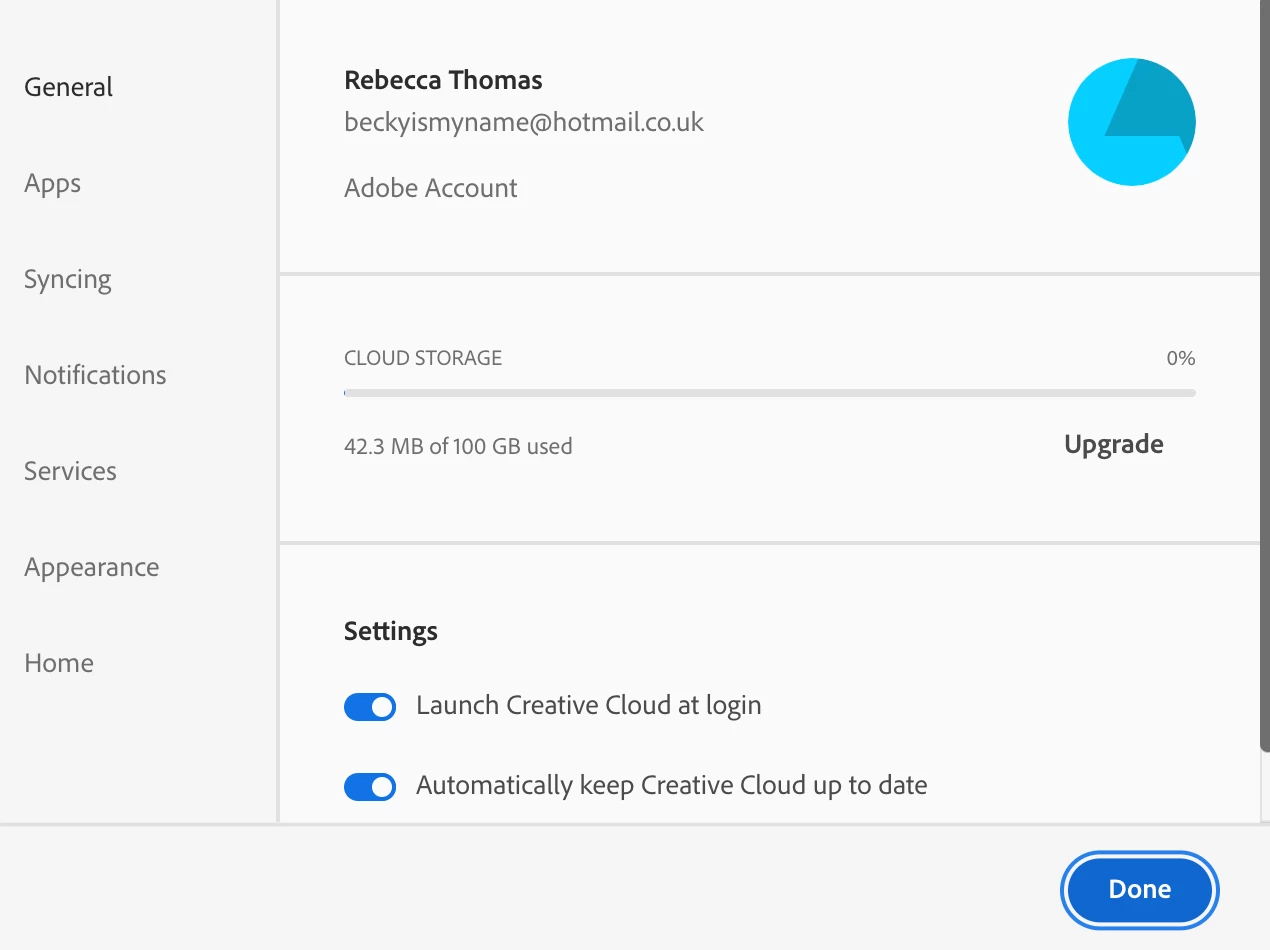
I can't see a gear icon though. I can find preferences by clicking on my profile icon but 'sign out' isn't an option.
Clicking on 'Adobe Account' takes me to the Adobe website and if I sign out and in to the school account through there it doesn't change the profile in Creative Cloud.
Any ideas?
 AdChoices