Participant
Jul 17, 2024 11:04 PM UTC
Question

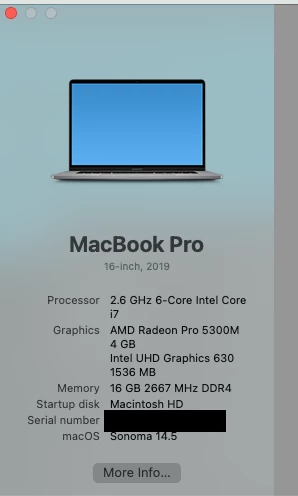
Can't uninstall InDesign 2023 from Macbook Pro

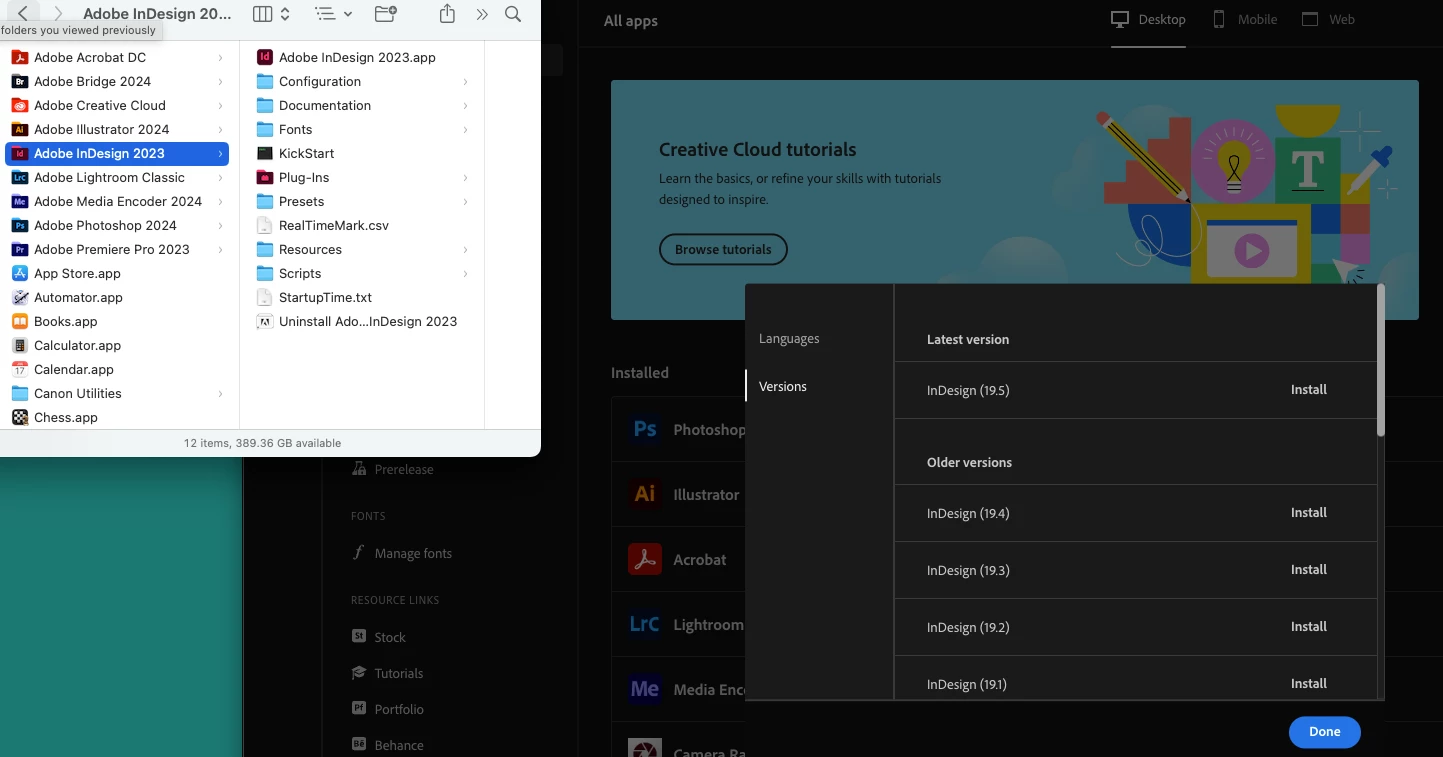
I am trying to uninstall an old version of InDesign (2023) on a Macbook Pro. I am using the uninstall link within the applicatations folder, I get the notificaiton from the Creative Cloud app about preferences (to keep or remove) and I can see it says it is uninstalling but the application is still on my hardrive.

Within the CC app it says I have no versions of InDesign installed... but I do!

How can I remove this old version? Has anyone else had this issue?
This topic is closed to new replies. Start a new post to keep the conversation going.

5 replies

kglad
Community Expert
Community Expert
Jul 18, 2024 1:10 AM UTC

<moved from cc desktop bugs>

Translate
Participant
Jul 18, 2024 2:21 AM UTC

Thanks but I have tried that and still doesn't work.... 

Translate
kglad
Community Expert
Community Expert
Jul 18, 2024 1:10 AM UTC

use the cc desktop app to reinstall the version you want to uninstall (to restore the uninstaller).  then use the cc desktop app to uninstall.


https://helpx.adobe.com/creative-cloud/help/uninstall-remove-app.html

Translate
Participant
Jul 18, 2024 2:21 AM UTC

I've tried that and still doesn't work... 

Translate
kglad
Community Expert
Community Expert
Jul 18, 2024 2:38 AM UTC

what part failed?

Translate