


Participant
December 2, 2024
Answered

Cannot open Creative Cloud Applications | reference code 109

  • December 2, 2024
  • 10 replies
  • 1838 views

Hi!

I am currently experiencing an issue with my Creative Cloud applications: I cannot open them, as an error message appears each time. This happens with other applications too but as an example, I am using InDesign.

The following message is displayed:
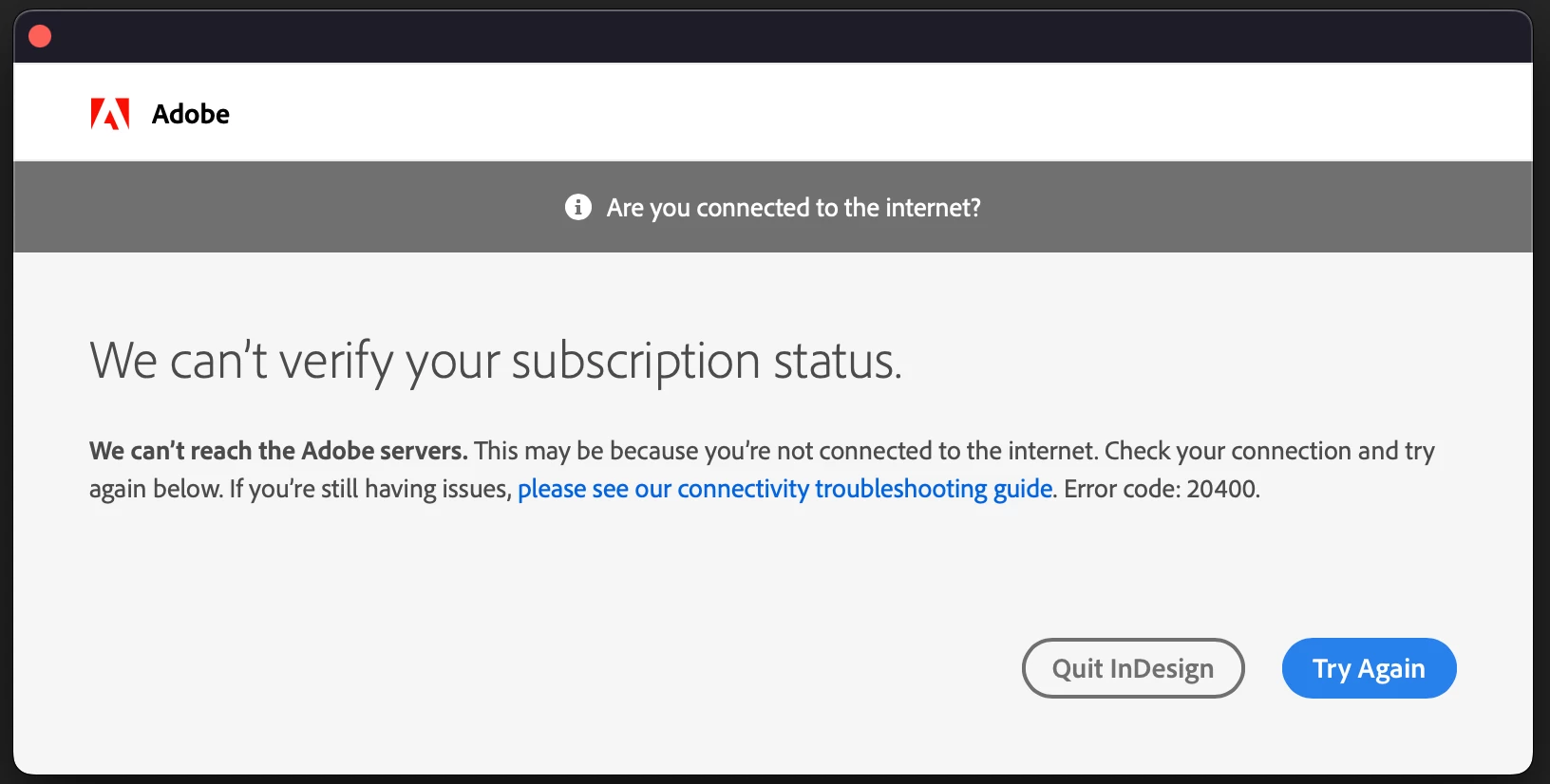
Since I am connected to the internet (mobile works just fine), I clicked on "Try Again" and then received this error message:
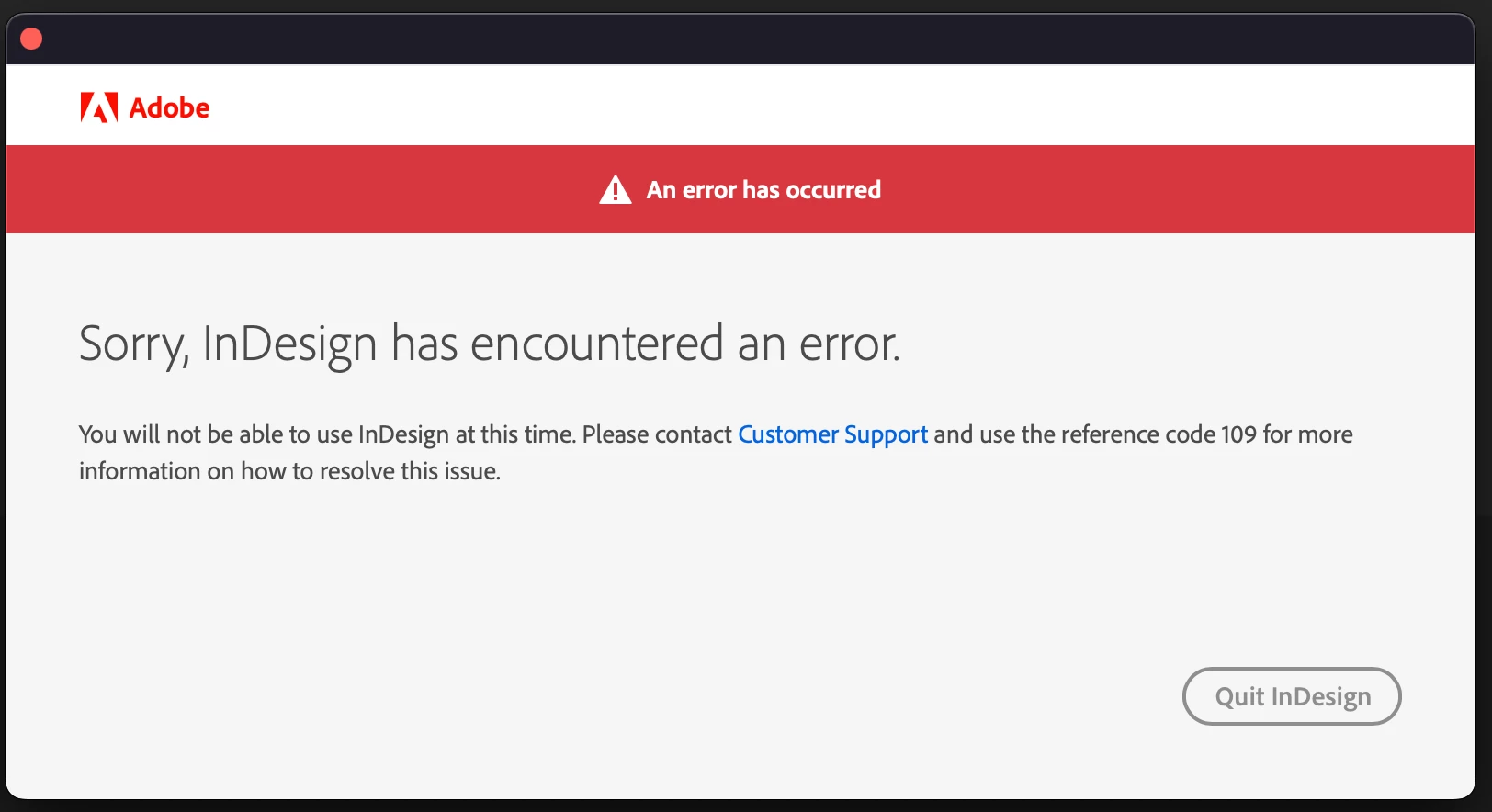
I've looked online but I've found nothing to the reference code 109. 

I've already uninstalled all of my Creative Cloud Apps and reinstalled the Creative Cloud Client, but the error message remains the same.


Funny enough I can open the Photoshop app on my iPad and it works without a problem or any error messages.


I am on Mac and my current system is Sequoia 15.1.1

InDesign is version 20.0.1


Does anyone have an idea how to solve the problem or know what I can do?


Kind regards

 

This topic has been closed for replies.
Correct answer kglad

contact adobe support via chat.  there are 2 ways to contact adobe support; chat and twitter (now x):

chat:
if you have or want to purchase a subscription, use a browser that allows popups and cookies
and click here, https://helpx.adobe.com/contact.html?rghtup=autoOpen
in the chat field (lower right), type AGENT
be patient, it can take quite a while to reach a human.

twitter/x:
tweet @AdobeCare

p.s. if you're contacted by anyone (via email or private message), it's much more likely to be a scammer than an adobe representative.

10 replies

kglad
Community Expert
kgladCommunity ExpertCorrect answer
Community Expert
December 5, 2024

contact adobe support via chat.  there are 2 ways to contact adobe support; chat and twitter (now x):

chat:
if you have or want to purchase a subscription, use a browser that allows popups and cookies
and click here, https://helpx.adobe.com/contact.html?rghtup=autoOpen
in the chat field (lower right), type AGENT
be patient, it can take quite a while to reach a human.

twitter/x:
tweet @AdobeCare

p.s. if you're contacted by anyone (via email or private message), it's much more likely to be a scammer than an adobe representative.

Participating Frequently
December 5, 2024

BTW my firewall is passive

Participating Frequently
December 5, 2024

I also checked everything in the link, and also log in with a different Adobe Account and still I get the same error messages. I kinda gave up. Really don't know what to do try more?

kglad
Community Expert
Community Expert
December 4, 2024

no.  do you have a firewall?


up-to-date default non-opera browser?

Participant
December 4, 2024

I checked everything in the link, especially the hosts files. It still doesn't work.

btw. when I log in with a different Adobe Account I get the same error messages.

Should I try the CC Cleaner?

kglad
Community Expert
Community Expert
December 4, 2024

solutions are going to vary from person to person.  eg, sooner or later someone will say the cc cleaner solved their problem (which simply means they didn't check their hosts file).

Participating Frequently
December 4, 2024

Hi. I got the same issue. I've worked on it for days now. Did you solve your problem?

kglad
Community Expert
Community Expert
December 3, 2024

then check the more basic stuff like firewalls and hosts file, https://helpx.adobe.com/x-productkb/policy-pricing/activation-network-issues.html

Participant
December 3, 2024

Hi, I already updated my mac OS and my cloud applications. What else should I update? 

I changed my default browser Safari to Firefox but I am still getting the same error message.

kglad
Community Expert
Community Expert
December 2, 2024

update and change your default browser.