


67martin
Inspiring
November 9, 2023
Answered

CC fonts

  • November 9, 2023
  • 4 replies
  • 522 views

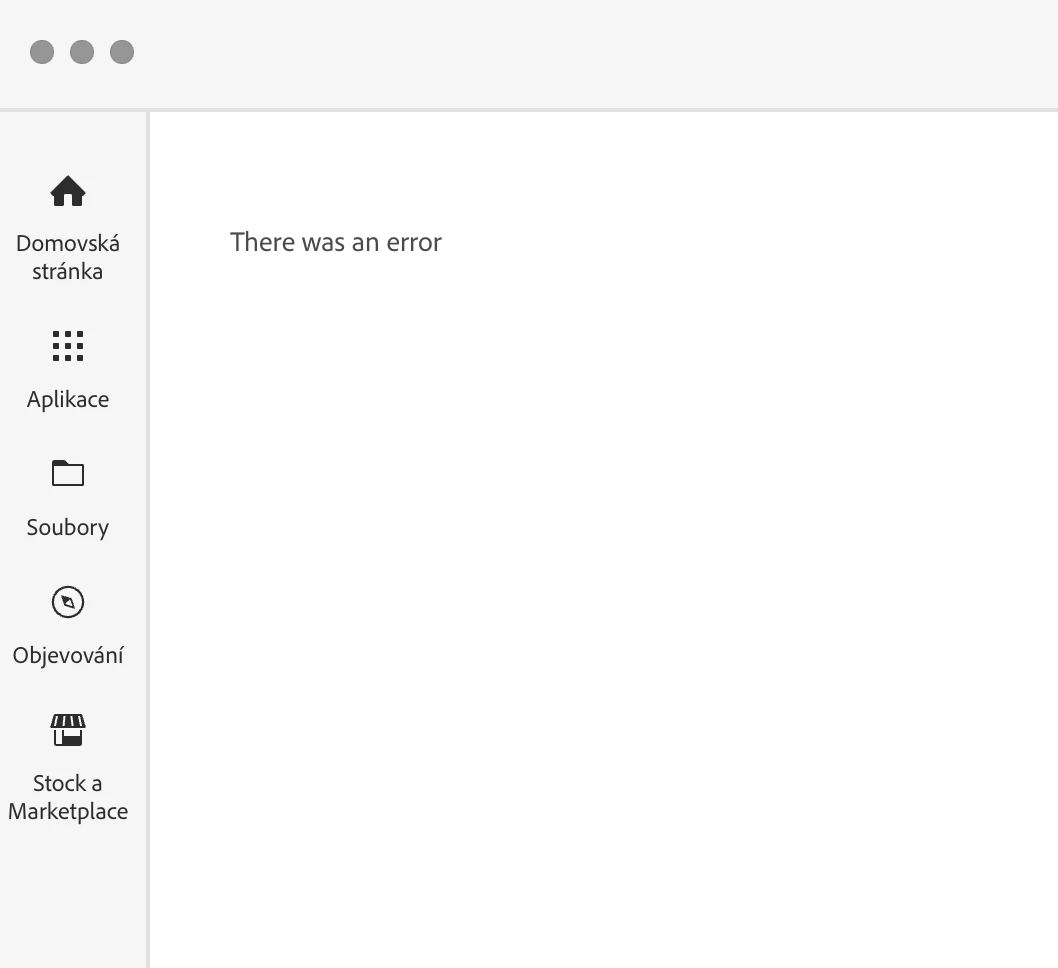
Hi, I can't see the fonts used in the CC app. It reports this:
 

This topic is closed to new replies. Start a new post to keep the conversation going.
Correct answer kglad

reset the cc desktop app by making sure it's in the foreground, then press:

Win: Ctrl + Alt + R
Mac: Cmd + Opt + R

4 replies

jane-e
Community Expert
Community Expert
November 9, 2023

@67martin 


I've moved your post from Creative Cloud Desktop to Adobe Fonts for you.


Did you try signing out, then signing back in?


Jane

kglad
Community Expert
kgladCommunity ExpertCorrect answer
Community Expert
November 9, 2023

reset the cc desktop app by making sure it's in the foreground, then press:

Win: Ctrl + Alt + R
Mac: Cmd + Opt + R

67martin
67martinAuthor
Inspiring
November 9, 2023

Great, thanks!

