



Jeffery.Wright
Inspiring
January 11, 2024
Answered

Creative Cloud desktop - What is it good for?

  • January 11, 2024
  • 3 replies
  • 1365 views

Besides constantly failed installations? 
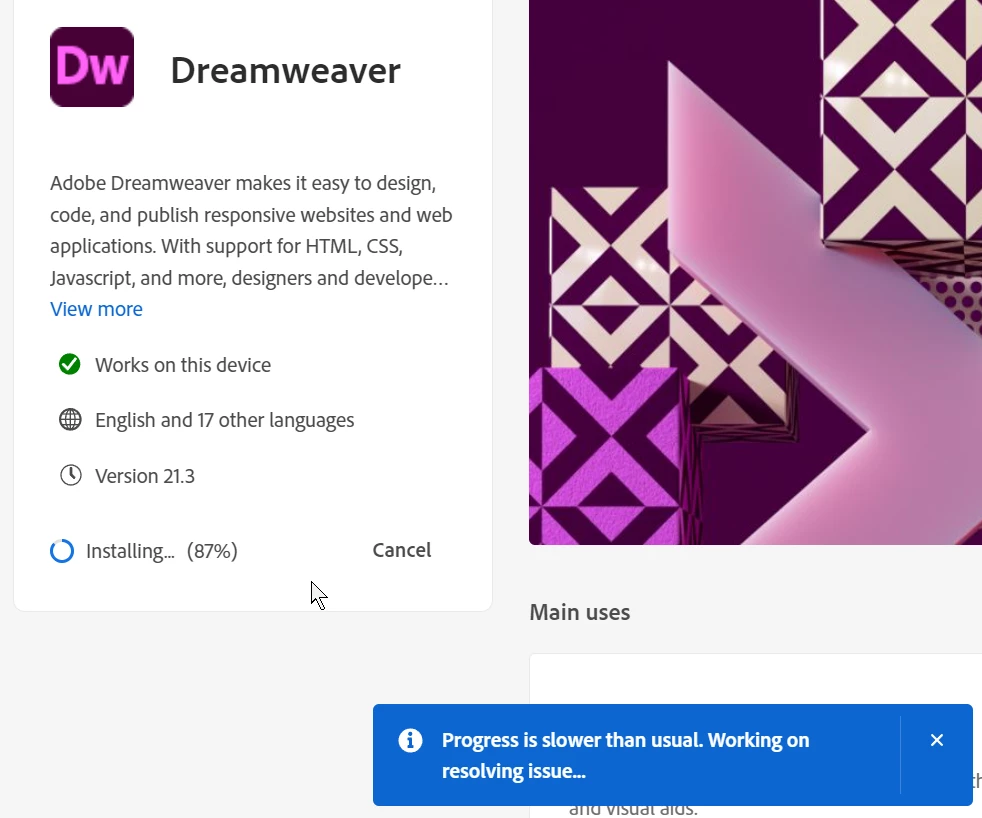


Stuck at 87%, can't anyone sort out this time wasting charade once and for all? 


Maybe I can download it directly and install it manually from adobe.com...
 

d'oh:
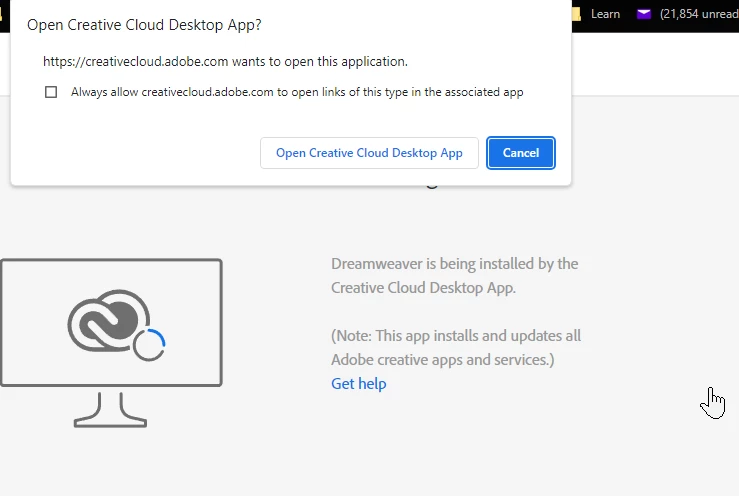


Note, I cancelled the Creative Cloud desktop install, can anyone explain that nonsense from the adobe site?


Dreamweaver 2021 closes itself after a few minutes of use, because of course it does. 


Also, why when I 'X' out of CC, instead of exiting the program, it just hides, lurking in the taskbar? Why doI have to open that Taskmanager and manually shut down the dozens of resource hogging processes, there? 


As a customer I have come to loathe the Adobe experience, as a stockholder I am very concerned about this comedy of errors that chases away new customers. Share price still well below $700 and still no dividend? No wonder. 


Why don't Adobe products simply work? 


Correct answer Jeffery.Wright

The only 'solution' was to stop my entire workflow, shutdown all my projects and reboot my machine. This is not acceptible, why can't Adobe get their system sorted out so their customers can deliver work to their clients without having to deal with this nonsense? 

Better yet, let us install the programs manually outside of CC so we can carry on, why not? Again, what specific good does CC Desktop do for anyone?


Thanks. 

3 replies

Participant
April 13, 2024

Just replying to agree with the CC background process part. This has been an ongoing issue for YEARS and the "update" doesn't seem to be doing much either. CC totally slows down my mac and makes it lag to a point where it's not usable anymore, and all I have running is safari and gmail because the background processes won't stop running even after ending the tasks with the task manager.
I don't understand why adobe (or the developers) turn a blind eye to this problem despite there being so many community discussion posts and complaints about it. This is truly unacceptable and the customers should not need to spend so much time finding a "workaround" for it while paying to use every part of the service-- the apps, the cloud storage, etc..

kglad
Community Expert
Community Expert
April 13, 2024

post in the cc desktop ideas forum 

Kalvyn Rasquinha
Community Manager
Community Manager
January 13, 2024

Hi @Jeffery.Wright , can you collect and upload a log file when you run into the installation error with Dreamweaver? Please share the full uploaded logfile name here. Instructions to collect the logs: https://helpx.adobe.com/creative-cloud/kb/cc-log-collector.html

Jeffery.Wright
Jeffery.WrightAuthorCorrect answer
Inspiring
January 25, 2024

The only 'solution' was to stop my entire workflow, shutdown all my projects and reboot my machine. This is not acceptible, why can't Adobe get their system sorted out so their customers can deliver work to their clients without having to deal with this nonsense? 

Better yet, let us install the programs manually outside of CC so we can carry on, why not? Again, what specific good does CC Desktop do for anyone?


Thanks. 

kglad
Community Expert
Community Expert
January 12, 2024

the cc desktop app is used to install adobe apps.  bypassing it opens you to errors from incorrect installation (like you're seeing).

Jeffery.Wright
Inspiring
January 12, 2024

Using the desktop app is what is leading to these errors, I have not bypassed it. There is no way to bypass it.

So again, what exactly is the Creative Cloud desktop good for if all it produces are these issues, which stop anyone from getting any work done? What is the benefit of this system over simply downloading the programs and activating them to ones account?

Thanks. 

kglad
Community Expert
Community Expert
January 12, 2024

if you're loading dreamweaver using your cc desktop app and having that problem:


reset the cc desktop app by making sure it's in the foreground, then press:

Win: Ctrl + Alt + R
Mac: Cmd + Opt + R


if that fails, repair per https://helpx.adobe.com/download-install/kb/creative-cloud-install-stuck.html


if that fails and you have windows, open your control panel > add/remove programs > cc desktop app > repair

if that fails, uninstall using the correct uninstaller from https://helpx.adobe.com/creative-cloud/help/uninstall-creative-cloud-desktop-app.html#sa_src=web-messaging and then reinstall using*


if that fails, do a clean cc install carefully following each applicable step:

uninstall every cc app including preferences per https://helpx.adobe.com/creative-cloud/help/uninstall-remove-app.html

then uninstall the cc desktop app, again using the correct uninstaller per https://helpx.adobe.com/creative-cloud/help/uninstall-creative-cloud-desktop-app.html#sa_src=web-messaging

clean your computer of cc files per http://www.adobe.com/support/contact/cscleanertool.html

check for, and if available, update your os

if windows is your os, repair all ms visual c++ versions that can be repaired (use google if you don't know how to do this)

if windows is your os update your ms visual c++, if it can be updated (use google if you don't know how to do this)

restart your computer (don't skip this)

reinstall the cc desktop app using the "alternative download links" at the bottom of the page at https://helpx.adobe.com/download-install/kb/creative-cloud-desktop-app-download.html

use the desktop app to install your cc programs/trials

NOTE: win 11 users that have trouble with the latest win 10 installer often have success with the older win 10 installer.