



Question
Creative Cloud is showing my installed desktop apps as 'available in your plan'
My apps panel is showing half of my installed desktop apps as 'available'. On my computer (iMac) I have all of the below installed, (except lightroom), and this is what is shows me - so I don't know if updates are coming through.
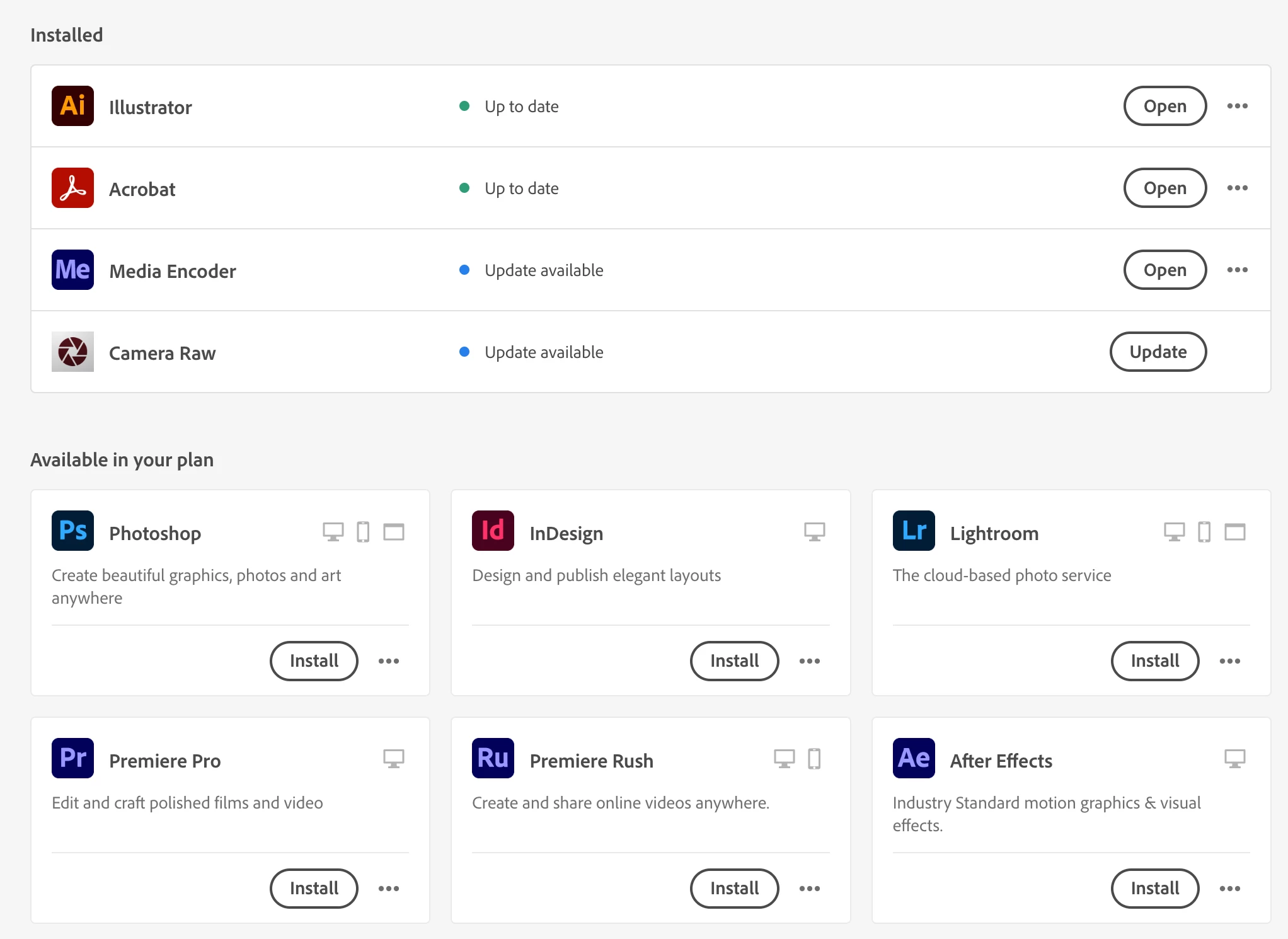
I don't know how long it has been like this, and I tried troubleshooting using this article https://helpx.adobe.com/au/creative-cloud/kb/apps-panel-reflect-creative-cloud.html
which did nothing.
I am on a iMac (Retina 5K, 27 inch, late 2014) running macOS Big Sur.
Adobe Creative Cloud version 5.11.0.522.1
Anyone else expereincing this issue or know of a solution? Many thanks!
 AdChoices