



Answered
Duplicate "Creative Cloud" in macOS Login Items
I was reviewing my Login Items in macOS System Settings and noticed I have both "Adobe Creative Cloud" and "Creative Cloud" listed as separate items allowed to run in the background. Since there is only one main Creative Cloud app, why are there two separate entries here?
Additionally, I am seeing entries for both "Adobe Acrobat" and "Adobe Acrobat Reader DC," as well as a generic "Adobe Inc." item.
I understand that background processes are necessary for things like syncing and updates, but this feels redundant. Is this expected behavior, or is it possible I have leftover items from old installations that need to be cleaned up?
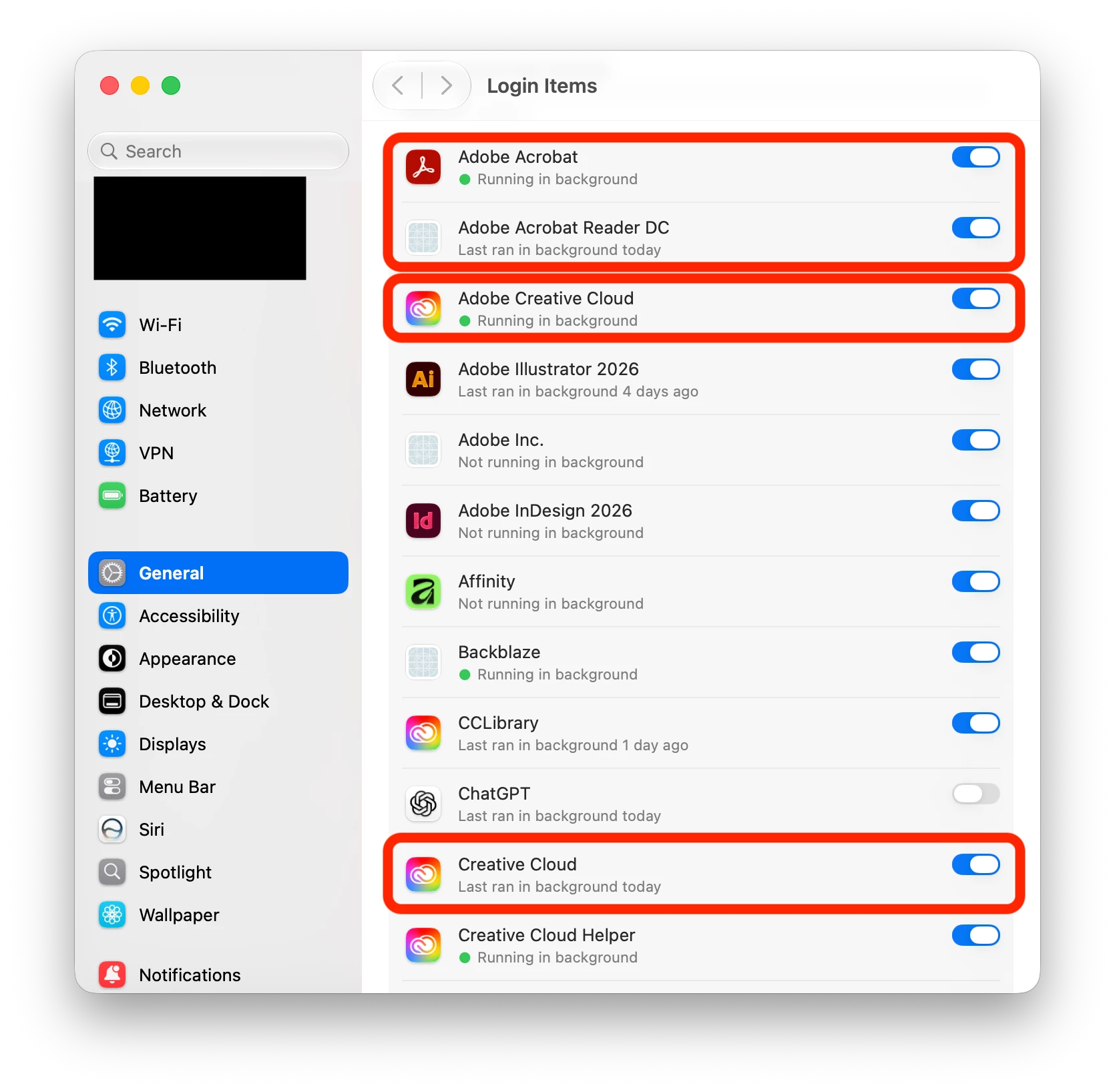
macOS and Adobe are updated to the latest as of this post.

 AdChoices