


Exchange Plugin Not Showing in Creative Cloud (Works on My Old Laptop)
Hi, I’m having an issue with Adobe Creative Cloud.
The Exchange / Plugins section does not appear at all in the Creative Cloud desktop app on my new laptop.
Issue details:
I’m using a new laptop. (Intel Core i5 Gen 13, RTX 4050)
All Adobe apps are fully updated.
On my old laptop, the Exchange menu appears normally, and I can access plugins without any problem.
On the new laptop, the Plugins / Exchange is missing.
Tried the following:
Restarted Creative Cloud
Signed out → signed in
Uninstalled and reinstalled Creative Cloud
Still no change
What I need help with:
Is there any additional step required to make the Exchange appear?
Is this a known bug, or do I need to enable something manually?
Thanks in advance for any guidance!
*The Lottie plugin is installed from external links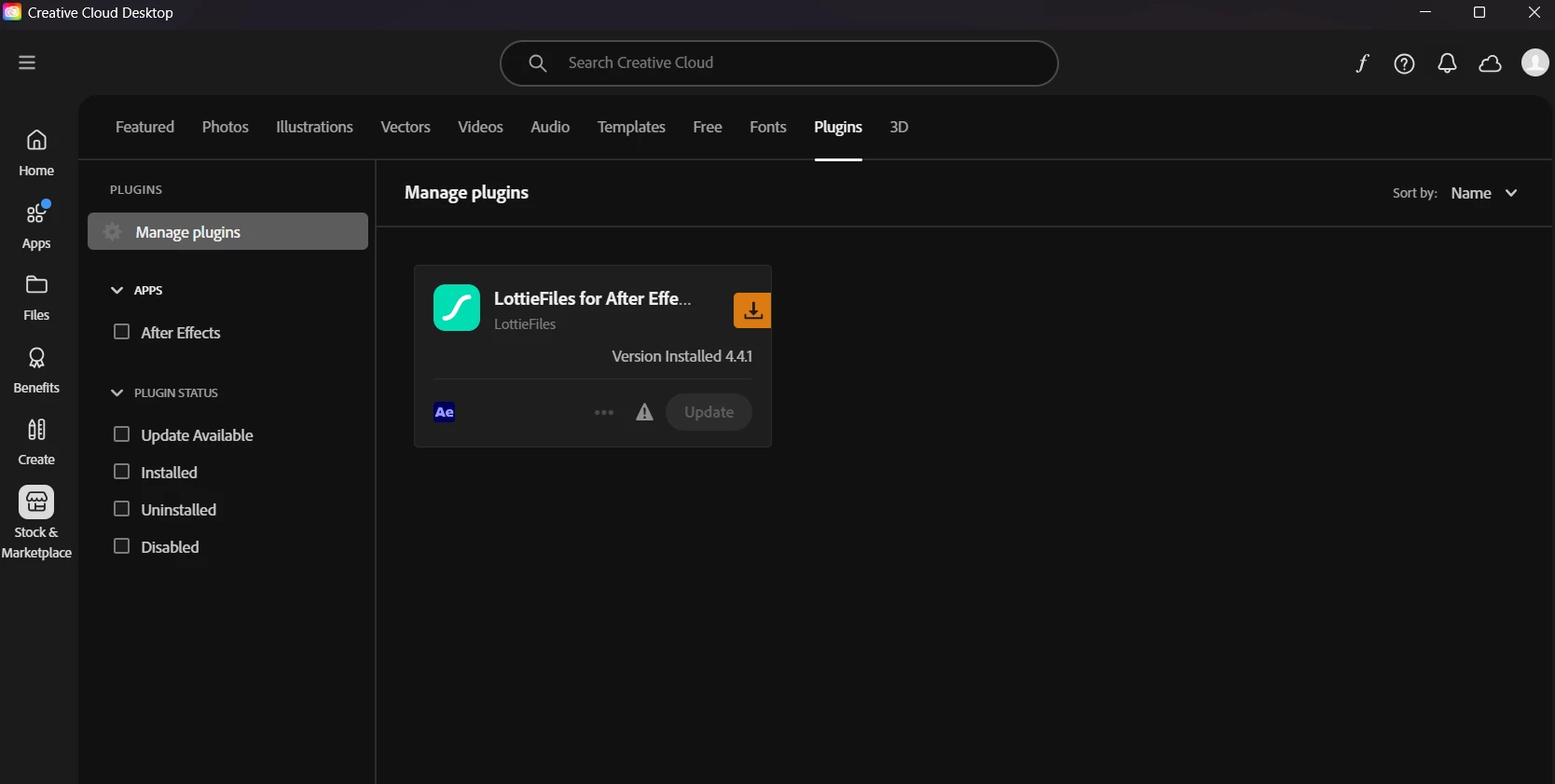

 AdChoices