


Former Student sign out issues on Creative Cloud Desktop App
I work at a school and a former student neglected to sign out of the adobe creative cloud desktop app after his last session.
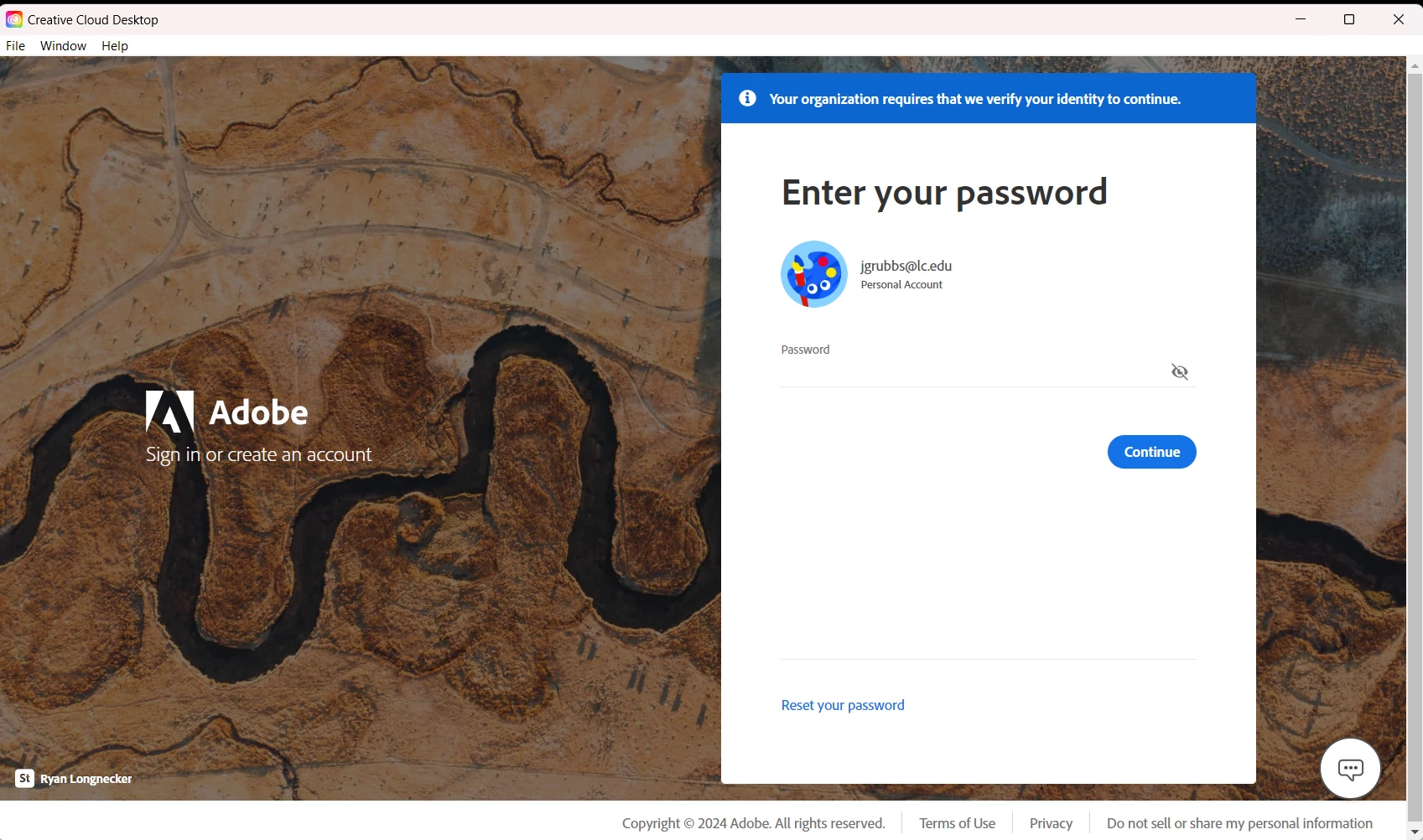
Now when you try to pull up any of the programs or the app itself, it requires you to either enter this student's password or change the password. It doesn't give you the option to log out or change users. It only allows you to enter the password or change the password. This is impossible with this particular student as they have moved on from our school.
I have logged into adobe.com and am able to enter my credentials there...but this does not fix the issue on the app. All of the programs are now unusable because it continues to ask for the former student's password. No options to sign out and no options that allow you to change users.
If you go to the HELP tab at the top of the screen it says to log in on the browser...but when you click that link it just reopens the app and we have the same issue.
Has anyone else run into this issue?
 AdChoices