


How can I prevent cCloud from downloading fonts from scratch every time?
Hello.
I had uploaded fonts (2400+) on cCloud because these fonts took time to load every time I turned on my computer. I set the "download family" option next to the font to 2400. I did this hoping that it wouldn't take time for the fonts to arrive every time I turned on my computer (I think the Turkish expressions in the description were wrong, so I made this mistake), but I realized that now every time I turn on my computer, these fonts are reloaded to the Windows fonts section. This causes my computer to run noisy every time it starts up. What I want to do now is to prevent these installations from being installed on my computer over and over again every time I start up. I want the "download family" section in Ccloud to come back. but I want to continue using these fonts. I hope I was able to explain the problem.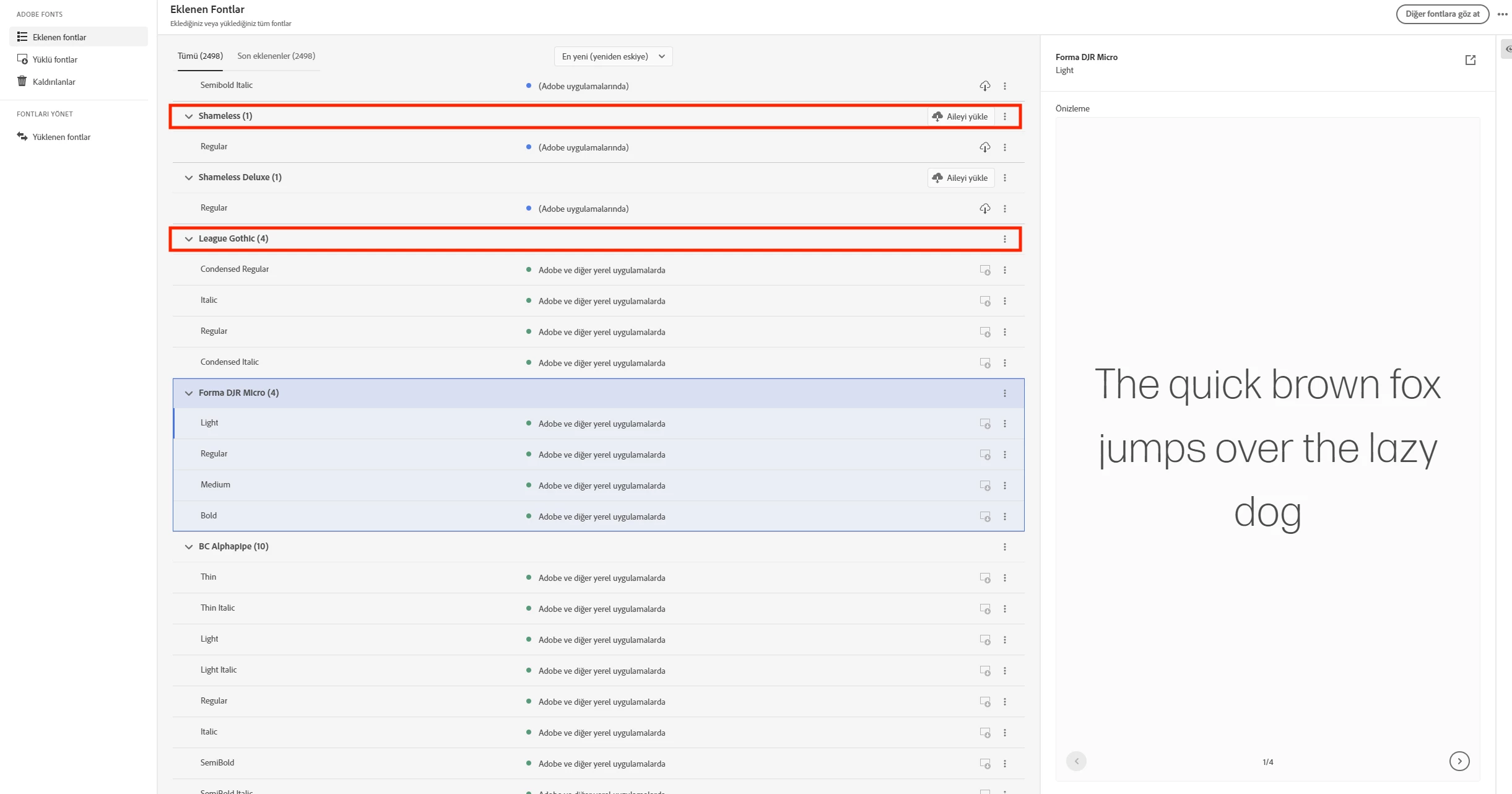

 AdChoices