



abstract_Harmony0749
Participant
September 21, 2026
Answered

How to resolve the "You do not have access to application management" message?
  • September 21, 2026
  • 4 replies
  • 37 views

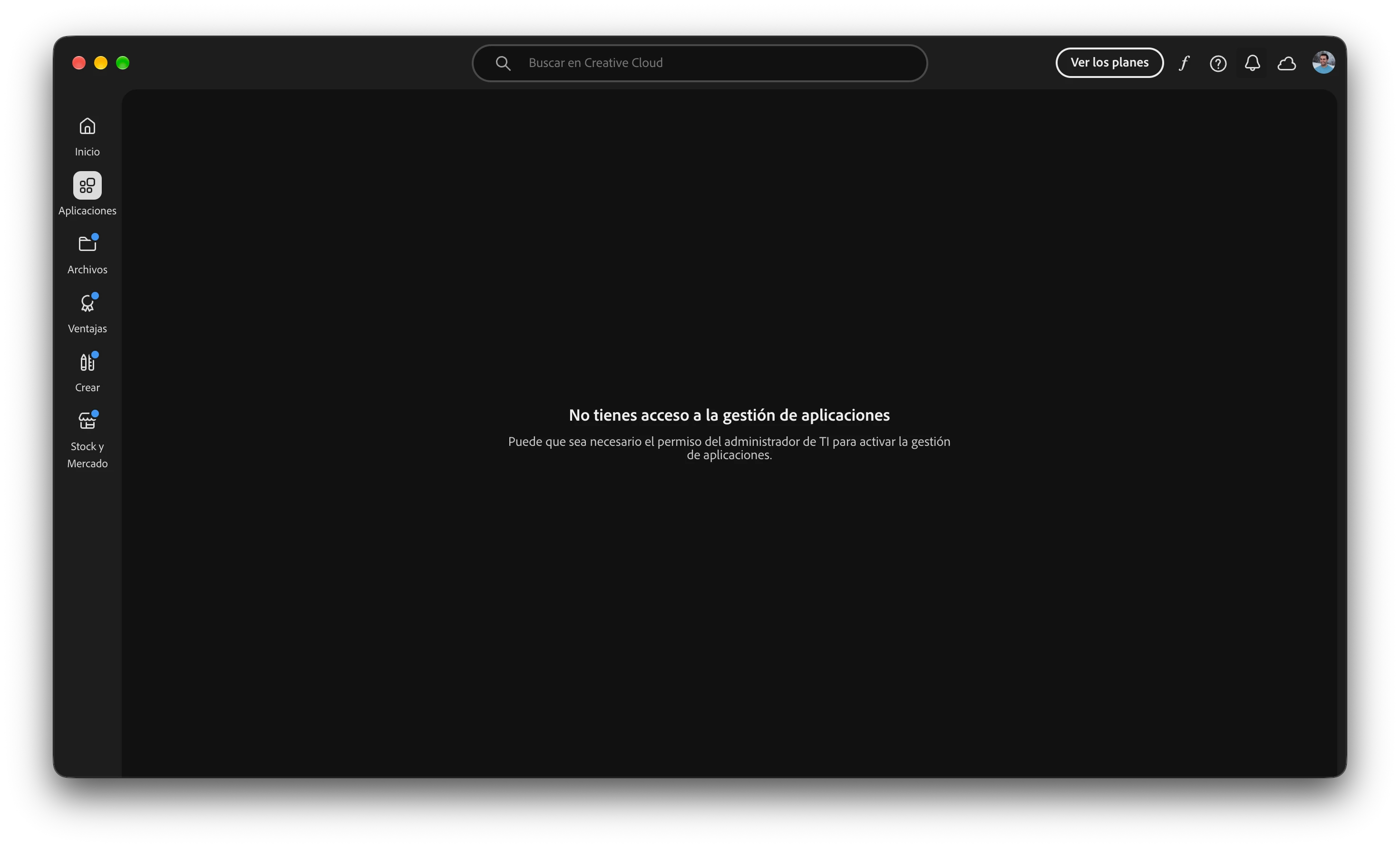
I have installed Adobe Creative Cloud, but the "Apps" tab isn't showing anything. It only displays the message: "You do not have access to app management." Below that, it says: "IT administrator permission may be required to enable app management."

My account is a personal one—not a business or student account. I started the Lightroom Classic free trial yesterday; I’m set to be charged for a full year's subscription, yet I still haven't been able to install the software because of this issue.

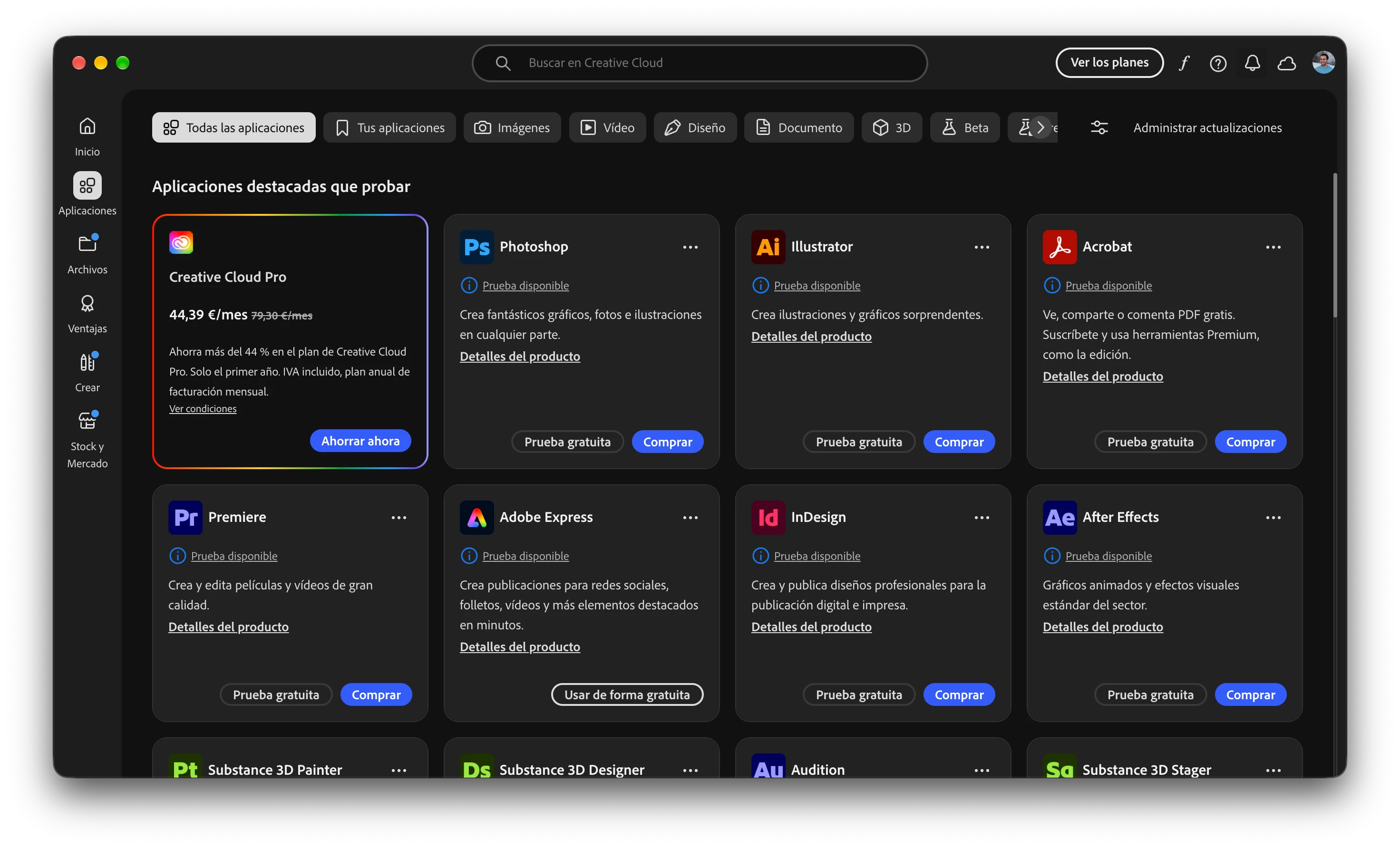
All the Adobe apps—both the ones I’ve subscribed to and those available for purchase—should be appearing there.
    Correct answer abstract_Harmony0749

    In the end I was able to solve it thanks to deleting the ServiceConfig.xml file from the path /Library/Application Support/Adobe/OOBE/Configs


    4 replies

    abstract_Harmony0749
    Participant
    September 21, 2026

    .

    Jeff_A_Wright
    Community Manager
    Community Manager
    September 21, 2026

    Thanks for posting, Abstract_Harmony.


    I can understand how frustrating it is to start a free trial and then be unable to access or install the application you're trying to use.


    I can confirm that you already have an active support case, ADB-47190487-Z3Z9, open with Adobe regarding this issue. Since the Creative Cloud desktop app is incorrectly showing the"You do not have access to app management" message on a personal account, the support team is best positioned to investigate the account and licensing details associated with your subscription.


    If you still have questions or would like to provide additional information, please update your existing case ADB-47190487-Z3Z9. You can view and manage your support cases here:

    https://adobe.ly/4y7GQfl

    https://adobe.ly/4jaxwTq


    These pages explain how to access your case history, add messages, and upload files directly to an active case.


    Please keep us updated in this thread if the issue remains unresolved after working with our team, Abstract_Harmony. ^JW

    abstract_Harmony0749
    abstract_Harmony0749AuthorCorrect answer
    Participant
    September 21, 2026

    In the end I was able to solve it thanks to deleting the ServiceConfig.xml file from the path /Library/Application Support/Adobe/OOBE/Configs


    Jeff_A_Wright
    Community Manager
    Community Manager
    September 21, 2026

    I appreciate the update, ​@abstract_Harmony0749. Do you know why there was a serviceconfig.xml file on your computer? Your original posts seemed to indicate the device you were using was not managed by an organization.