Participant
August 28, 2023
Question

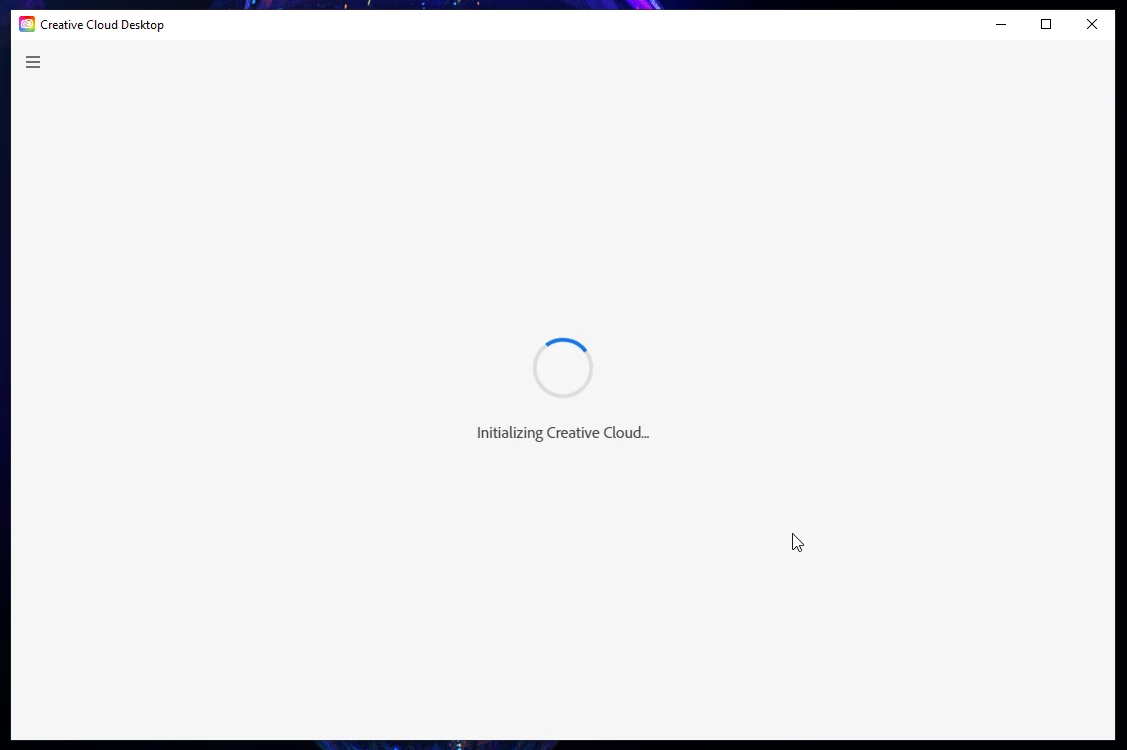
Initializing Creative Cloud... stuck forever

  • August 28, 2023
  • 7 replies
  • 11047 views

Hi! Can't launch the app , all i see is "Initializing Creative Cloud" and rolling round.
 

7 replies

kglad
Community Expert
Community Expert
March 10, 2025

@HopDavid 


what problem are you having?

Participating Frequently
March 10, 2025

Adobe is becoming more and more of a nightmare as time goes on. I am forced to rely on their software every day. They are making my life a living hell.

kglad
Community Expert
Community Expert
August 5, 2024

ok

Participant
August 5, 2024

maybe offering help would result in a more pleasant interaction instead of posting the same workaround adobe still has not come up with a solution for.  its 2024, not 1988 and i shouldn't need to, nor should anyone, do this simply to make a widely used, brand name product work on a modern computer.

'correct answers' should solve problems, simply copy/pasting the same information is not a solution- you're not an expert, you're a chatbot.
kglad
Community Expert
Community Expert
May 1, 2024

read before complaining.

EbbandFlow
Participant
May 1, 2024

Ah - just follow those 12 steps, huh?  So straight forward!  😕😕 

kglad
Community Expert
Community Expert
August 28, 2023

reset the cc desktop app by making sure it's in the foreground, then press:

Win: Ctrl + Alt + R
Mac: Cmd + Opt + R


if that fails, repair per https://helpx.adobe.com/download-install/kb/creative-cloud-install-stuck.html


if that fails, uninstall using the correct uninstaller from https://helpx.adobe.com/creative-cloud/help/uninstall-creative-cloud-desktop-app.html#sa_src=web-messaging and then reinstall using*


if that fails, do a clean cc install carefully following each applicable step:

uninstall every cc app including preferences per https://helpx.adobe.com/creative-cloud/help/uninstall-remove-app.html

then uninstall the cc desktop app, again using the correct uninstaller per https://helpx.adobe.com/creative-cloud/help/uninstall-creative-cloud-desktop-app.html#sa_src=web-messaging

clean your computer of cc files per http://www.adobe.com/support/contact/cscleanertool.html

check for, and if available, update your os

if windows is your os, repair all ms visual c++ versions that can be repaired (use google if you don't know how to do this)

if windows is your os update your ms visual c++, if it can be updated (use google if you don't know how to do this)

restart your computer (don't skip this)

reinstall the cc desktop app using the "alternative download links" at the bottom of the page at https://helpx.adobe.com/download-install/kb/creative-cloud-desktop-app-download.html

use the desktop app to install your cc programs/trials

NOTE: win 11 users that have trouble with the latest win 10 installer often have success with the older win 10 installer.
