
Participant
April 14, 2024
Question

Is it possible to permantly disable all Adobe marketing notifications?

  • April 14, 2024
  • 1 reply
  • 463 views

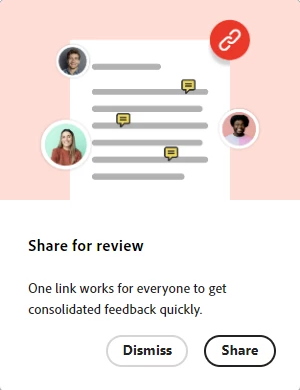
Across the Adobe apps I use I am constantly harrassed with endless notifications similar to the one below to use services and features. Is there any way to perrmanently gag Adobe apps? As far as the tiny fraction that might be useful, I don't even care about missing them if I could have blissful peace using the apps I'm {over}paying for. I tried shutting off notifications under Account | Notifications in the Creative Cloud Desktop app, I don't doubt that might have disabled hundreds  of notifications, but I 'm still bombarded with distractions whenever I open an app. Thanks


1 reply

kglad
Community Expert
Community Expert
April 14, 2024

you can disable notifications of various types in the settings of your cc desktop app.

Participant
April 14, 2024

As I said in my post, I tried that. It does not affect the messages bugging me to use features and services. I don't doubt it throttles the firehouse of overall notifications somewhat, but looking at the list of notifications that can be disabled in that dialog still leaves a lot.

kglad
Community Expert
Community Expert
April 14, 2024

Usually "notification" is referring to in-app diaglogs, pop-ups, flashing symbos, etc., not emails. I have wonderful tools that get rid of junk email, it's the in-app and system tray notifications that are annoying. In my original post I show one of Adobe's many in-app notifications to try a feature. I get one to several of this type of notfication every time I open an app. Sometimes it's a buzzy new AI feature. Most apps don't do this to the extent Adobe is doing it, Adobe has  gone crazy with in-app notifications. Microsoft is also guilty of this to a lessor extent.


i don't see that in photoshop, animate, acrobat or ame.