



Manage Plugins page doesn't load in Creative Cloud Desktop, so I can't update plugins
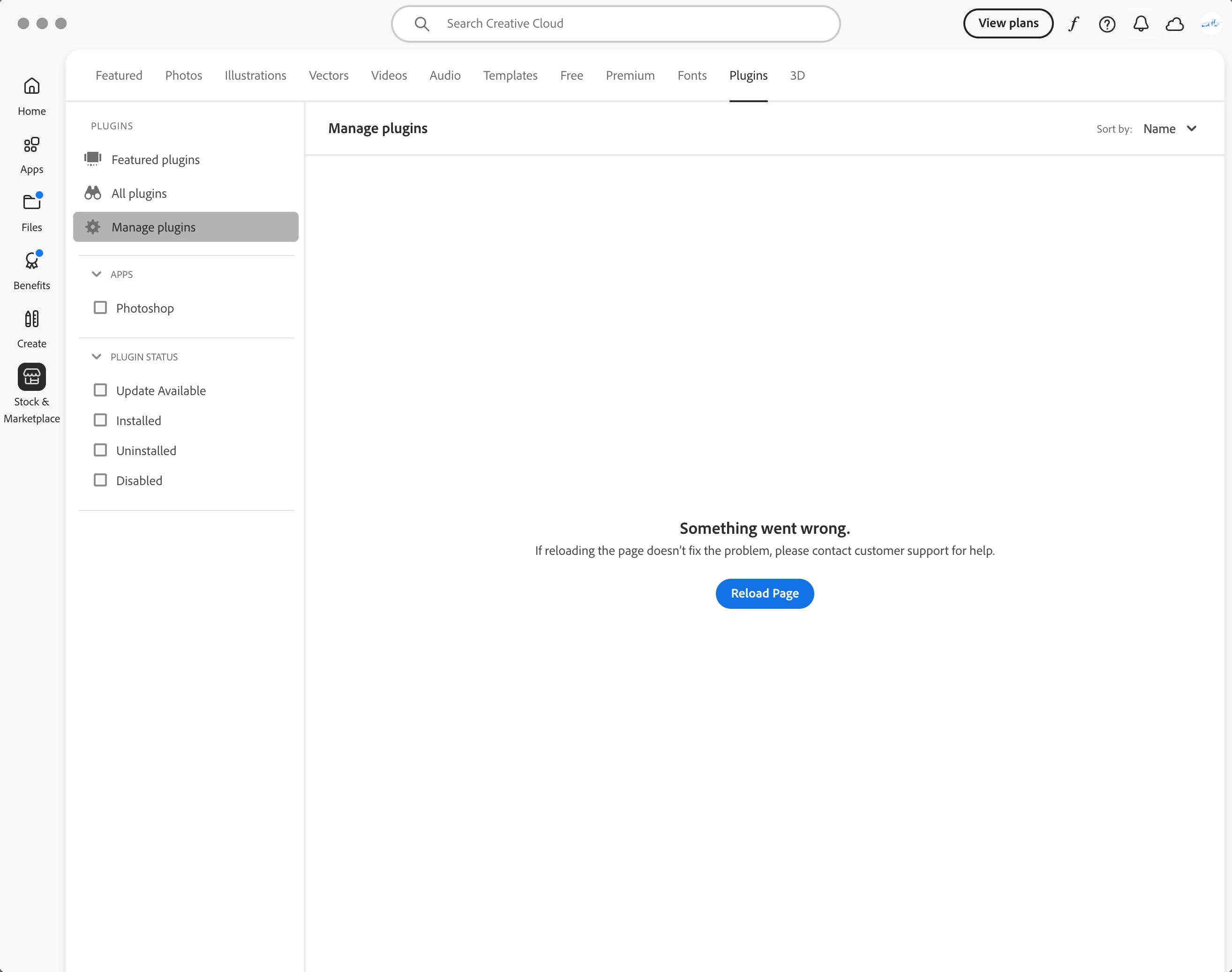
When I find out there’s an updated version of a Photoshop plugin I use (in this case Web Sharp Pro), and I hit Manage Plugins in Photoshop to open Creative Cloud--or if I open Creative Cloud directly, and go to Manage Plugins--the page takes forever trying to load, and ends with “Something went wrong. If reloading the page doesn’t fix the problem, please contact customer support for help.” and a Reload Page button. Hitting that button doesn’t reload the page though, it takes me to the Featured Plugins page, and there’s no way to open Manage Plugins and reload the page.
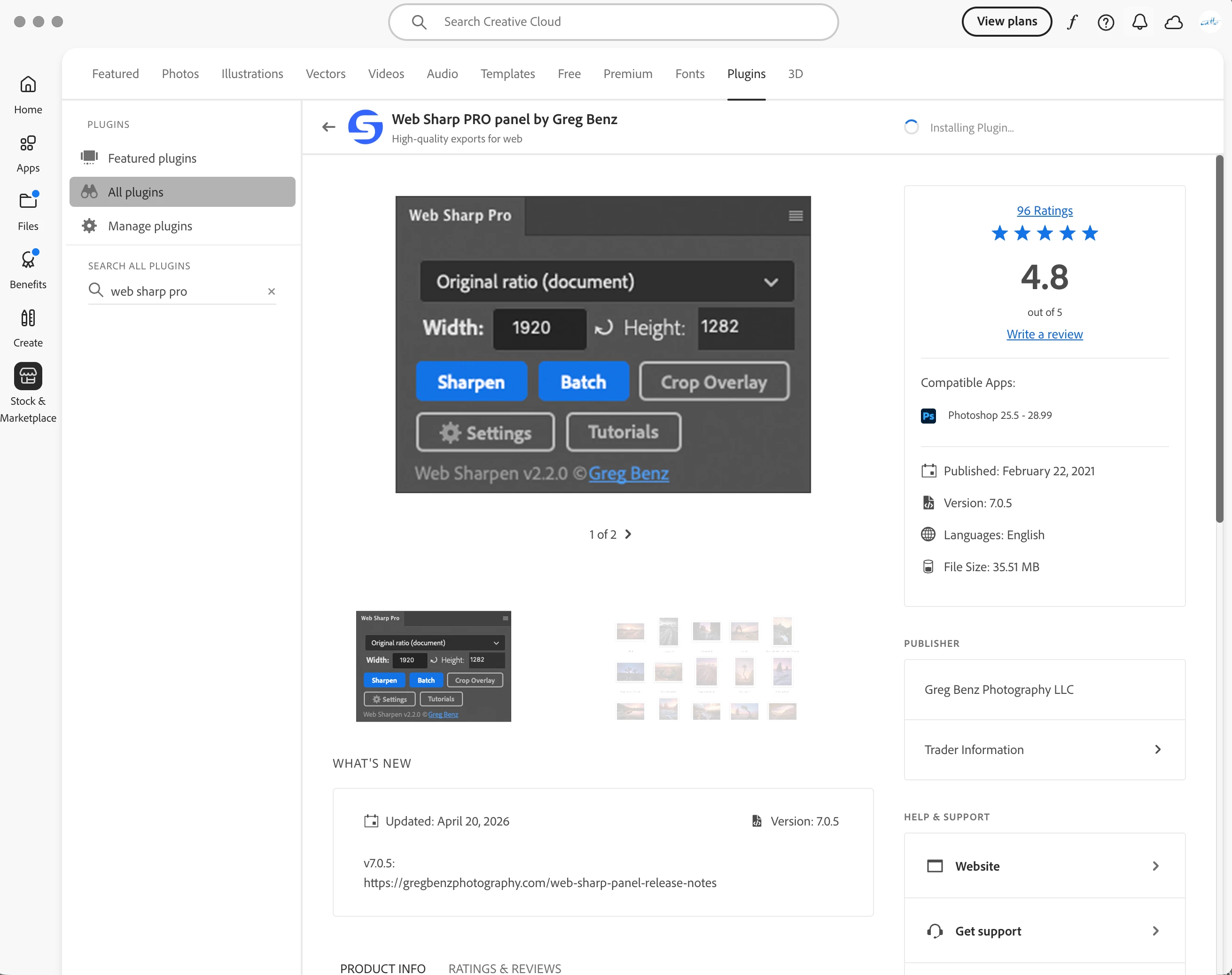
When I search for the app to do the upgrade manually, it just gives me the Install button (it’s already installed, of course)--pressing that sends it to try and install the app, which fails after about five to ten minutes of trying.
Once several weeks ago, after an update to Creative Cloud, it worked perfectly and the plugin was updated; but since then there have been several new versions, and I’m still on the old version.
This is on a MacBook Pro Retina 16” (2023), M2 Max, 64GB of memory, 2TB drive, running Tahoe 26.4.1 with Creative Cloud 6.9.1.1 and Photoshop 27.6 and Beta 27.7, with the plugin installed to both versions of Photoshop.
Can you suggest any way of fixing this? Thanks,
R
 AdChoices