



Question
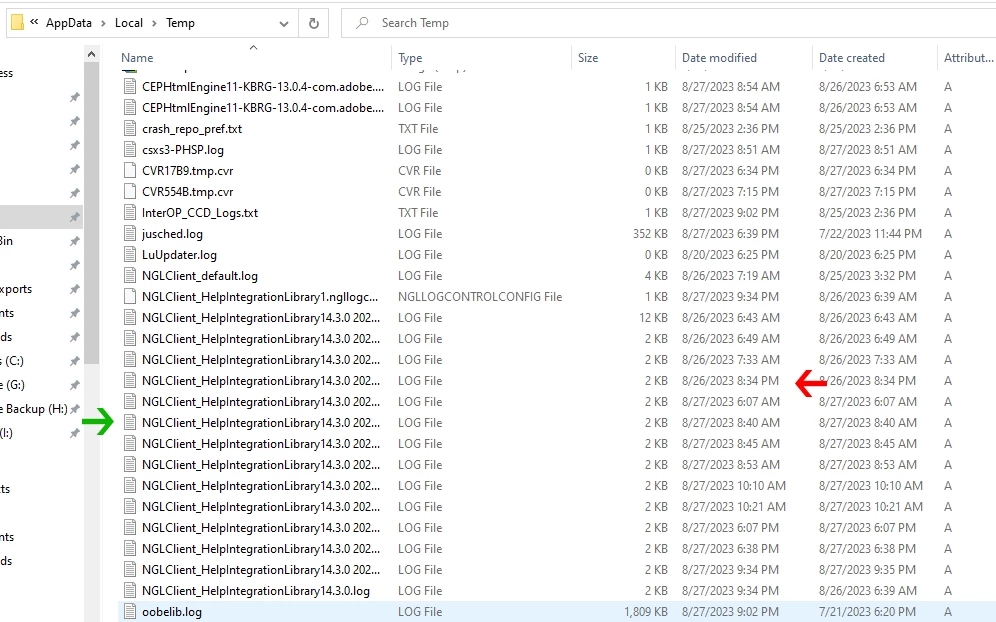
New User Windows 10 - lots of NGL Client temp files filling Temp folders
As the title says, new to CC Desktop. Installed and works. Set preferences. Installed Bridge to test before buying a Photography Subscription.
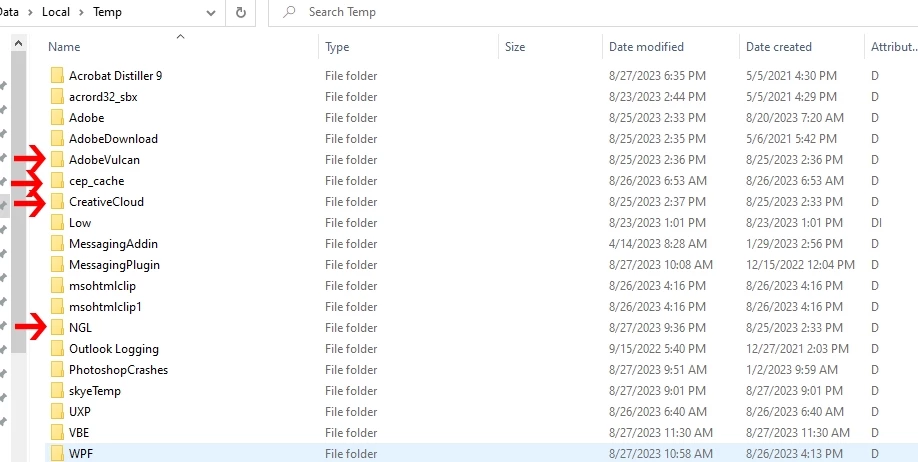
I get an awful lot of temps files and folders. I thought I had read the Adobe CC only checks for Genuine Software infrequently. The Scheduled Task in windows shows every 6 hours. But I get things much more often.
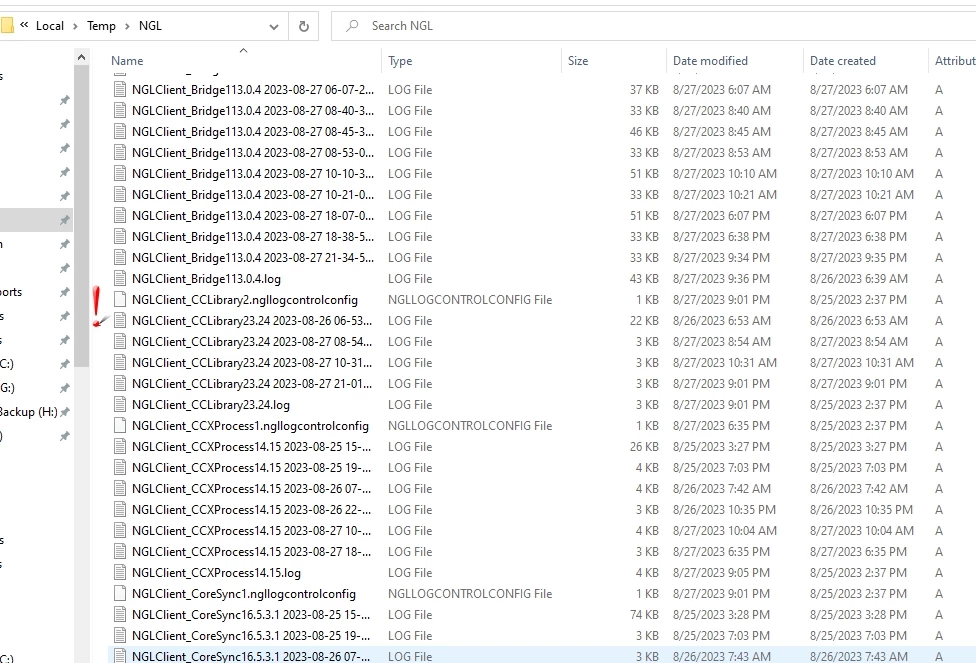
I have paused syning as I do not use the cloud. Would prefer to disable rather than pause. Some of the files are from CoreSync.
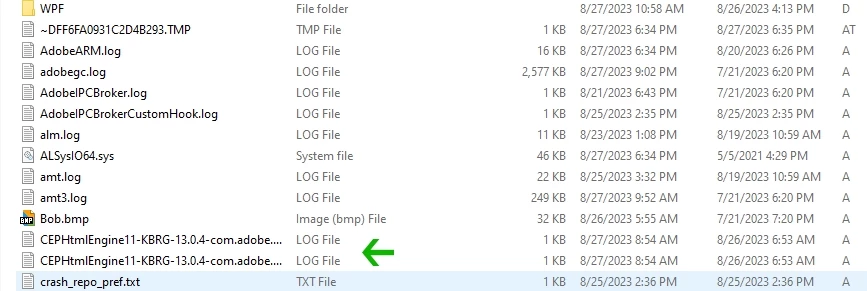
Not all of the are the same. DO note names and timestamps.
Let's share a few images. Would appreciate learning what is wrong and how to either minimize these or have a way the unused are automatically deleted. I am very savvy so get technical if needed. Thanks!
 AdChoices