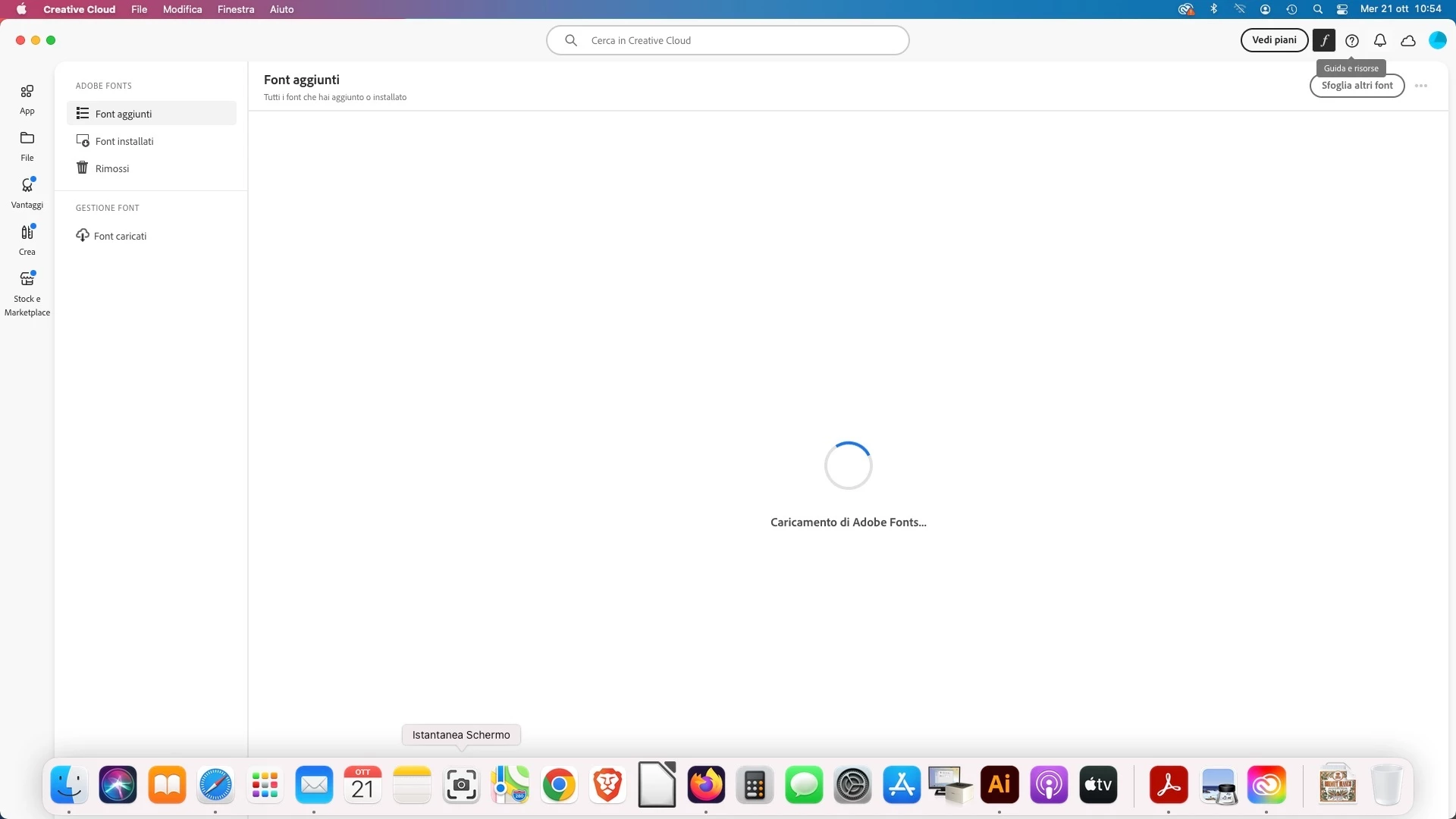
first try, resetting the cc app:
To reset the Creative Cloud desktop app, make sure it's in the foreground, then press:
Win: Ctrl + Alt + R
Mac: Cmd + Opt + R
if that fails, exit (file>exit cc) your cc desktop app.
then, rename the opm.db file by navigating to the OOBE folder*.
finally, launch your cc desktop app.
if that fails: https://helpx.adobe.com/creative-cloud/kb/blank-white-screen-ccp.html
*
Windows: [System drive]:\Users\<username>\AppData\Local\Adobe\OOBE
Mac OS: /User/<username>/Library/Application Support/Adobe/OOBE


 AdChoices