


Participating Frequently
October 27, 2024
Question

Problem logging in / activate adobe legacy apps

  • October 27, 2024
  • 5 replies
  • 277 views

Hi there,


I have a problem to activate my legacy apps. It all worked well until the latest update. Now, for example, if I start Adobe Muse (yes I know it is EOL, but I need it to edit some files), it says it needs to be activated. That should not be a problem, as i have renewed my cc subscription.


When I hit enter at the first splash screen (activation needed), it starts loading and nothing more happens, see screenshot for this issue. It says: "Loading ... " (in German: Wird geladen)


But I can not enter my account data to verify my subscription. 
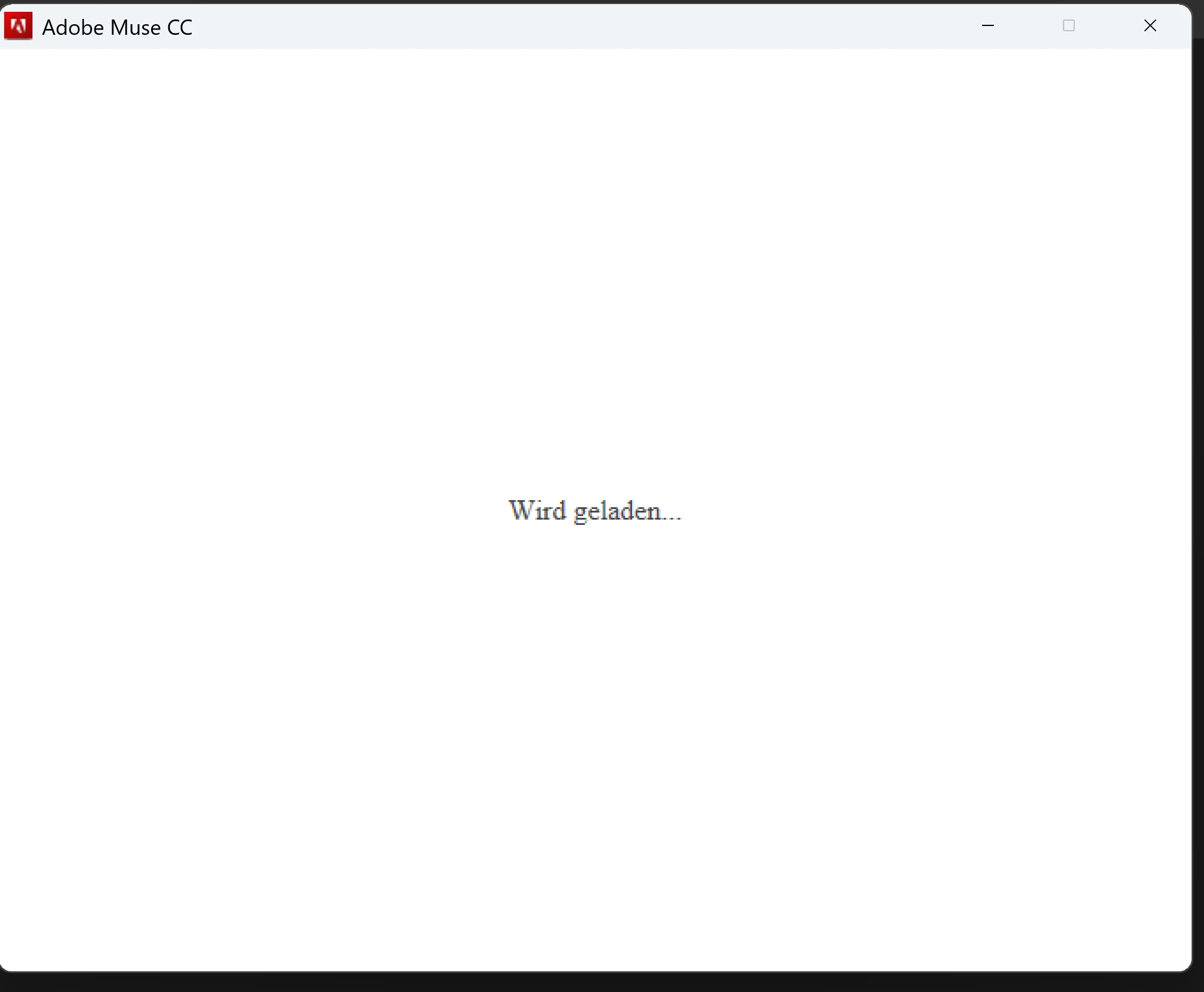


Can anyone help me? I'm running the latest Windows 11 version and have a clean CC installation.


Thank you in advance.


Regards

Ingo


This topic has been closed for replies.

5 replies

kglad
Community Expert
Community Expert
October 27, 2024

ok.

bmrdAuthor
Participating Frequently
October 27, 2024

Thanks for the link. I've already tried those solutions.

I've tried a new way to get Muse to run. I've disconnected my internet cable, started Muse, and was able to cancel the Activation screen and Muse started following this. BUT: It now says it will start a 7 Day period of testing. Still no way to log in and activate it though. 

bmrdAuthor
Participating Frequently
October 27, 2024

Do you mean a special thread? I've already read tons of threads and tried every workaround but nothing helped.

kglad
Community Expert
Community Expert
October 27, 2024

check the muse thread in these forums.  use search.