


pedzsan
Inspiring
October 10, 2023
Answered

Red triangle on icon in menu bar (macOS Sonora)

  • October 10, 2023
  • 1 reply
  • 9929 views

In my menu bar, the Creative Cloud icon has a red triangle:  

But when I open up the panel, I don't see anything directing me to what is wrong.  After the upgrade to Sonoma, this occurred.  Originally when I clicked on the cloud, the libraries were not syncing.  I restarted the app (not the host) and that problem went away.  It is now green and happy.
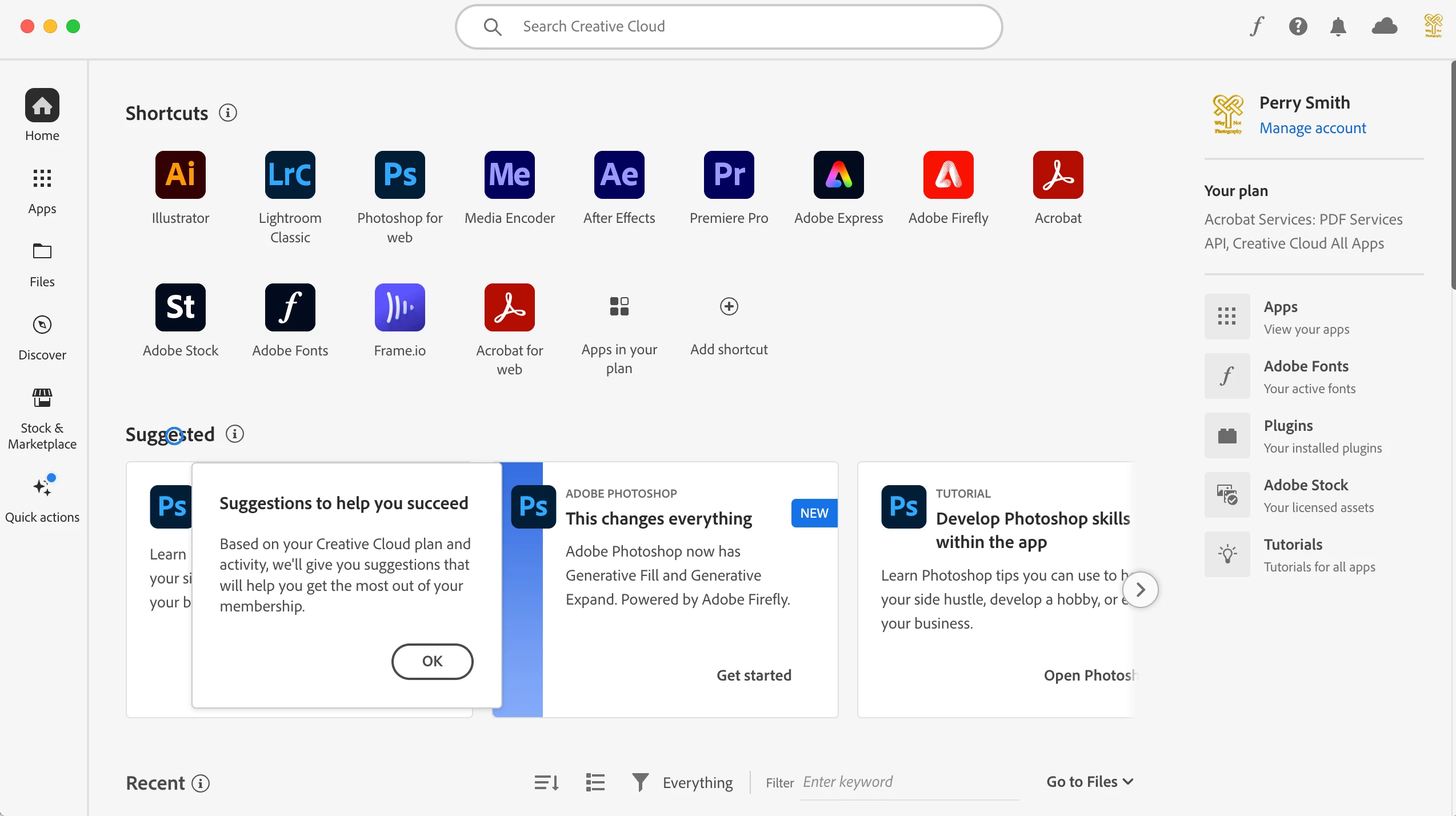
Any ideas of what might be wrong?  Do you think it will go away if I reboot?

Correct answer kglad

restart your computer and see if that warning is still present.


if it is, reset the cc desktop app by making sure it's in the foreground, then press:

Win: Ctrl + Alt + R
Mac: Cmd + Opt + R


1 reply

kglad
Community Expert
kgladCommunity ExpertCorrect answer
Community Expert
October 10, 2023

restart your computer and see if that warning is still present.


if it is, reset the cc desktop app by making sure it's in the foreground, then press:

Win: Ctrl + Alt + R
Mac: Cmd + Opt + R


pedzsan
pedzsanAuthor
Inspiring
October 10, 2023

Interesting... I did not reboot but just did the Cmd + Opt + R which restarted the app.  It came back happy AND also told me 3 apps needed updates.


kglad
Community Expert
Community Expert
October 10, 2023

thanks for the follow-up, and glad all's back to normal.