

sara_pixels
Inspiring
April 25, 2025
Answered

Synching Again

  • April 25, 2025
  • 4 replies
  • 683 views

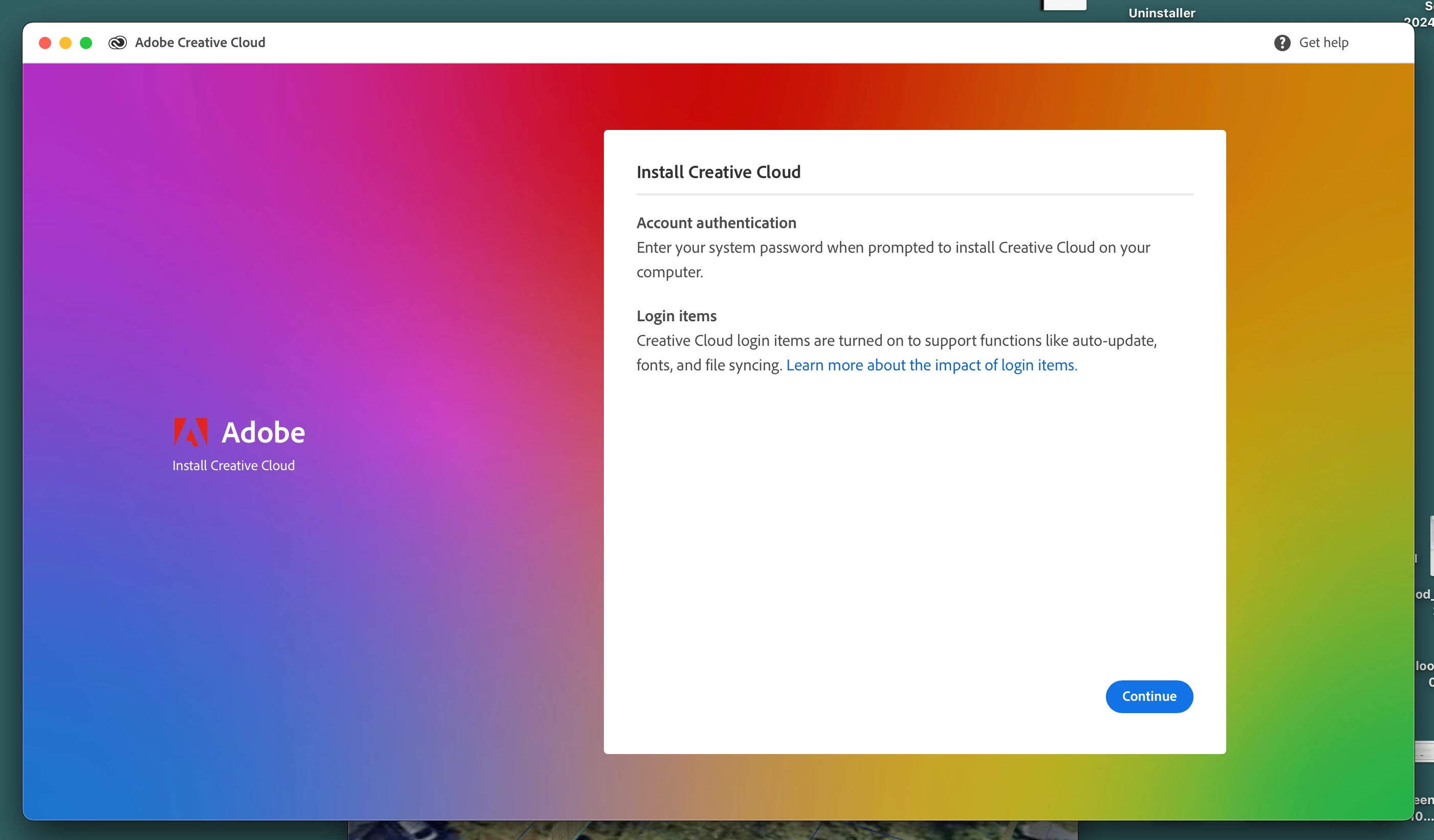
I see that my app is missing, and now I can't add a new one without risking another synching nightmare.  How can I continue to use Creative Cloud?  I'm worried I'll have to give it up entirely now to protect my files.
Correct answer David__B

 what links are an invasion of privacy?


Hi @sara_pixels

Sorry to hear about your difficulties. I read through the thread but still didn't have a clear understanding of your issue. Adobe discontinued the sync service for Files (please read more here if that is related) https://adobe.ly/4jyp6CQ that happened quite a while back though. I would recommend reaching out and working with our support directly next. That is probably the best way to get this sorted. They can be reached here: 
https://adobe.ly/44zcCpZ


Best,
Dave

4 replies

sara_pixels
Inspiring
April 29, 2025

It doesn't work in a browser or in an app.  I need this nightmare to stop already.


sara_pixels
Inspiring
April 29, 2025

I don't know why this happened.  I just see that it did.  I have a file right now that I'm not being allowed to move onto my computer.  

kglad
Community Expert
Community Expert
April 29, 2025

what file are you trying to download to your computer?

sara_pixels
Inspiring
April 29, 2025

My own files

sara_pixels
Inspiring
April 26, 2025

This is bad.  I need synching to stop.  If I can't stop synching, I need to cancel Creative Cloud.

kglad
Community Expert
Community Expert
April 25, 2025

why is your app missing?

sara_pixels
Inspiring
April 26, 2025

I think it's because I had to upgrade to Sequoia (Mac)

kglad
Community Expert
Community Expert
April 26, 2025

apps aren't removed by upgrading your os.  they may not run because of an os compatibility problem, but neither the os upgrade nor anything on adobe's end would surreptitiously remove an app.

