



Trouble Accessing All Apps in Adobe Creative Cloud Pro
Trouble Accessing All Apps in Adobe Creative Cloud Pro
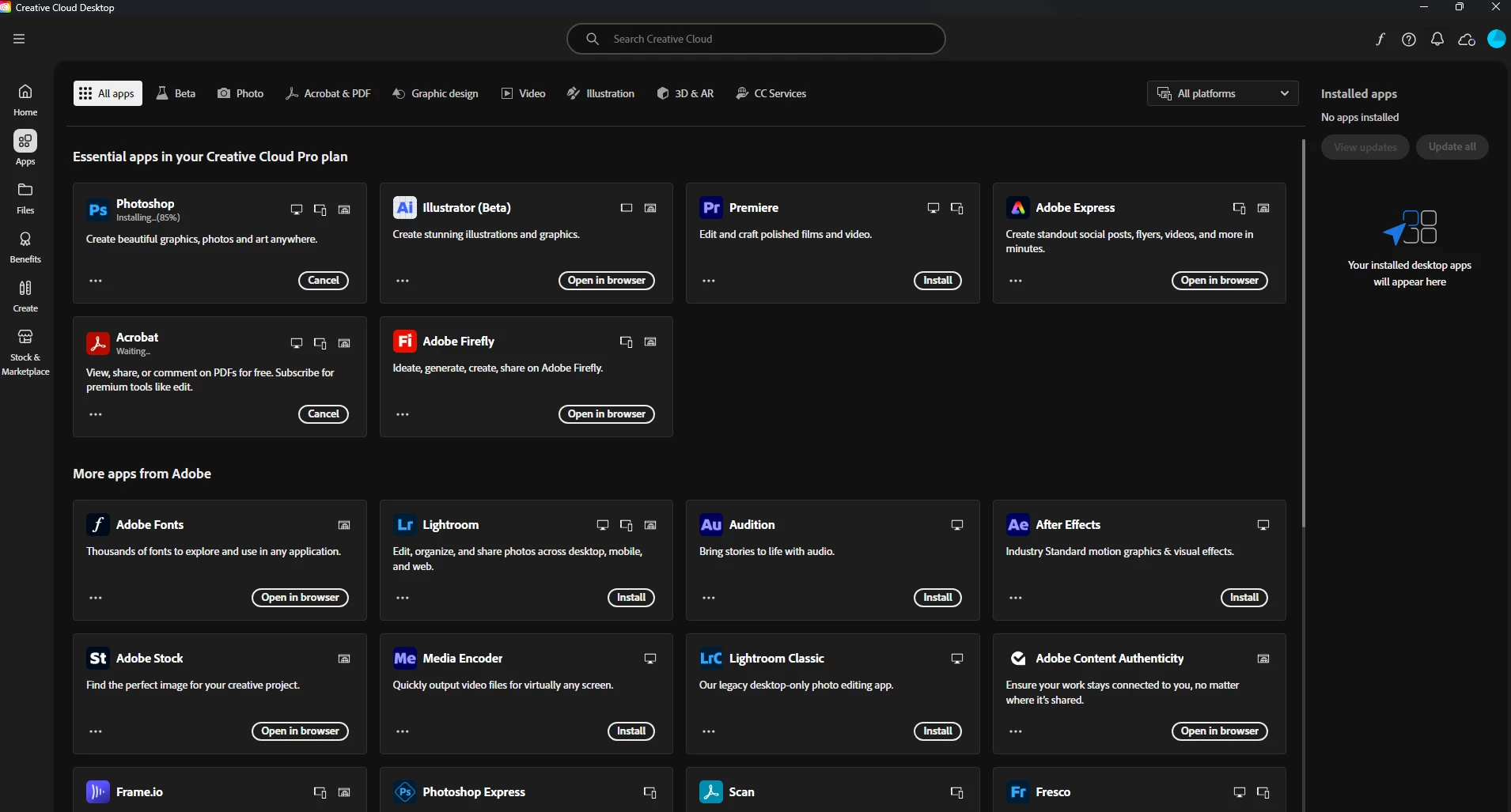
Hello!
I have Adobe Creative Cloud Pro, and have downloaded the creative cloud desktop app. I am having issues accessing all of the apps in my plan.
When I launch my Creative Cloud desktop app, I do not see all of the apps within my plan show up on the All Apps dashboard.
I have attempted to download additional apps directly from the website like they suggest, but every time I download an app from the website, launch the .exe to run the installer, it opens the Creative Cloud desktop app and nothing happens. No download, no extra pop-ups, just opening the app.
I have tried the Creative Cloud Cleaner tool after uninstalling everything as well.
I cannot find a solution on the web. I have uninstalled all of the Adobe products from my computer and reinstalled and that hasn't fixed the issue.
If anyone has had a similar issue, or knows of a fix, please let me know. Thank you!
PC. Windows 11
 AdChoices