


Trying to uninstall Dreamweaver get alerts for keep, remove, cancel after a week
A week ago I decided to uninstall Adobe Dreamweaver (among other apps) because my 1TB SSD is getting full.
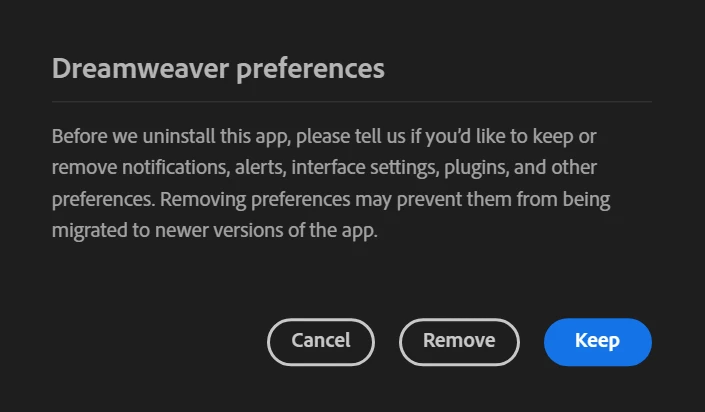
Since the day I uninstalled DW the Adobe Cloud Desktop keeps giving me a popup alert referring to DW files and the choice to " keep | remove | cancel".
This is not happening in the usual way. It may be hours between one alert and the next and a week later I am still getting this notices. It doesn't seem to matter what I choose. By now I have chosen all 3 multiple times. It just keeps asking.
Additionally, Adobe Cloud Desktop opens at the most inopportune moments, like when I am having a zoom meeting, working on something delicate or just simply answering an email.
It takes over the interface and won't go away until I make a choice.
DW is not listed under installed applications. I found a similar issue from 2011 where the suggested solution was to install DW again and then uninstall. Not sure a solution 12 years old would work today.
Here is the alert That Won't Go Away. The last one was 3 hours ago. This one just appeared.
 AdChoices