




Unclear of Adobe's intentions for requesting access to Keychain
Hi Everyone,
We've seen that many of you are wondering why Adobe wants to access Keychain and why Core-sync and Creative Cloud helper want to use the local items keychain, respectively.
Let’s understand what Keychain Access on Mac is.
Keychain Access is a macOS app that stores your passwords and accounts information and reduces the number of passwords you have to remember and manage.
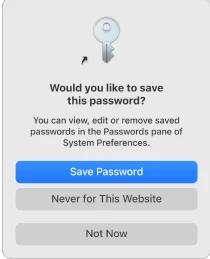
When you access a website, email account, network server or other password-protected items, you may be given the option to remember or save the password. If you choose to save the password, it’s saved in your keychain, so you don’t have to remember or type your password every time.
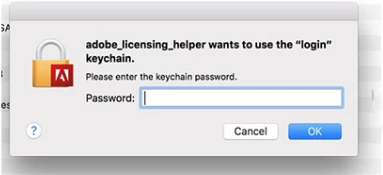
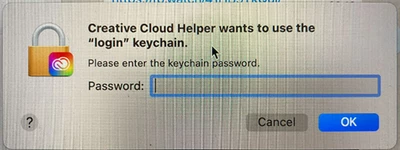
When you’re getting constant request from keychain, you may try the following steps.
- Open your Applications folder > Utilities folder > Keychain Access
- From the Keychain Access menu > choose Preferences.> Click General > click Reset My Default Keychain
- Authenticate with your account login password
- Quit Keychain Access
- Reboot your Mac
Helpful links:-
 AdChoices